Mirra Manual for Windows Release 2.2 96
4. From your Windows PC desktop or Windows Explorer.
From the Address Book Screen
If you use the Address Book screen to select people for a web share, the addresses
of the people with whom you are sharing are automatically entered for you in the
Share a Folder window.
To open the Share a Folder window from the Address Book screen,
Step 1: Click the Address Book tab.
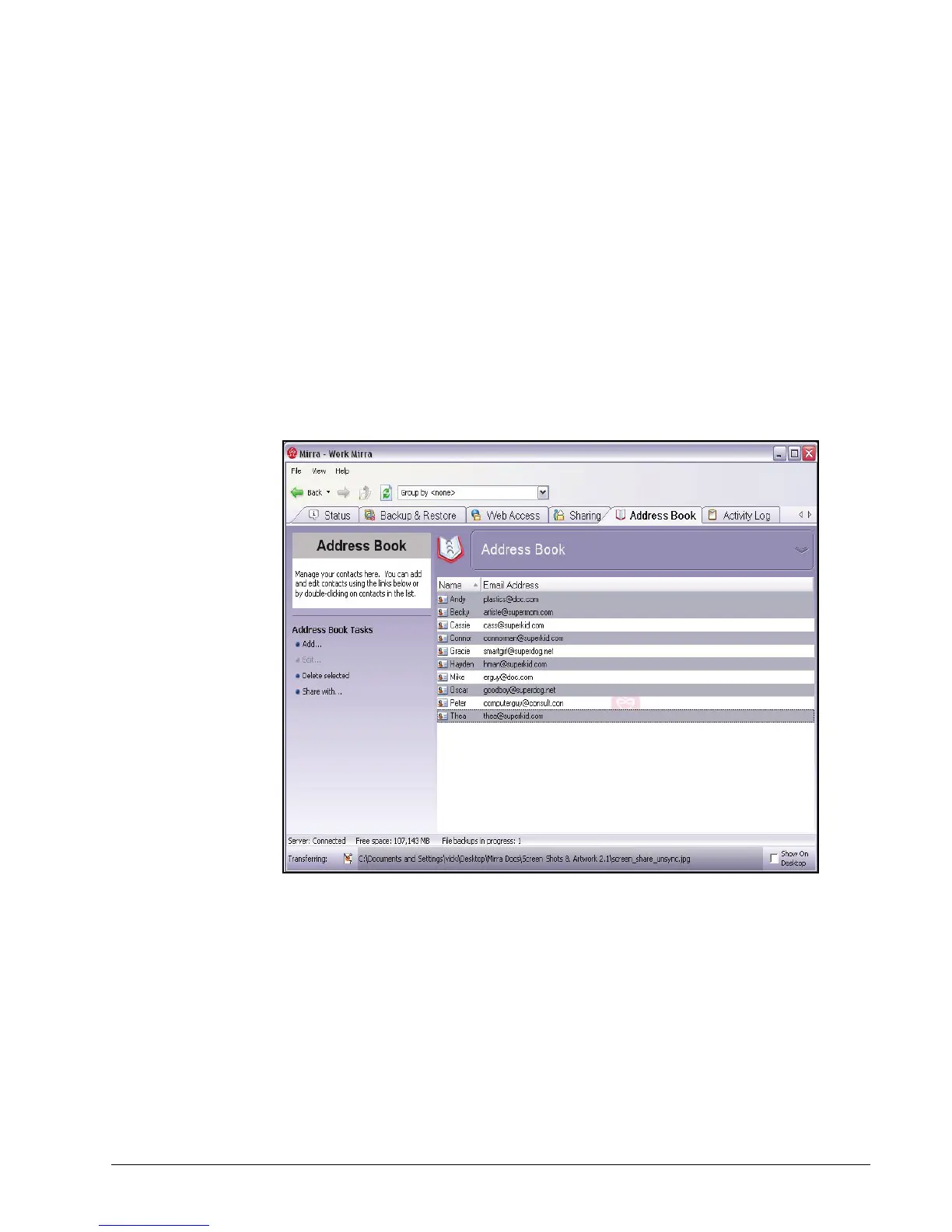
The Address Book screen opens:
Figure 6~8 Address Book Screen
Step 2: Select a person with whom to share a folder on the web. To share with more
than one person, hold down Ctrl and select as many names as you wish.
Step 3: In the Address Book Tasks menu, click Share with.



 To Next Page