Mirra Manual for Windows Release 2.2 4
Setting Up a Single Computer
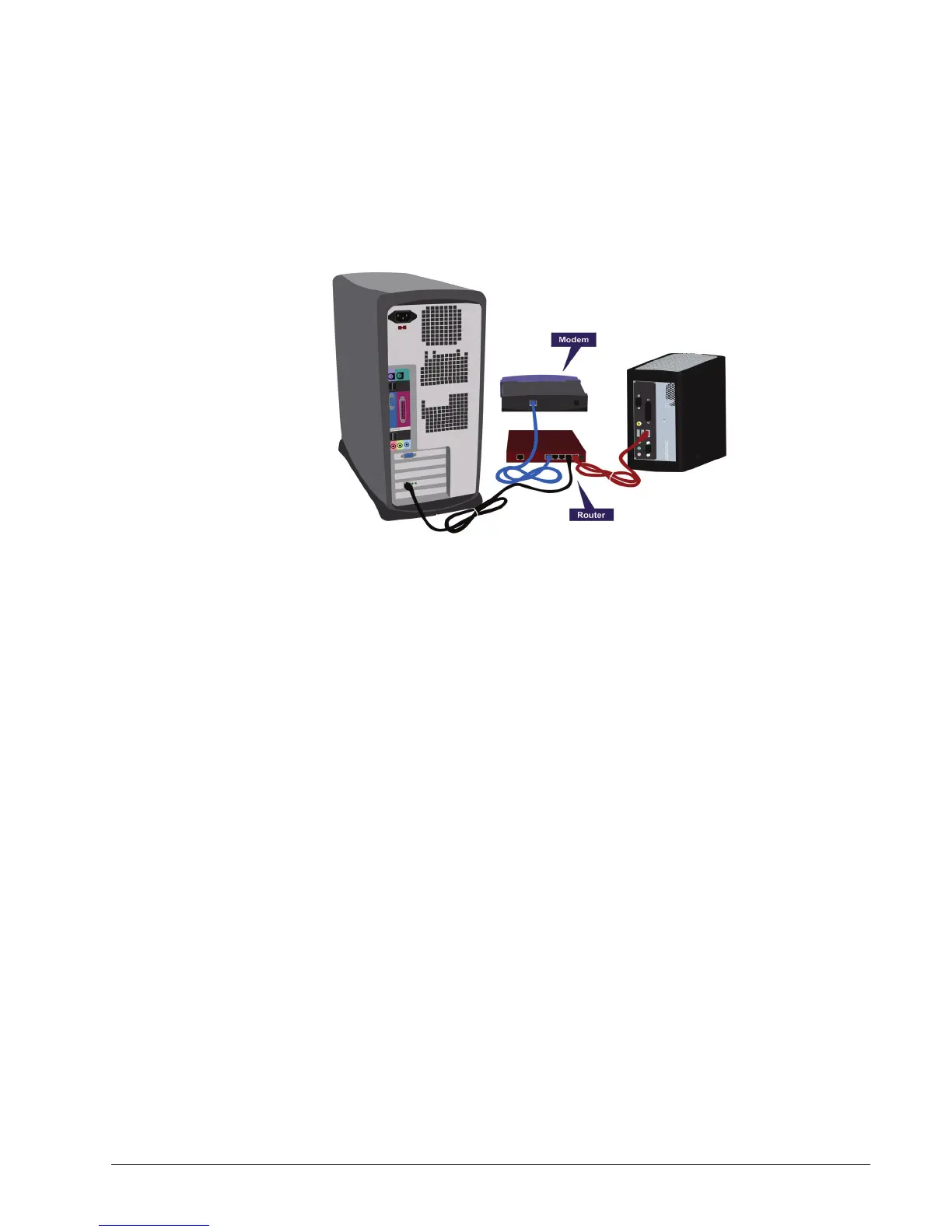
Connect your Mirra to a router using the Ethernet cable included in your shipping
carton. Once connected, your setup should resemble the one shown in Figure 2~1:
Figure 2~1 Connecting your Personal Server with a Single Computer
In Figure 2~1, your Personal Server is connected to a router which is, in turn,
connected to a broadband modem and to the computer. Some broadband modems
and wireless access points include a router, so your setup might look different.
Setting Up Multiple Computers
If you already have multiple computers sharing a broadband Internet connection,
you probably already have a router. Check for an available Ethernet port and use



 To Next Page