Mirra Manual for Windows Release 2.2 52
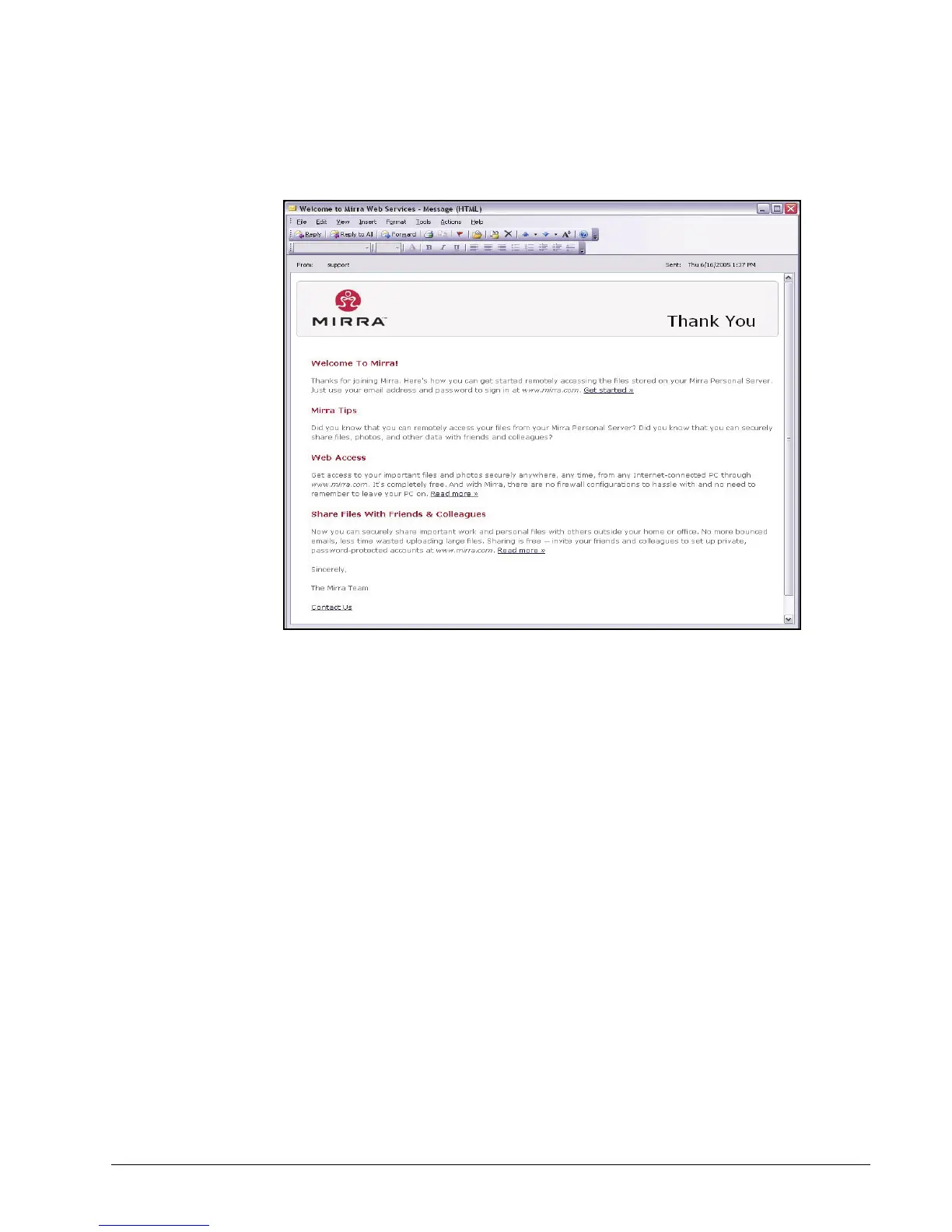
Step 10: Check your email for a welcome message from Mirra:
Figure 3~52 Welcome Email
Using Mirra with Windows XP Fast User Switching
When users who share a computer change user accounts via Fast User Switching,
most applications remain open on both users’ desktops. However, Mirra must close
its application on the desktop of the previous user when another user opens Mirra
after logging on with Fast User Switching. This does not mean that the Mirra stops
backing up anyone’s files. Once files have been selected for backup by any user on a
computer connected to a Personal Server, those files are continuously backed up
regardless of who is logged on at any given moment (and even when no one is logged
on and the application is closed).
If you leave the Mirra application open on your desktop when you log off and another
user logs on with Fast User Switching and opens the application, the application



 To Next Page