Mirra Manual for Windows Release 2.2 129
When the amber light shines steadily and the startup tone sounds, your
Personal Server settings have been returned to the factory defaults.
Note: If you make a mistake at any point in this sequence, simply wait two minutes and begin
again.
Changing a Mirra Account
To change the Web Account associated with your Personal Server,
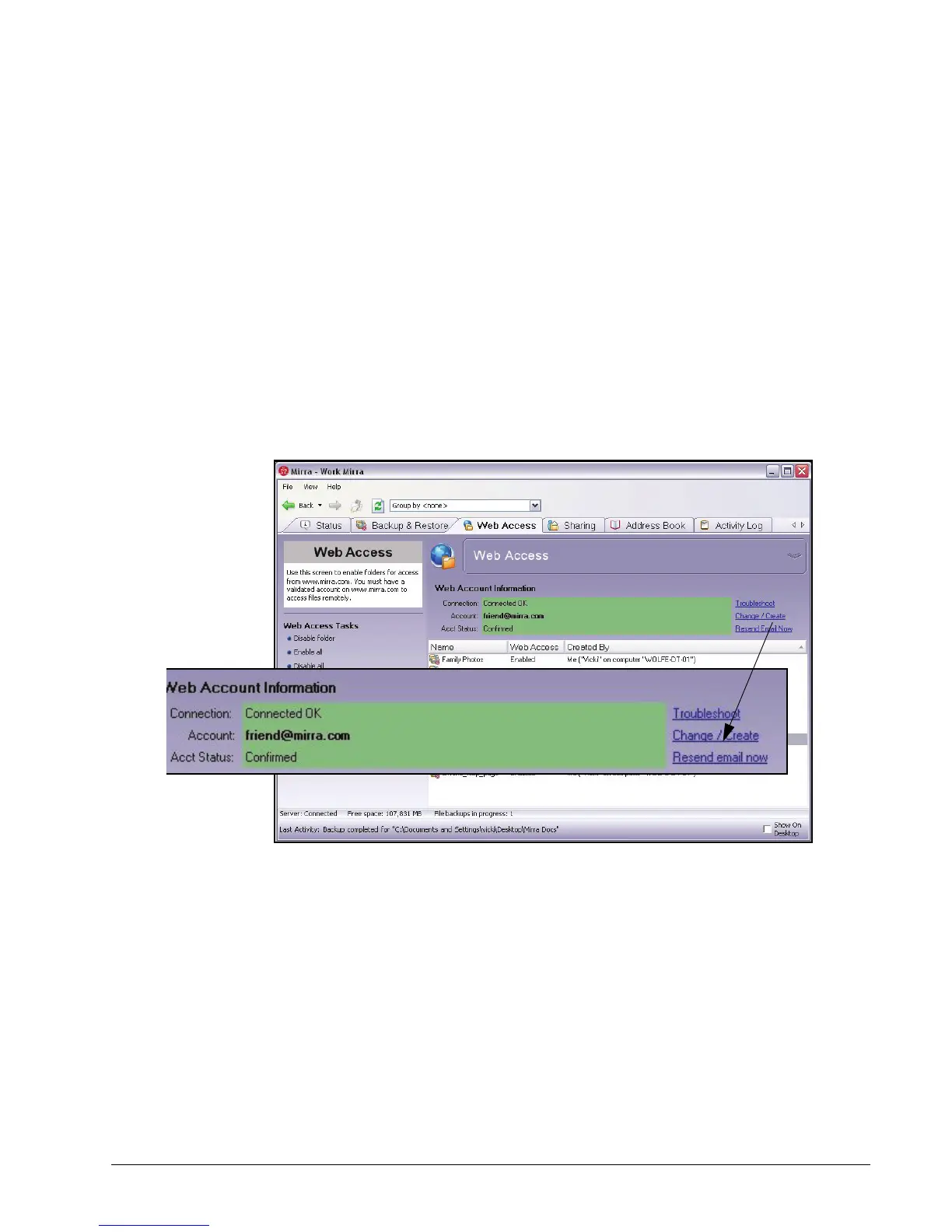
Step 1: In the Web Account Information area of the Web Access screen, click
Change/Create Account:
Figure 9~4 Change/Create Account



 To Next Page