Mirra Manual for Windows Release 2.2 68
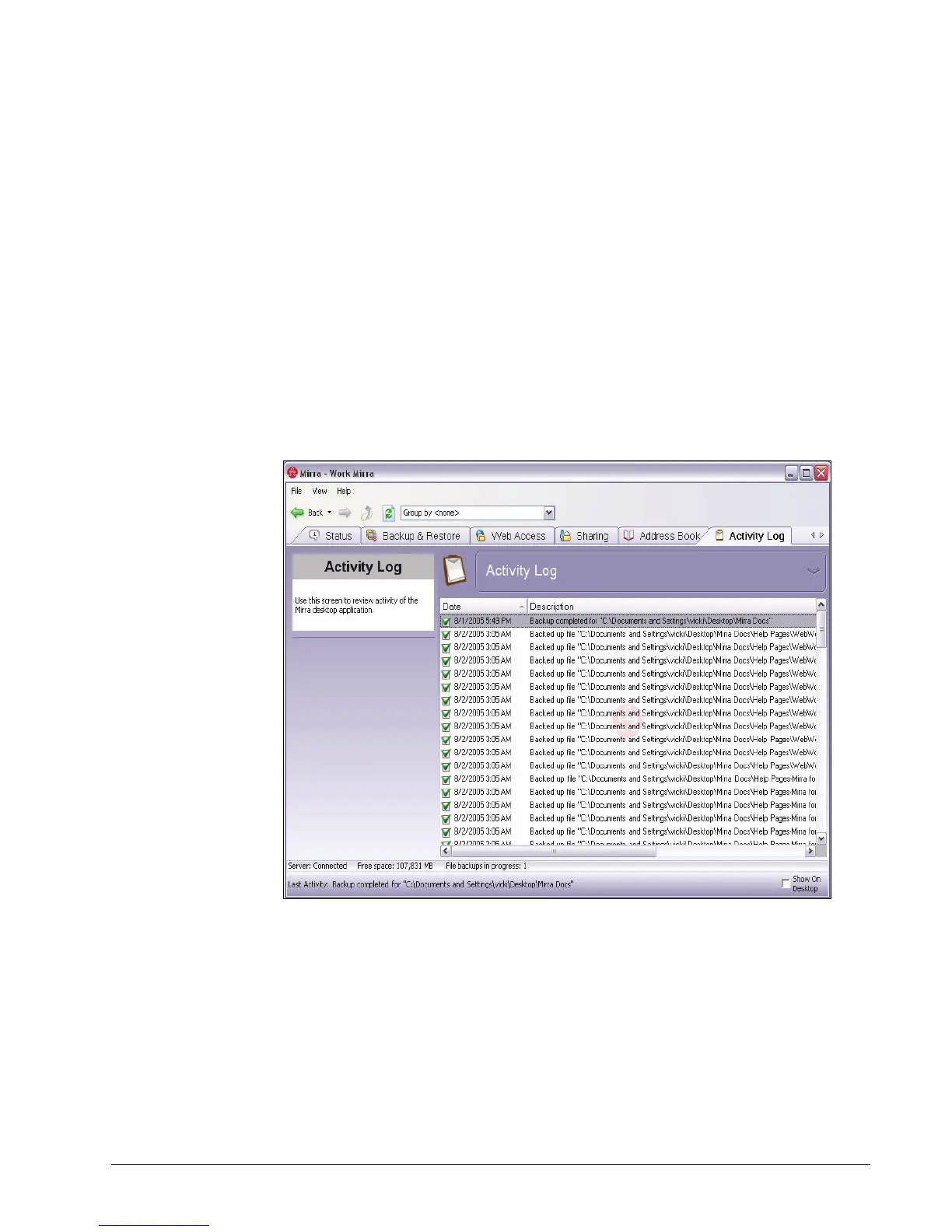
Reading the Activity Log
You can use the Activity Log to verify that your files are being correctly backed up
or to ensure that a backup has completed before you shut down your computer. The
Activity Log tracks, among other things, the addition or removal of files from
backup and changes made to backed up files and folders and displays the 100 most
recent activities. The Status Bar reflects current actions documented in the
Activity Log.
To view your Activity Log,
Step 1: Click the Activity Log tab.
The Activity Log opens:
Figure 5~9 Activity Log
Step 2: Scroll through the Activity Log to see the 100 most recent actions
performed by your Mirra.
See
Reading the Activity Log
for additional information.



 To Next Page