Mirra Manual for Windows Release 2.2 98
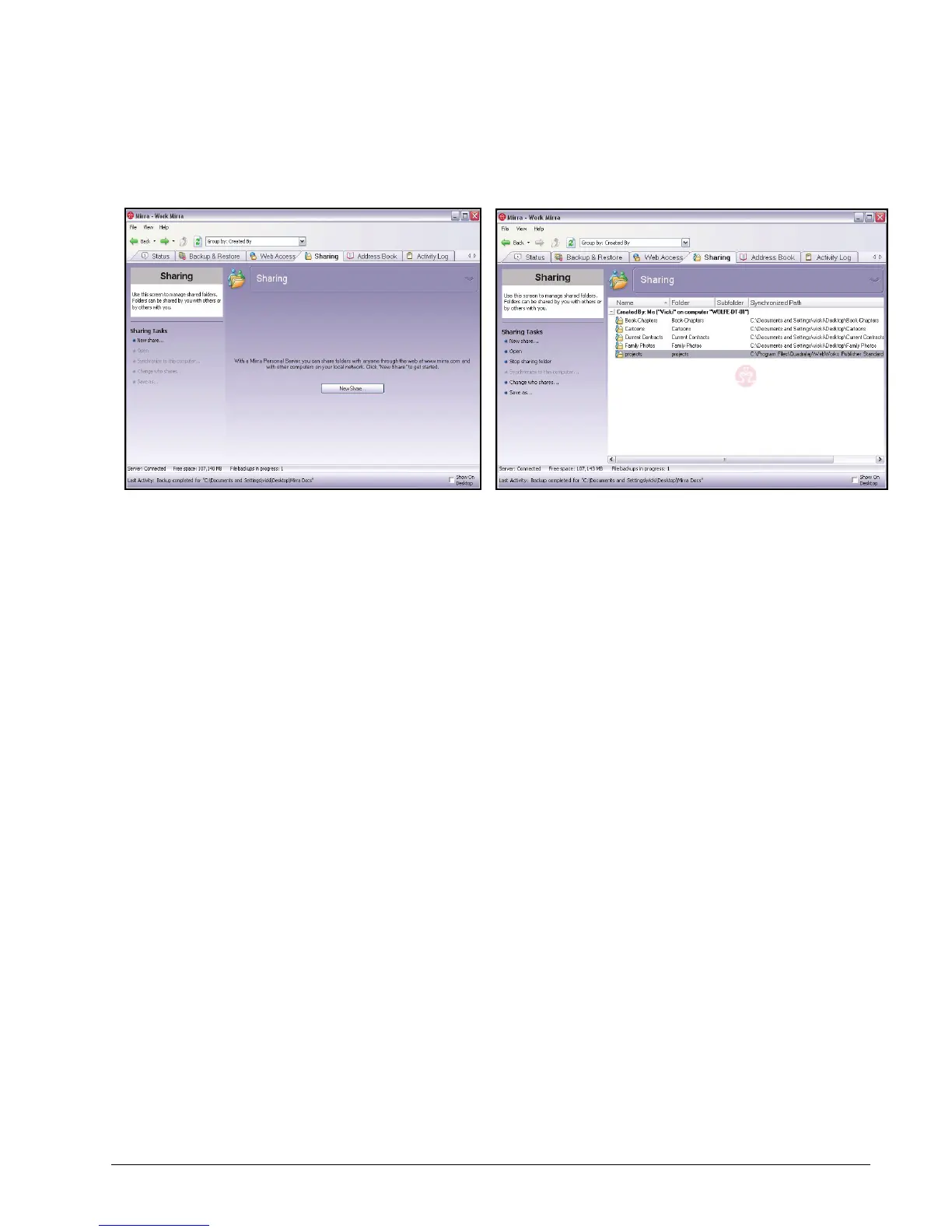
The Sharing screen opens:
Figure 6~10 Sharing Screen - No Shares Sharing Screen - Populated
If you have not yet shared any folders, the Sharing screen is empty. If you
have previously shared folders or have had folders shared with you, they’re
listed here.
Step 2: On the Sharing Tasks menu, click New Share.



 To Next Page