Mirra Manual for Windows Release 2.2 34
To complete the creation of a Mirra Web Account,
Step 1: Check the email account associated with the email address you used to
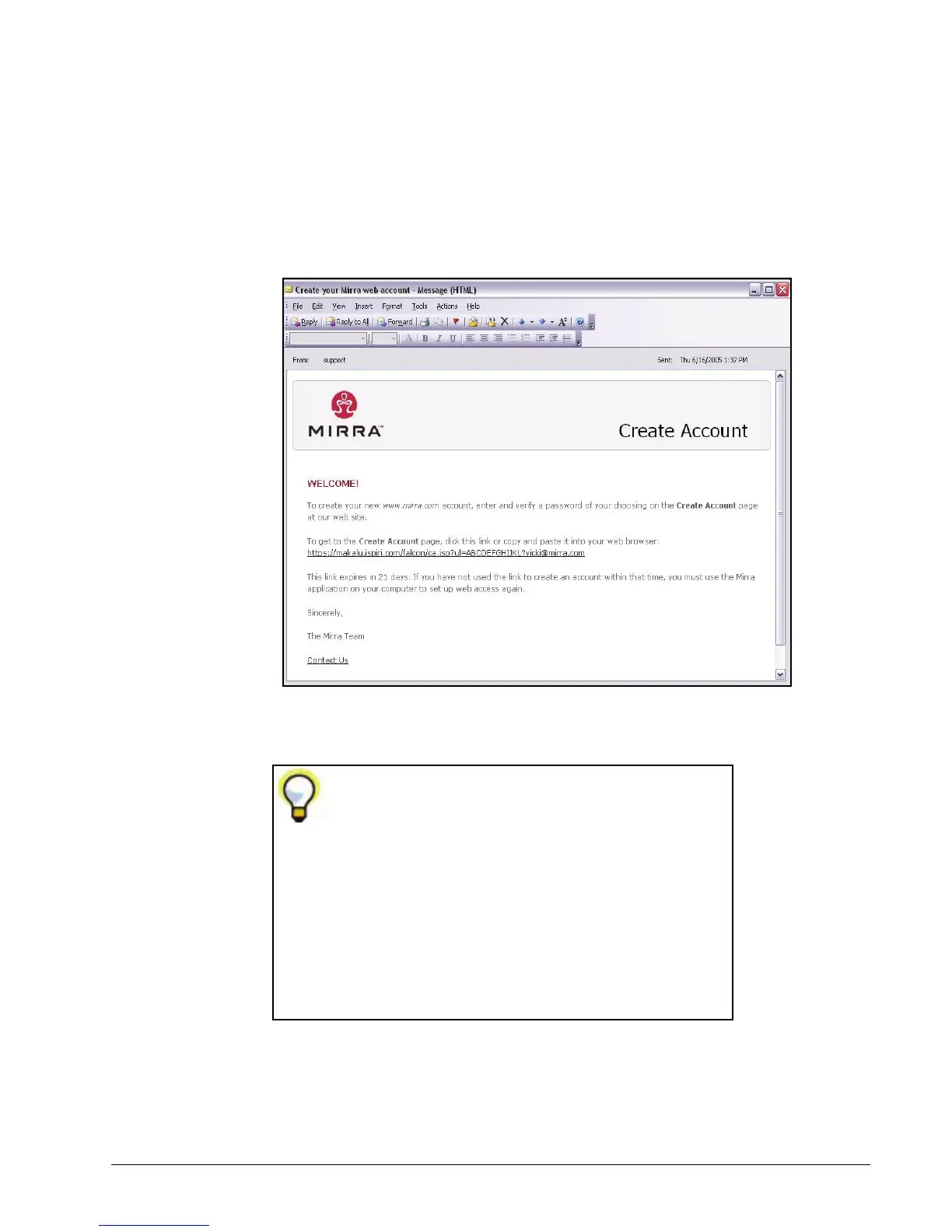
create your Mirra Web Account. Usually within a few minutes, you receive a
message resembling the one shown below with a link to the Mirra web site:
Figure 3~32 Create Your Mirra Account Email
Step 2: Click the link in the email.
If you don’t receive an email,
• Check your Spam folder to be sure your Mirra email
hasn’t mistakenly been identified as spam.
• Make sure you’re checking the email account that
matches the email address you used to create your
Web Account.
• Click Resend Email Now on the Web Access screen in
your Mirra application.
If the email isn’t there, contact Mirra Technical Support
at
http://support. mirra.com
.



 To Next Page