Mirra Manual for Windows Release 2.2 113
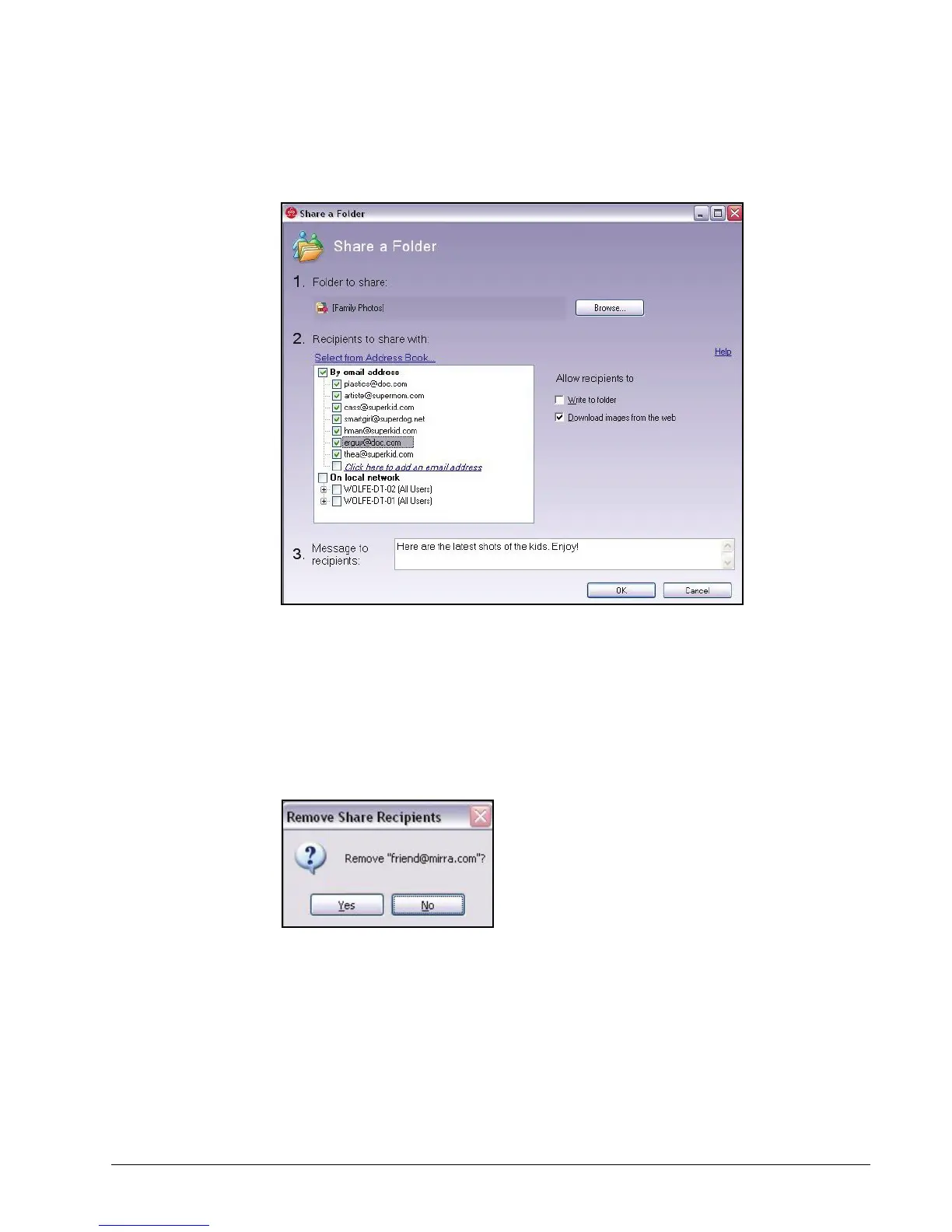
The Share a Folder window opens:
Figure 6~25 Share a Folder Window
Displayed are the people with whom this folder is being shared and the
permissions you’ve set for this folder.
Step 2: To remove a name from the list of recipients to share with, click the box
preceding the name to deselect it.
A popup window confirms the removal of this recipient:
Figure 6~26 Remove Recipient Confirmation
Step 3: To add a name to the list of recipients to share with, add the name from
your Address Book, enter it in the field beneath By email address, or select
it from the list beneath On local network. (See
Selecting Recipients to
Share With
for complete instructions.)



 To Next Page