Mirra Manual for Windows Release 2.2 119
Step 5:
Click the link in your email.
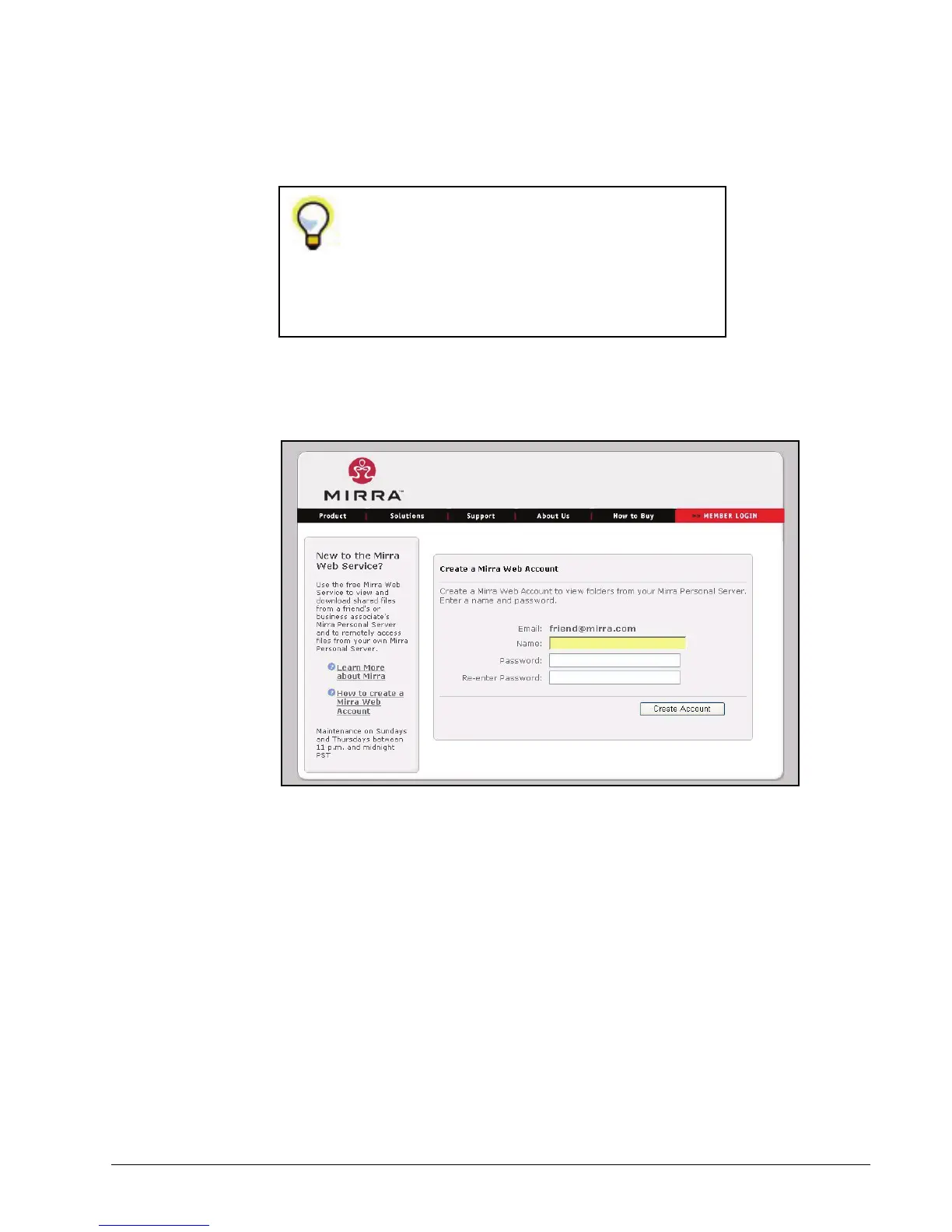
You’re taken to the Create Account page on the Mirra web site, where your
email address is already entered:
Figure 7~4 Web Site Create Account Page
Step 6: Enter a name and enter and confirm a password of your choosing.
Step 7: Click Create Account.
If you don’t receive an email, check your Spam
folder to be sure your Mirra email has not
mistakenly been identified as spam. If the email
isn’t there, contact Mirra Technical Support at
http://support. mirra.com
.



 To Next Page