Mirra Manual for Windows Release 2.2 36
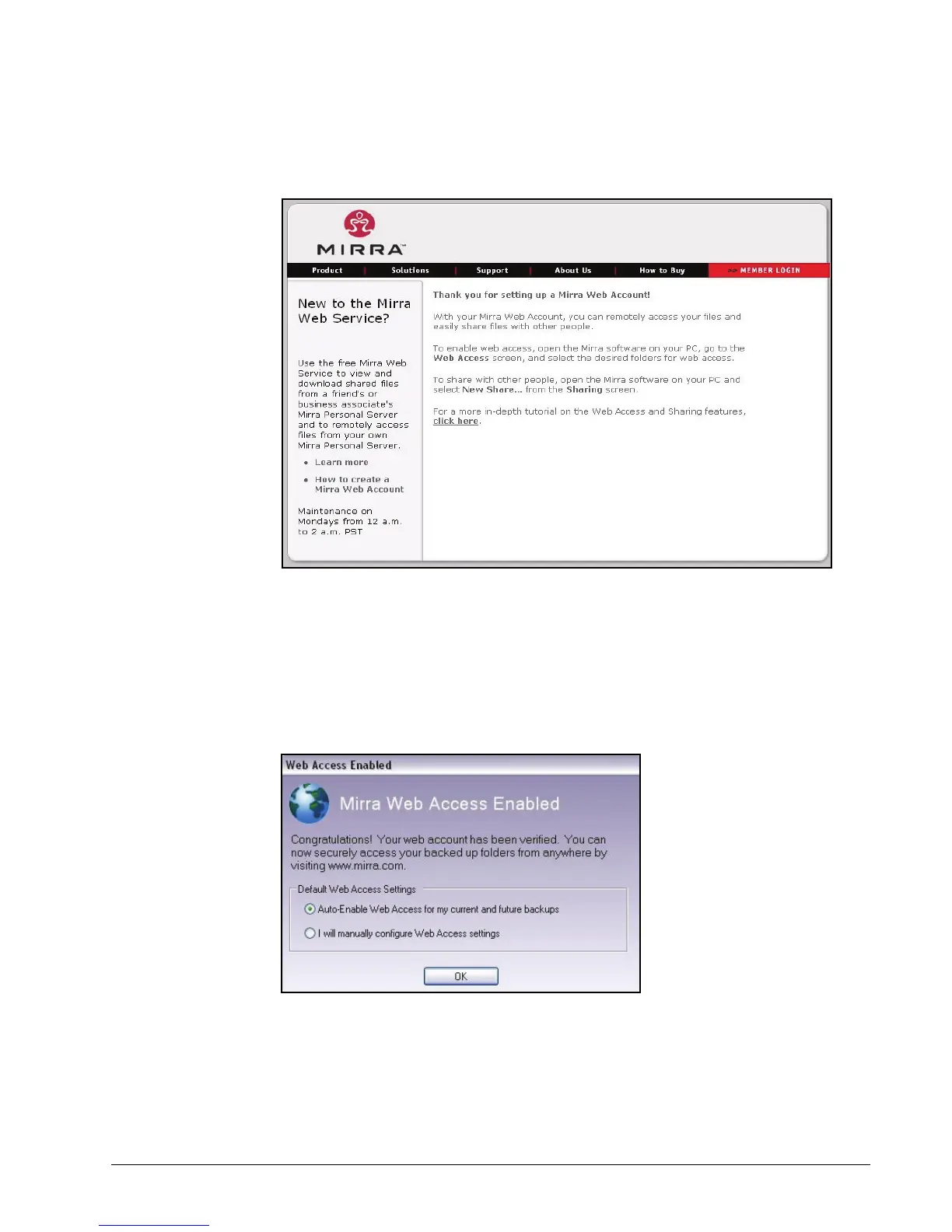
The Thank You page opens:
Figure 3~34 Thank You
Step 5: Return to the Status screen in the Mirra application on your desktop.
Once your Web Account has been authenticated, the Web Access Enabled
window confirms that you can now access backed up folders remotely and
offers you a choice between automatically or manually enabling backed up
folders for web access:
Figure 3~35 Web Access Enabled Window
Step 6: Select auto-enable or manual enable for backed up folders and click OK.



 To Next Page