Mirra Manual for Windows Release 2.2 45
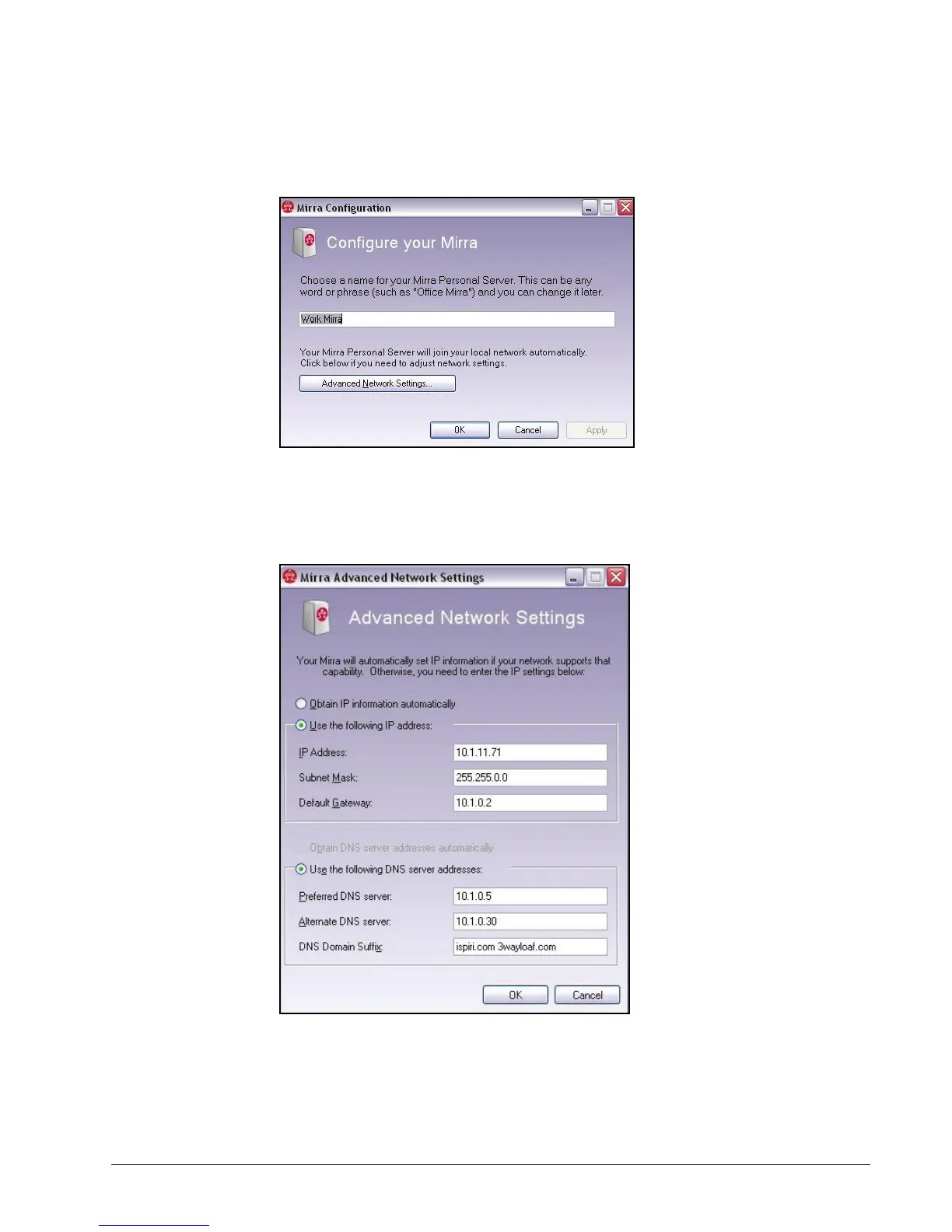
The Quick Setup window opens:
Figure 3~44 Quick Setup
Step 2: Click Advanced Network Settings.
The Advanced Network Settings window opens:
Figure 3~45 Advanced Network Settings
Step 3: Enter the desired IP and DNS Server information.



 To Next Page