Mirra Manual for Windows Release 2.2 70
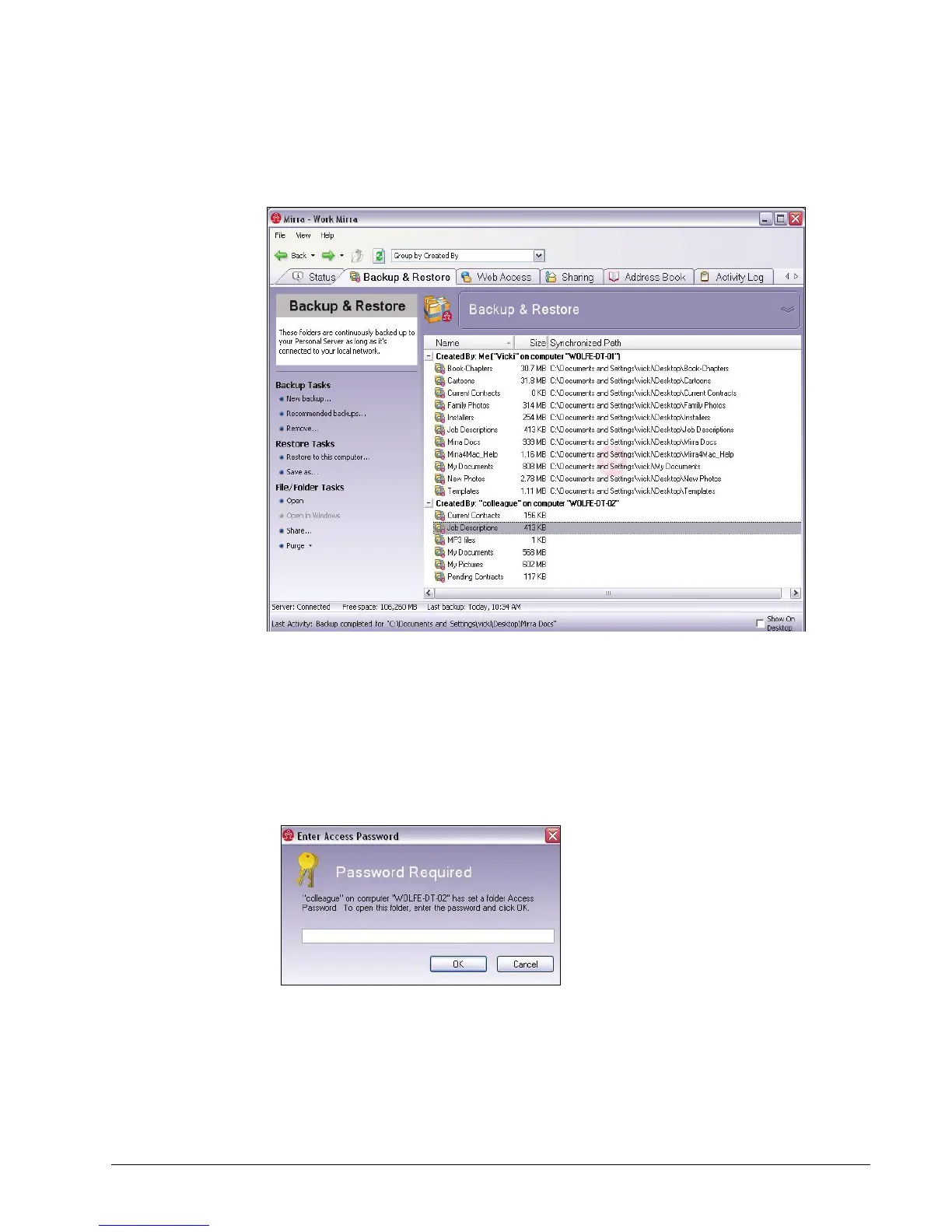
The Backup & Restore screen opens
Figure 5~10 Computers Backed Up to this Mirra
Step 2: Double-click the folder to be opened.
Step 3: If the owner of the folder has not set an Access Password, its contents
are displayed.
If an Access Password has been set, the Enter Access Password window
opens:
Figure 5~11 Access Password Window
• You’re asked to enter an Access Password for a password-protected
folder from another computer or user only the first time you access that
folder unless



 To Next Page