NAME (Directory) 65
Operating RADIO, MEDIA (audiovisual
systems)
NAME, TEL NAV, INFO CAR, SETUP
Searching a directory entry
Directory entries are located by surname.
– Press the ⇒ page 9 function button.
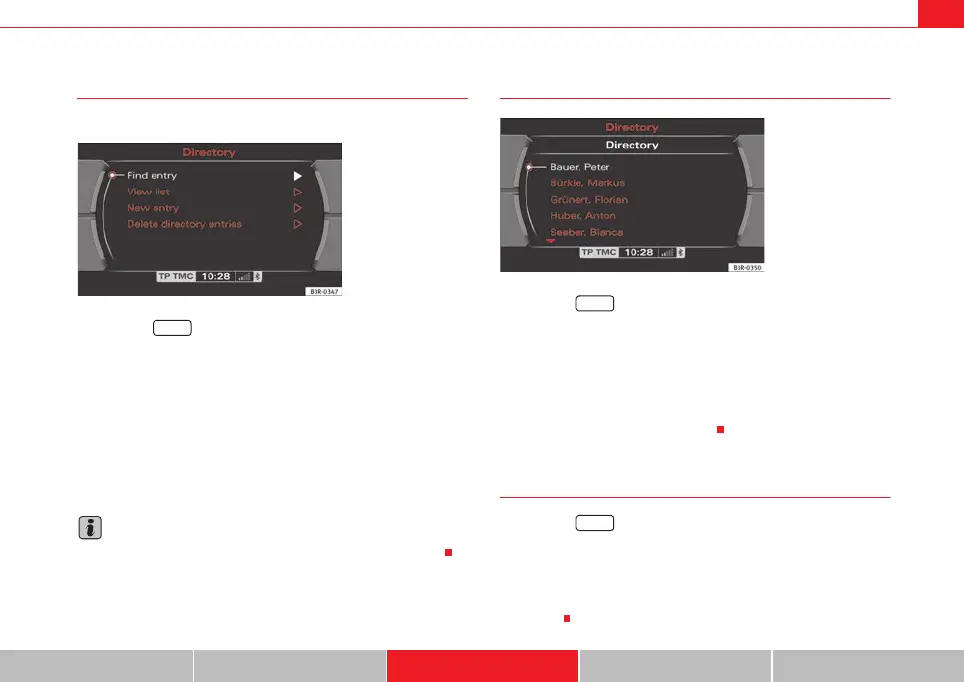
–Select Find entry ⇒ fig. 81.
– Enter the name you are looking for ⇒ page 20 over the alphanu-
meric keyboard.
The entries found will be displayed in a list. They can also be subsequently
modified ⇒ page 65.
It is not necessary to enter a name in full to find it, but this can reduce the size
of the entry selection provided.
Note
You can also select an entry through the Show list function ⇒ page 65.
Editing a directory entry
–Press the ⇒ page 9 function button.
– Select Find entry or Show list ⇒ page 63, fig. 78.
– Search and select the entry that is to be changed ⇒ fig. 82 and
make your changes.
Selecting a text field automatically activates an alphanumeric keyboard that
allows letters and numbers to be entered.
Viewing entries
–Press the ⇒ page 9 function button.
– Select Show list ⇒ fig. 81. All directory entries will be listed.
Using the control knob, you can select individual entries from this list to recall
or change the stored data (phone number, navigation destination*)
⇒ page 65.
Fig. 81 Directory:
Searching directory entry
NAME
Fig. 82 Directory: Edit a
stored entry
NAME
NAME
media_systemE_EN.book Seite 65 Montag, 21. September 2009 1:48 13



 To Next Page