4.1. HOW TO CONFIGURE THE ASTERX-U FOR RTK
Step 3: Verifying the configuration
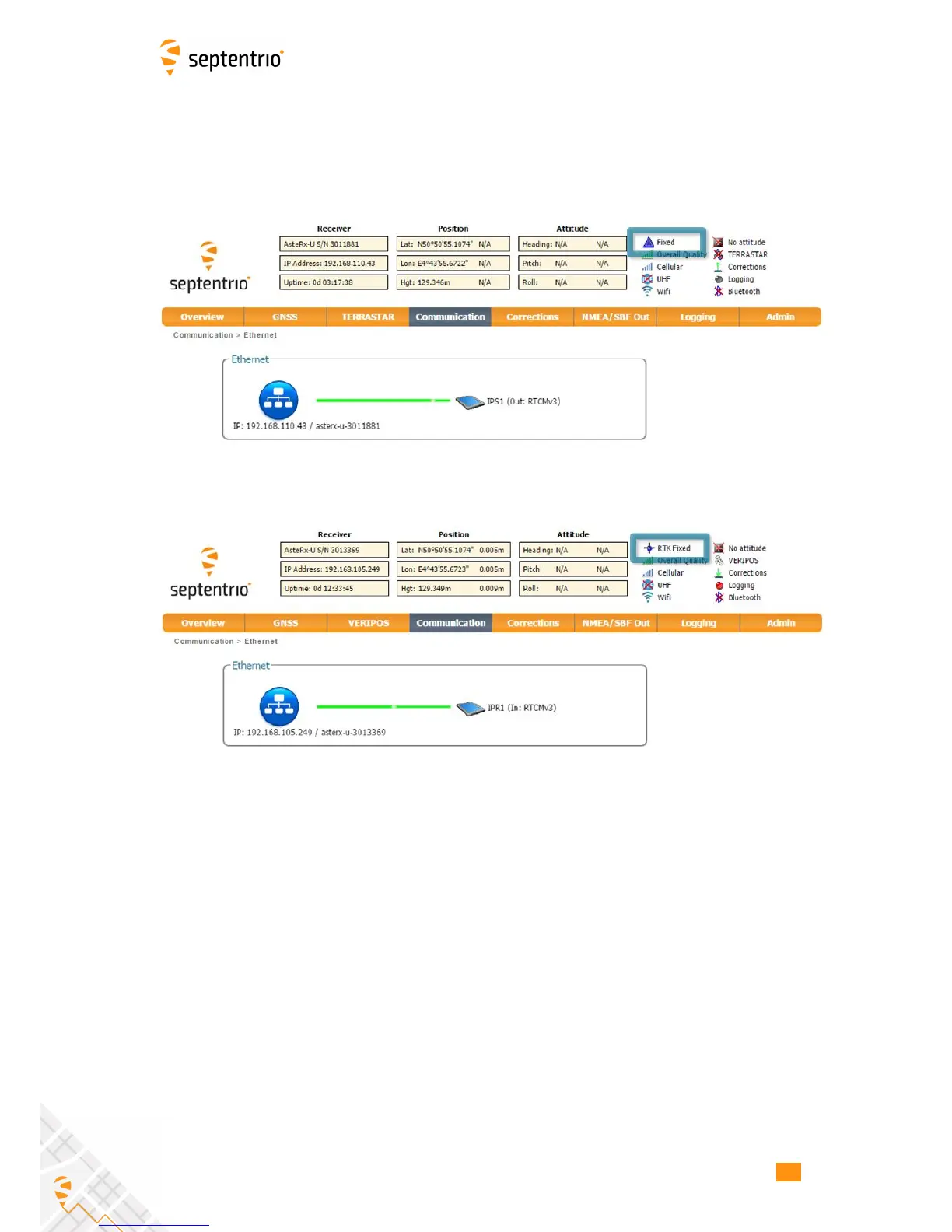
If the Base station and rover receivers have been configured correctly then graphics in the
Communication Ethernet windows should appear similar to those shown in Figures 4-13
and 4-14.
Figure 4-13: Ethernet window of the Base station receiver showing the position
as static and an active output of RTCMv3 diff corr on server port IPS1
Figure 4-14: Ethernet tab of the rover receiver showing a fixed RTK position and
reception of RTCMv3 diff corr on receiver port IPR1
41



 To Next Page