4.2. USING L-BAND PPP CORRECTION DATA WITH THE ASTERX-U
Step 3: Connect an L-Band antenna
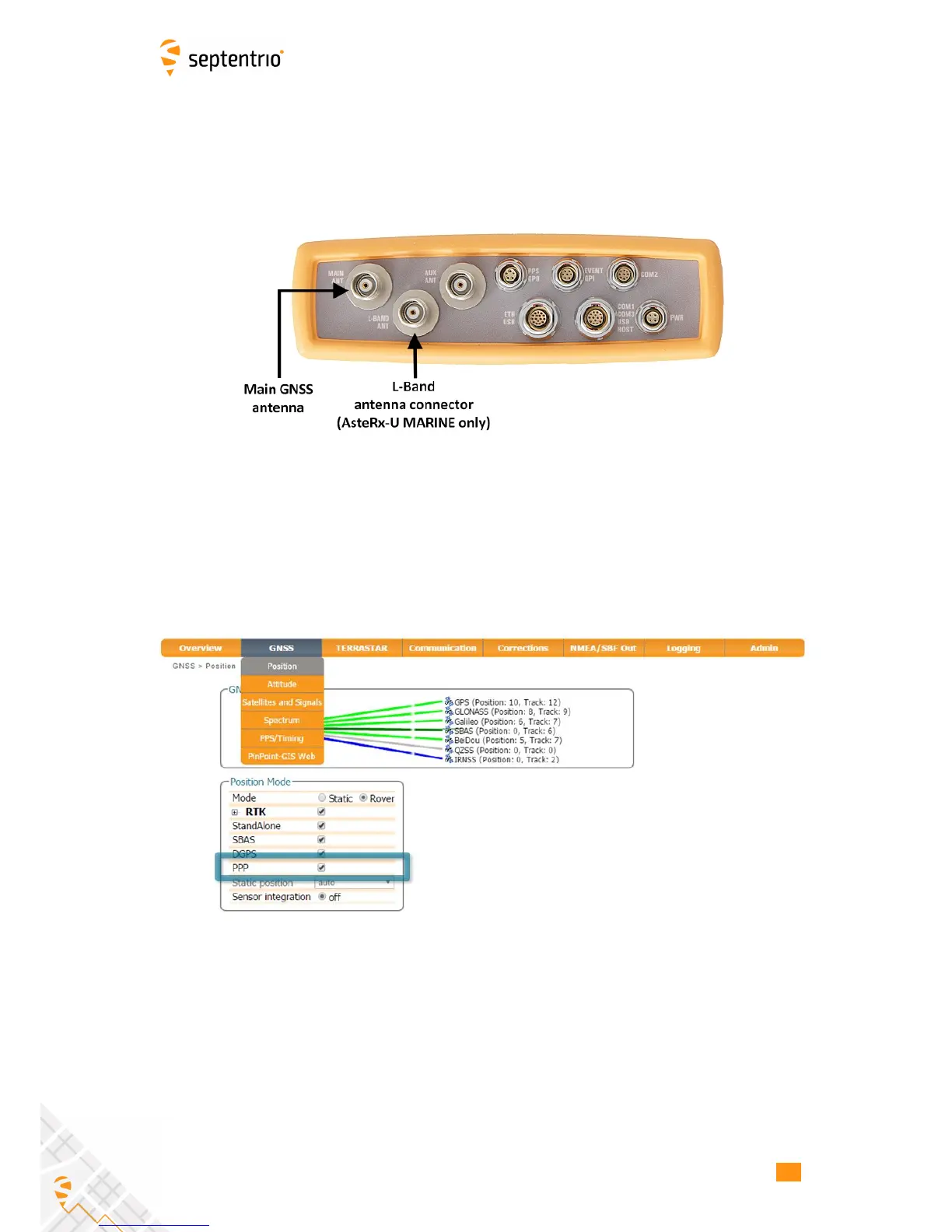
Ensure that you have an L-band capable antenna connected to the main antenna rear-panel
connector. The AsteRx-U MARINE variant offers an additional connector for a dedicated
L-band antenna as shown in Figure 4-18.
Figure 4-18: Rear panel antenna connectors
Step 4: Select PPP positioning
Ensure that PPP is selected as a positioning mode in the GNSS Position tab as shown in
Figure 4-19.
Figure 4-19: Enable PPP positioning mode
44



 To Next Page