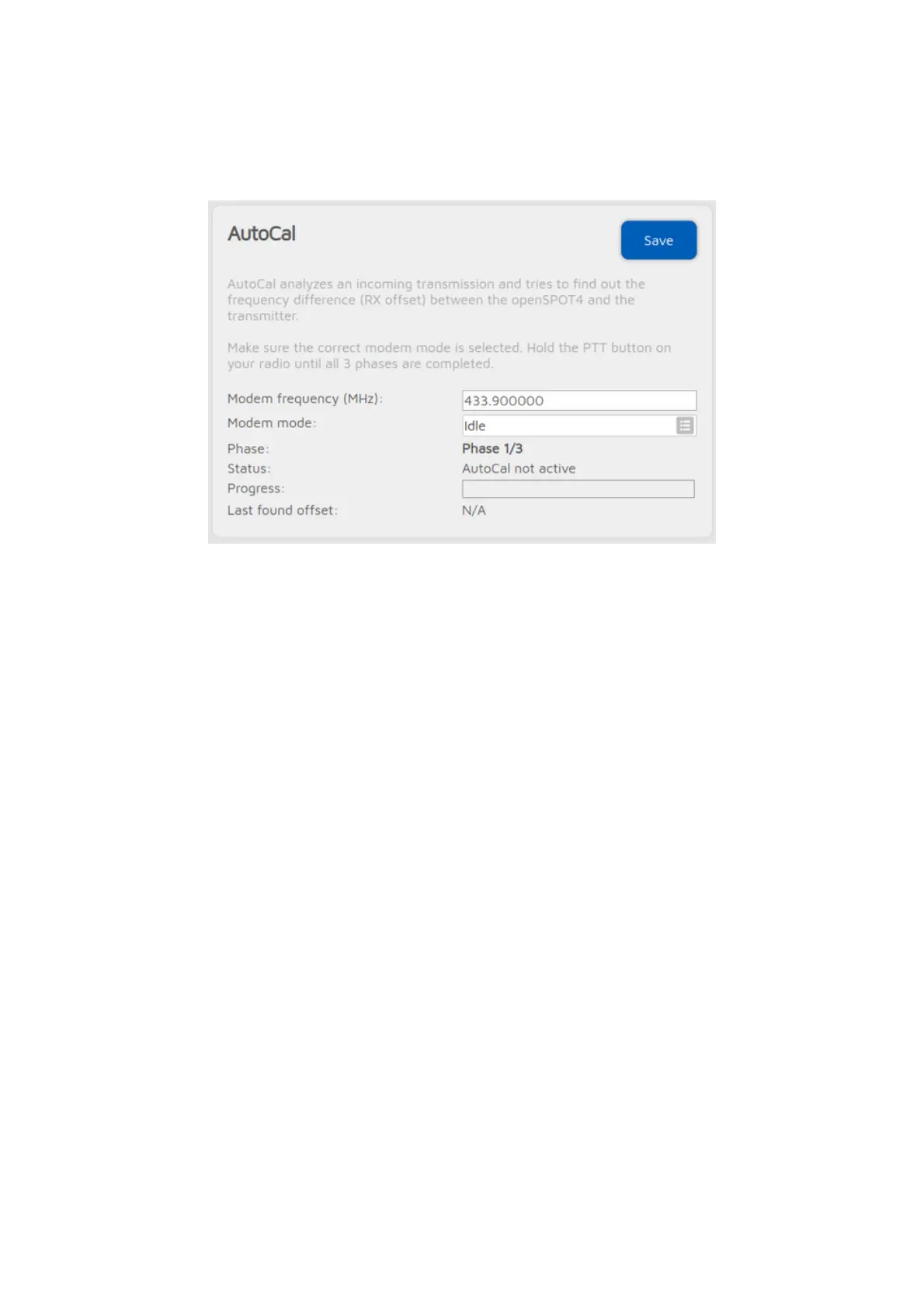
AutoCal connector
AutoCal is a special connector - it does not connect to anywhere. It analyzes an
incoming transmission from the modem and tries to find out the frequency
difference (RX offset) between the openSPOT4 and the transmitter.
openSPOT4's oscillator has a frequency stability of 0.5ppm, and every
openSPOT4 is factory calibrated during the assembly process, so you'll only
need to use this special connector if your transceiver's transmit frequency is
drifting. We suggest you to only run AutoCal if the openSPOT4 shows BER
above 1% for your radio's transmission, as errors in the voice stream usually
won't be noticeable if the BER is below 1%.
To use AutoCal, set the modem mode to the mode your radio uses and the
modem frequency to the radio's transmit frequency, then click on the Save
button. Hold the PTT button on your radio until all 3 phases are completed. The
found RX offset will be displayed at the Last found offset field and it will be
automatically saved for the current modem mode.
Keep in mind, that you can always check your own voice quality by using the
openSPOT4's built-in local echo service.
If the AutoCal does not enter Phase 2, then hold the PTT on your transceiver for
at least the time it takes for the progress bar to go from 0% to 100%. Make
sure the transceiver is transmitting on the AutoCal frequency (433.900 MHz by
default). If the AutoCal still does not enter Phase 2, then the RX offset between
the transceiver and the openSPOT4 is greater than 500Hz. What you can do is
to switch frequency on the transceiver or on the openSPOT4, or enter an RX
offset greater than 500Hz manually on the modem page and use the
openSPOT4's built-in local echo service to find out the lowest BER.



 To Next Page