Modem page
You can change the modem settings on this page.
If
Advanced mode
is turned off, both RX and TX frequencies will be
automatically set to the same value (the separate RX and TX frequency fields
will be hidden).
If the Idle modem mode is activated then the openSPOT4's modem won't
transmit and will ignore all received transmissions.
In case you have
half deviation
enabled in your C4FM/Fusion® radio (some
models don't have this setting and have
half deviation
mode enabled by
default), use the C4FM Half Deviation modem mode.
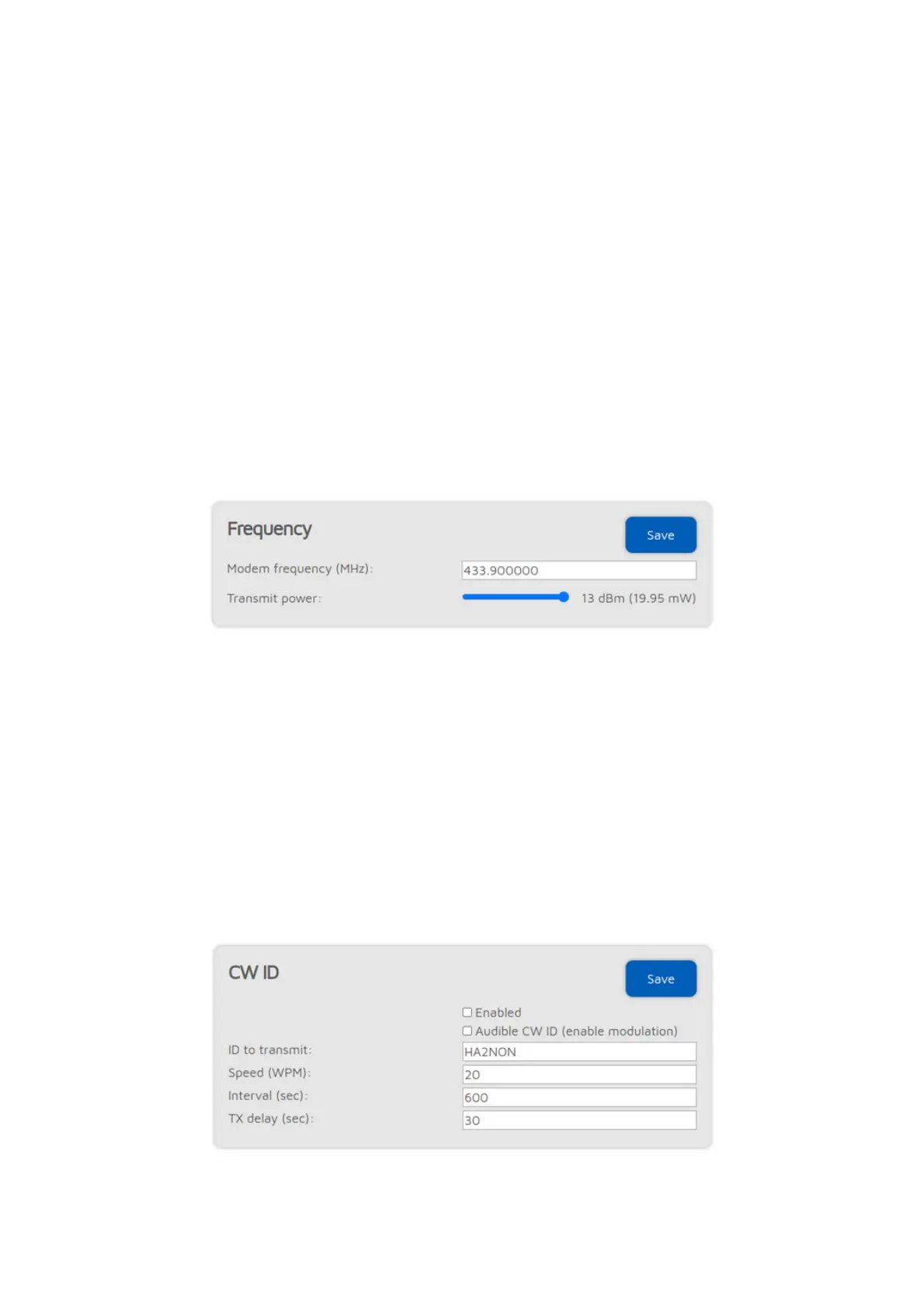
Frequency
The Modem receive frequency offset setting can be used to correct the
frequency difference (RX offset) between the openSPOT4 and the used
transmitter. This setting is only available if
Advanced mode
is enabled.
Setting an RX offset may be needed in case others report that transmissions
coming from your transceiver have voice quality issues. This should rarely
happen as the openSPOT4 has a built-in, factory calibrated, extreme accurate
clock reference. You can also use the AutoCal special connector to find out the
required RX offset value, or you can use the openSPOT4's built-in local echo
service to find out the RX offset value yourself by listening back your recorded
voice.
CW ID



 To Next Page