Settings page
You can change the general settings of the openSPOT4 on this page.
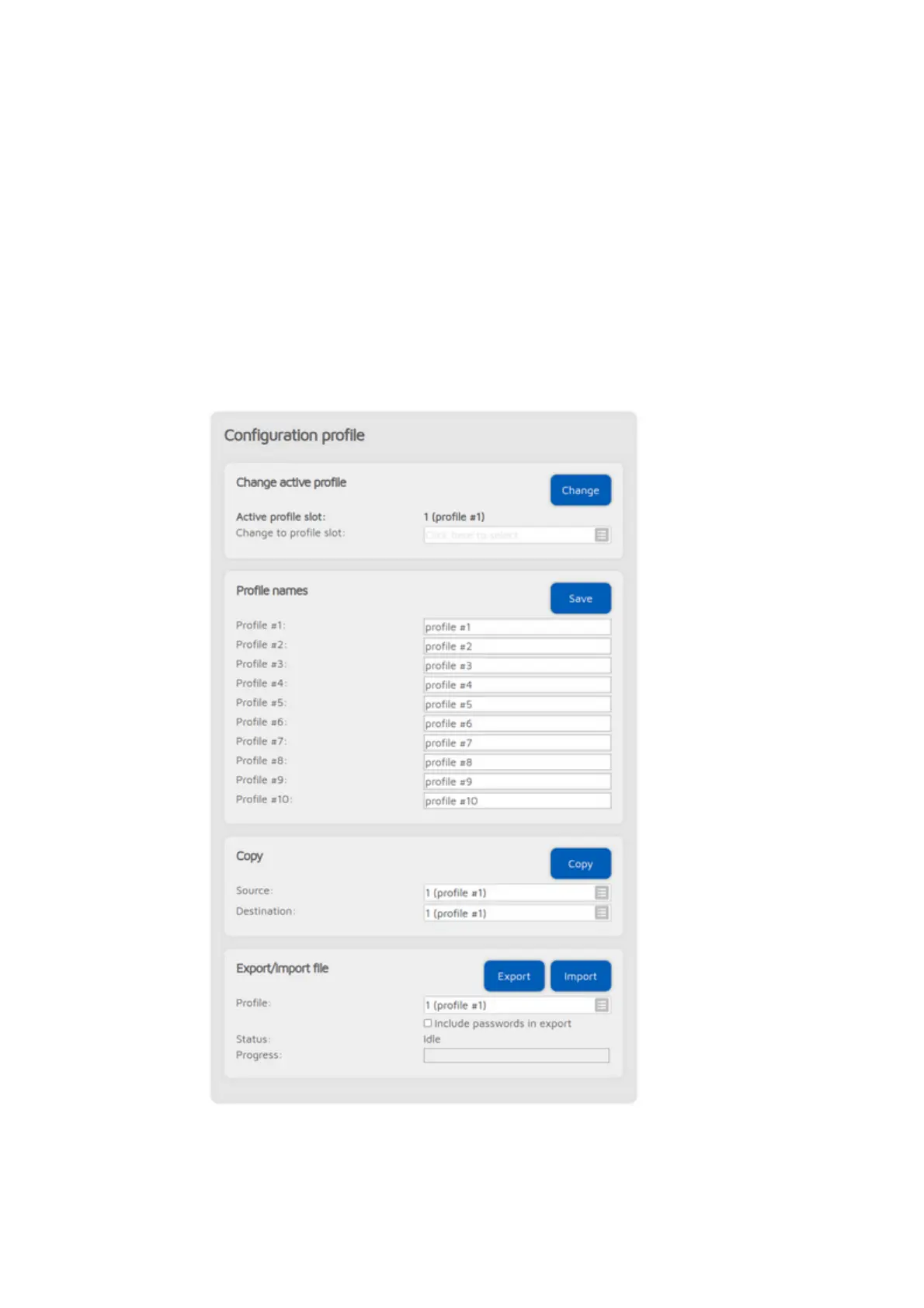
Configuration profile
The openSPOT4 stores all its configuration in individual profiles. There are 5 of
them, and profile #1 is active by default. Initially all configuration profiles have
the factory default settings. You can switch between them on the web
interface, or by using your transceiver (see the Control calls section for more
information).
You can rename profiles, copy one to another slot or export/import to/from a
file.



 To Next Page