The AP mode SSID can be set in the AP SSID input field. By default there's no
Wi-Fi password set for the openSPOT4's AP mode, but you can set one at the
AP key input field. The AP mode Wi-Fi channel can be set in the Channel
number input field. If the Always start in AP mode checkbox is checked, then
the openSPOT4 will always switch to AP mode after powered on even if there
are configured Wi-Fi networks in the current configuration profile.
If a BSSID is configured for a network then it'll be used instead of the SSID.
IP settings
This section is only available if
Advanced mode
is enabled.
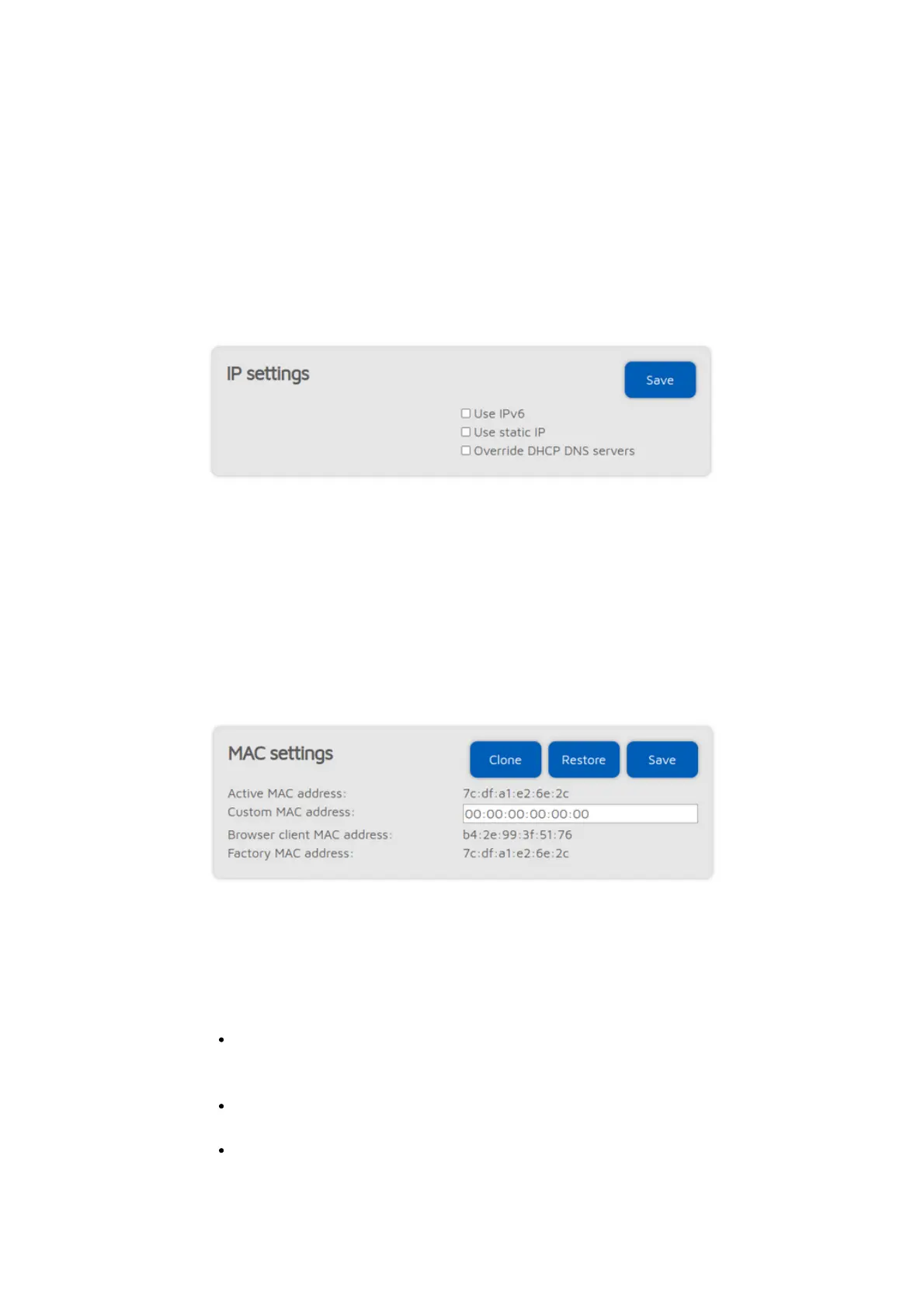
The DNS server settings which are advertised by the DHCP server can be
overriden if the Override DHCP DNS servers checkbox is checked. If the
openSPOT4 can't connect to a server (for ex. the openSPOT4 shows connector
connecting after switching D-STAR® reflectors from your radio, but it can
connect using the web interface otherwise), you can try overriding the DNS
servers to 8.8.8.8 and 8.8.4.4.
MAC settings
This section is only available if
Advanced mode
is enabled.
You can change/clone the Wi-Fi MAC address of the openSPOT4 here. This is
useful if you try to use a Wi-Fi network which uses a captive portal for
authentication (example: hotel or airport networks). In this case, do the
following steps:
Connect to the Wi-Fi network with your phone/tablet/computer, log in on
the captive portal to enable the internet access for your
phone/tablet/computer's MAC address.
Enable the openSPOT4's access point (AP) mode by holding the button for
3 seconds.
Connect your phone/tablet/computer to the openSPOT4 AP, but exit the
Initialization setup and open the Network page.



 To Next Page