This section is only available if
Advanced mode
is enabled.
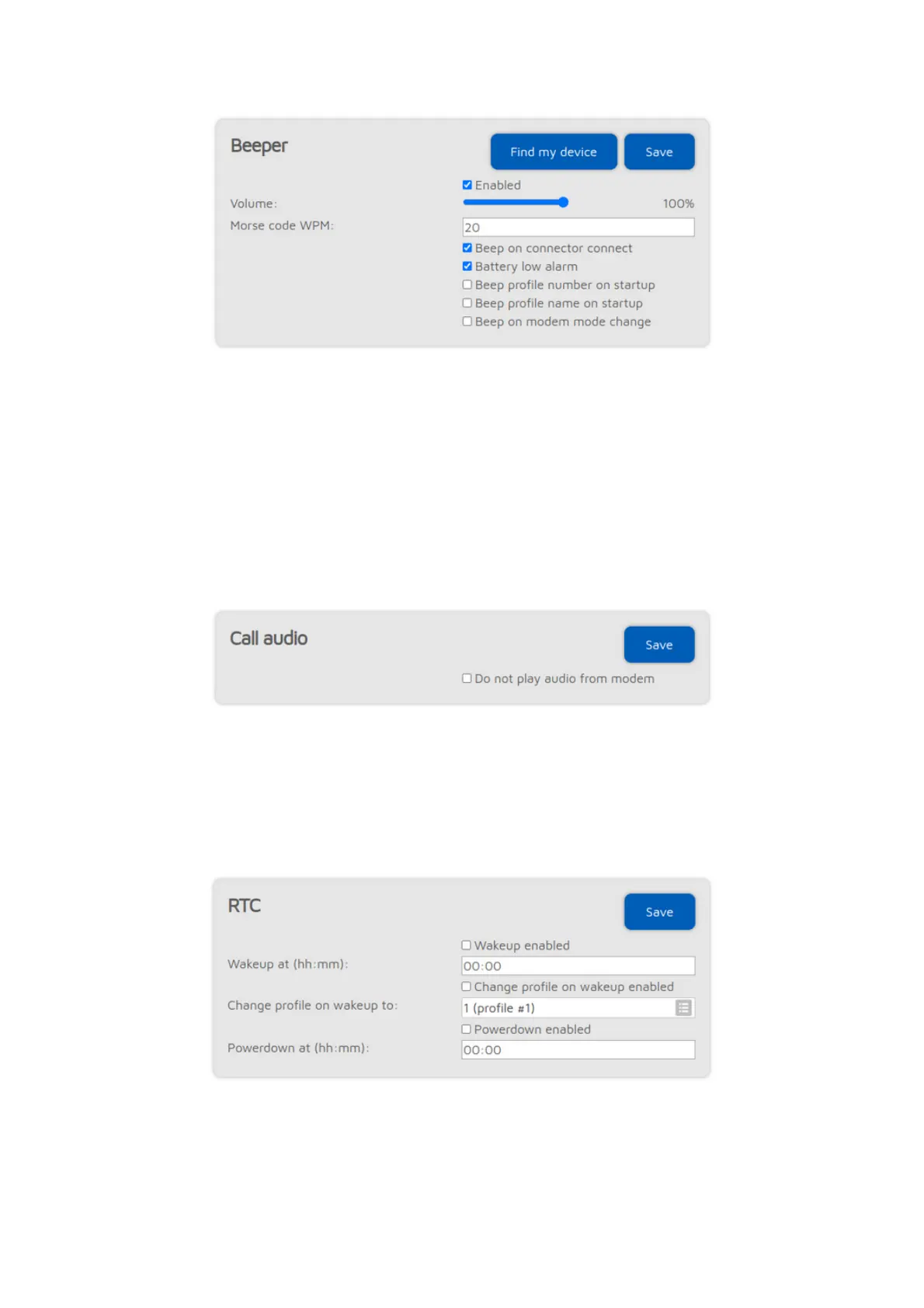
If the Beep profile number on startup setting is enabled, then the openSPOT4
will beep the letter P followed by the currently active profile number on startup
in Morse code. If the Beep profile number on startup setting is enabled, then
the profile's name will also be played in Morse code.
If the Beep on modem mode change setting is enabled, then the openSPOT4
will beep the modem mode's name in Morse code when it is changed.
Call audio settings (openSPOT4 Pro only)
If the
Do not play audio from modem
setting is enabled, and call audio playback
is enabled on the Status page, then audio of calls received by the modem won't
be played. This is useful if you use the web interface to listen to call audio, and
you want to answer calls using your transceiver.
RTC settings
This section is only available if
Advanced mode
is enabled.
You can set a daily wakeup and a powerdown time here. You can also set the
profile to boot when waking up, so it's possible to jump between configuration
profiles.



 To Next Page