Network page
You can change the network settings of the openSPOT4 on this page.
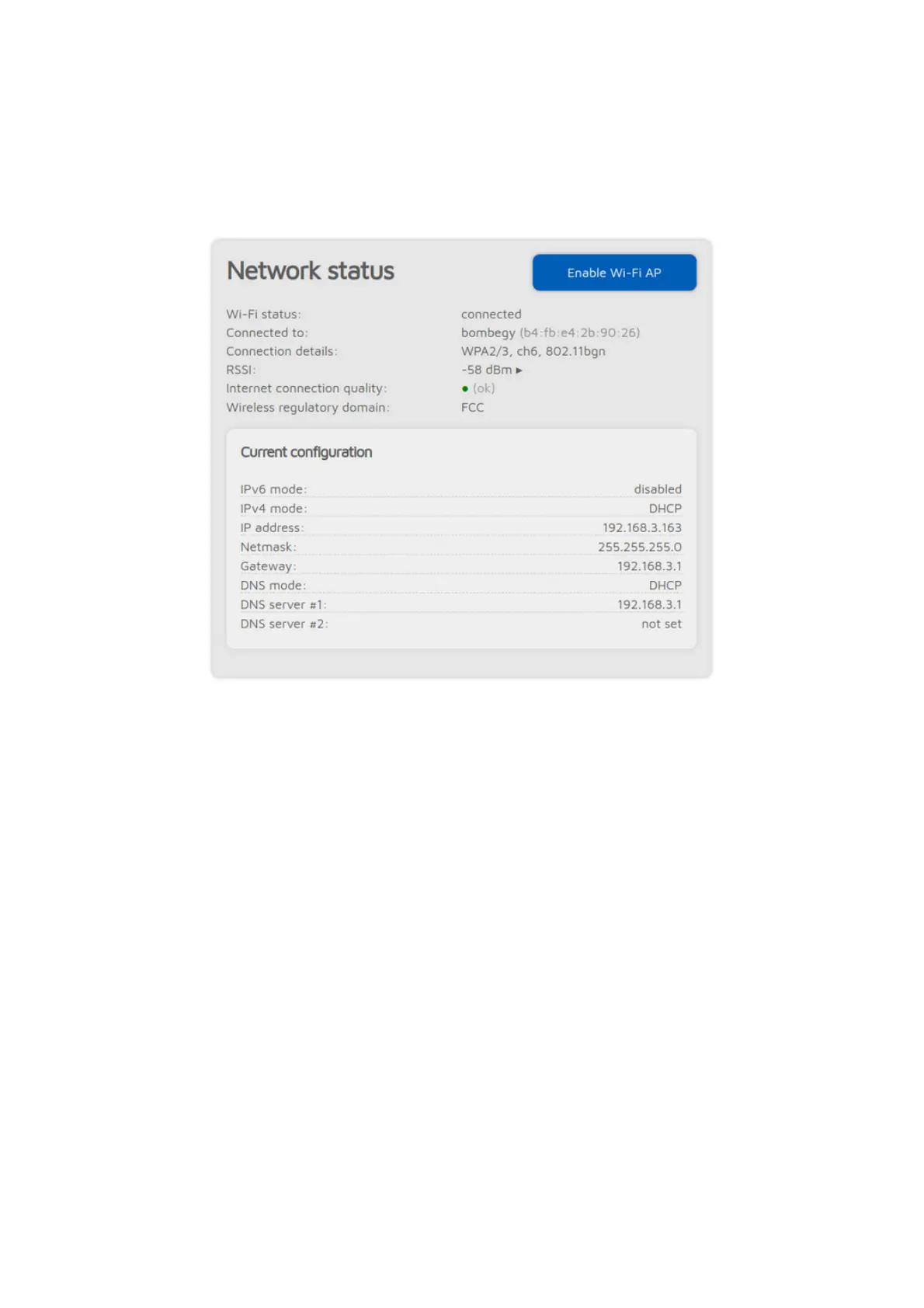
The Network status section shows current network status. The Wi-Fi RSSI
graph can be shown by clicking on the little arrow next to the RSSI value. The
Internet connection quality is determined by the openSPOT4 by periodically
measuring the network latency. You can get the measured latency value by
hovering the mouse above (or clicking on) the quality display circle. The
Wireless regulatory domain is determined by the country of operation.
The openSPOT4's built-in Wi-Fi access point (AP) can be enabled/disabled with
the Enable/Disable Wi-Fi AP button. This is the same as pressing the Wi-Fi
button for 3 seconds.
Network traffic



 To Next Page