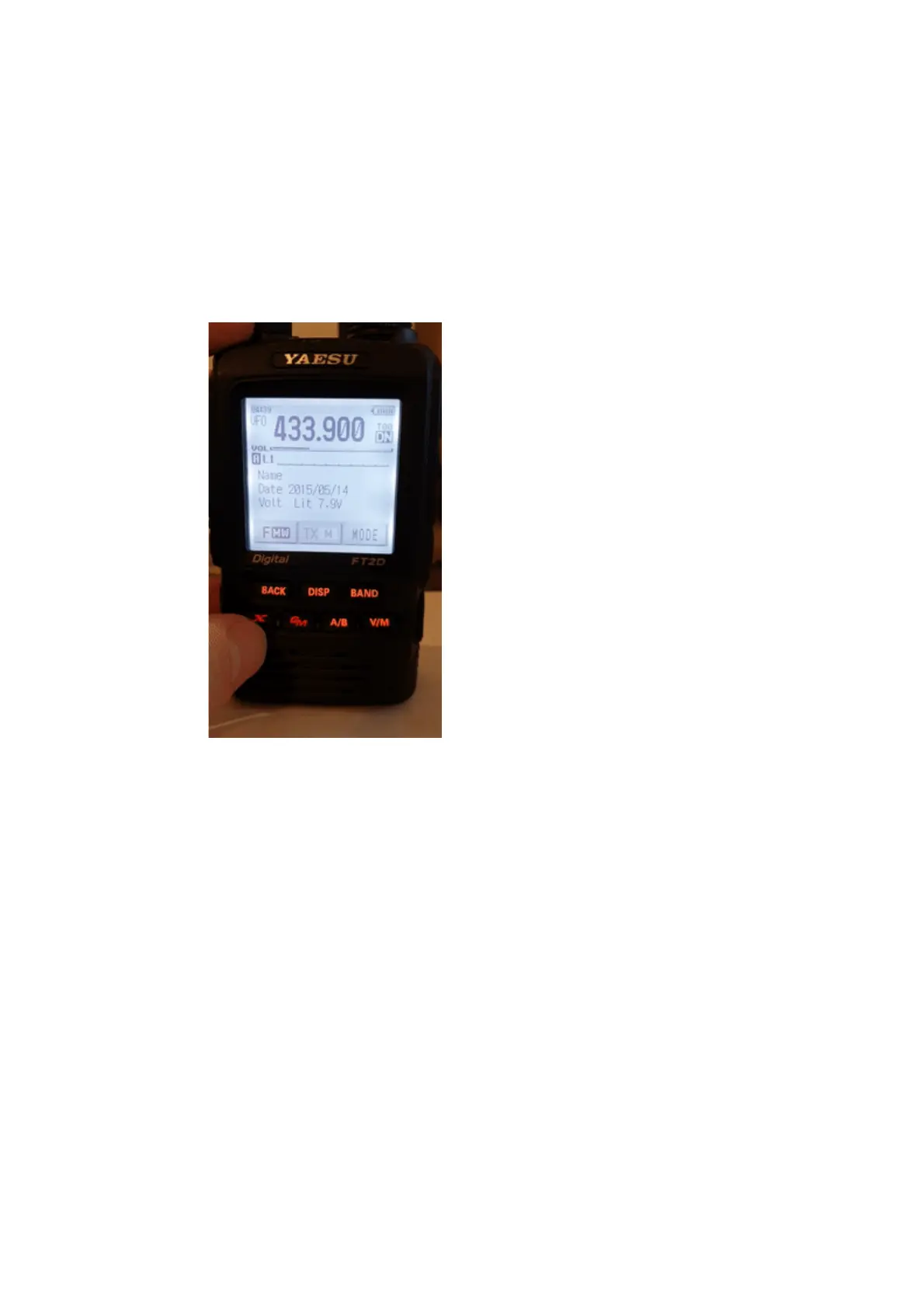
Using the Wires-X® button
If the openSPOT4's modem is in C4FM (or C4FM Half Deviation) modem mode,
then the device will automatically broadcast Wires-X information which will be
displayed on radios in Wires-X mode. You can switch your C4FM/Fusion® radio
into Wires-X mode by pressing its Wires-X button (sometimes labelled as DX
button).
Note that the transceiver on the animations shown on this user manual page
display the device as "openSPOT 2". Everything described here apply both to the
openSPOT2 and openSPOT4.
The openSPOT4 displays the currently active configuration profile number at the
bottom right corner of the FT2D's display. Displayed information may look
different on other type of C4FM/Fusion® radios. The examples here are
demonstrated using an FT2D.
Using your openSPOT4 with a C4FM/Fusion® radio in Wires-X mode is very
convenient as you'll always see the active server's name, and you can easily
switch between servers using the radio's user interface.
Listing servers
You can get a server listing by selecting the Search & Direct option and then
selecting the All button.



 To Next Page