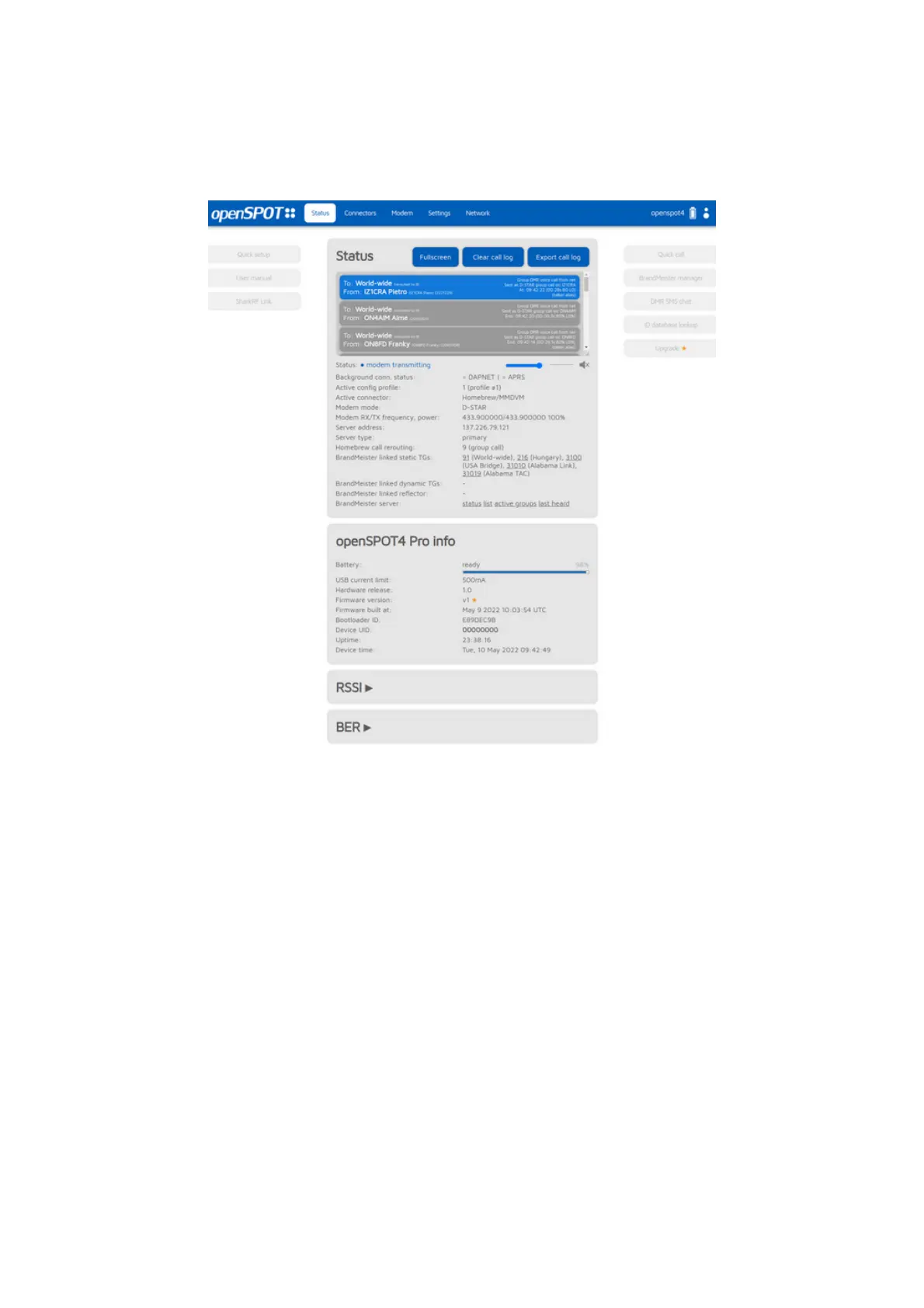
About the web interface
Header
The openSPOT4's hostname is displayed at the right of the page header. The
device's IP address is displayed by hovering the mouse above the hostname.
The hostname will be hidden on small displays (mobile phones). In this case,
you can get the current IP address on the Network page, Network settings
section. You can also see the device's IP address on the Network page, Current
configuration section.
The current battery charge status is shown right next to the hostname.
Additional battery charge information is shown if the mouse is hovered over the
battery icon (or the icon is clicked). Note that the displayed remaining battery
charge/discharge time is a rough estimate and is affected by the device's recent
power consumption.
When the web interface is communicating with the openSPOT4, a loader
animation (2 pulsating circles) is displayed next to the battery icon at the right
of the header.
Footer



 To Next Page