The currently active configuration profile number and name is displayed at the
left of the footer. You can also switch between configuration profiles there.
Please see the Notes on configuration profiles section for more information
about configuration profile switching.
The openSPOT4's current status is displayed at the middle of the footer.
The Advanced mode checkbox is at the right of the footer. If this is checked, all
advanced mode settings show up. Advanced mode is not needed for normal
operation.
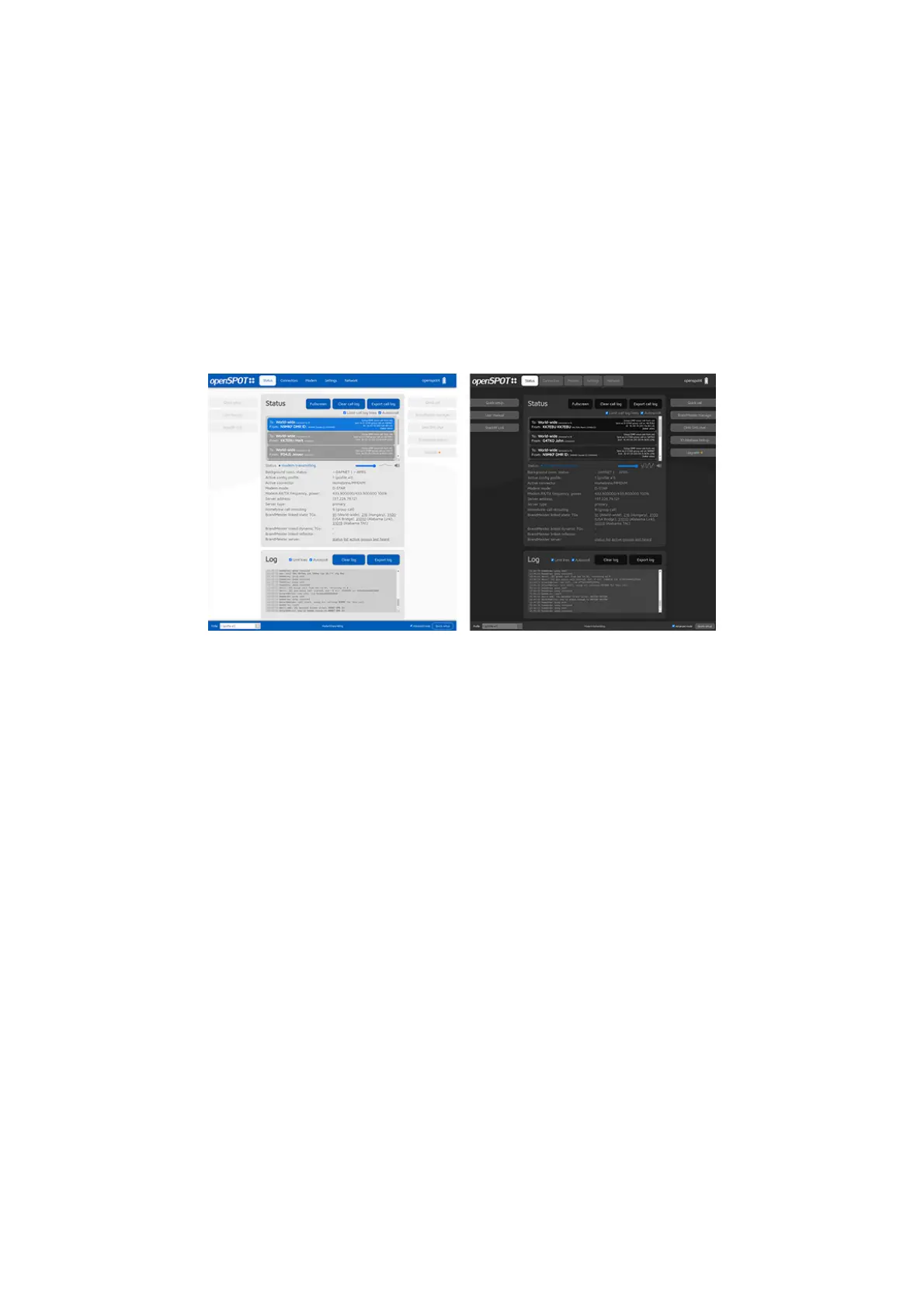
Light and dark web interface themes
You can switch between dark and light web interface themes in the Quick
Setup, or at the Miscellaneous section on the Settings page.



 To Next Page