By setting the Change after last call setting to non-zero (this setting is available
if
Advanced mode
is enabled), the openSPOT4 will switch to the specified
profile slot after a timeout since the last call was received.
If the Always use profile #1 on power on setting is enabled, then the profile #1
will always be loaded when powering on the device.
Notes on configuration profiles
Please keep in mind that all configuration profiles are empty by default, so
if you switch to a previously unused profile, the openSPOT4 will start in
Wi-Fi AP mode as there will be no configured Wi-Fi networks to connect.
The openSPOT4 reboots on profile switch.
Wi-Fi networks and passwords are stored for each profile separately.
The web interface password is stored for each profile separately.
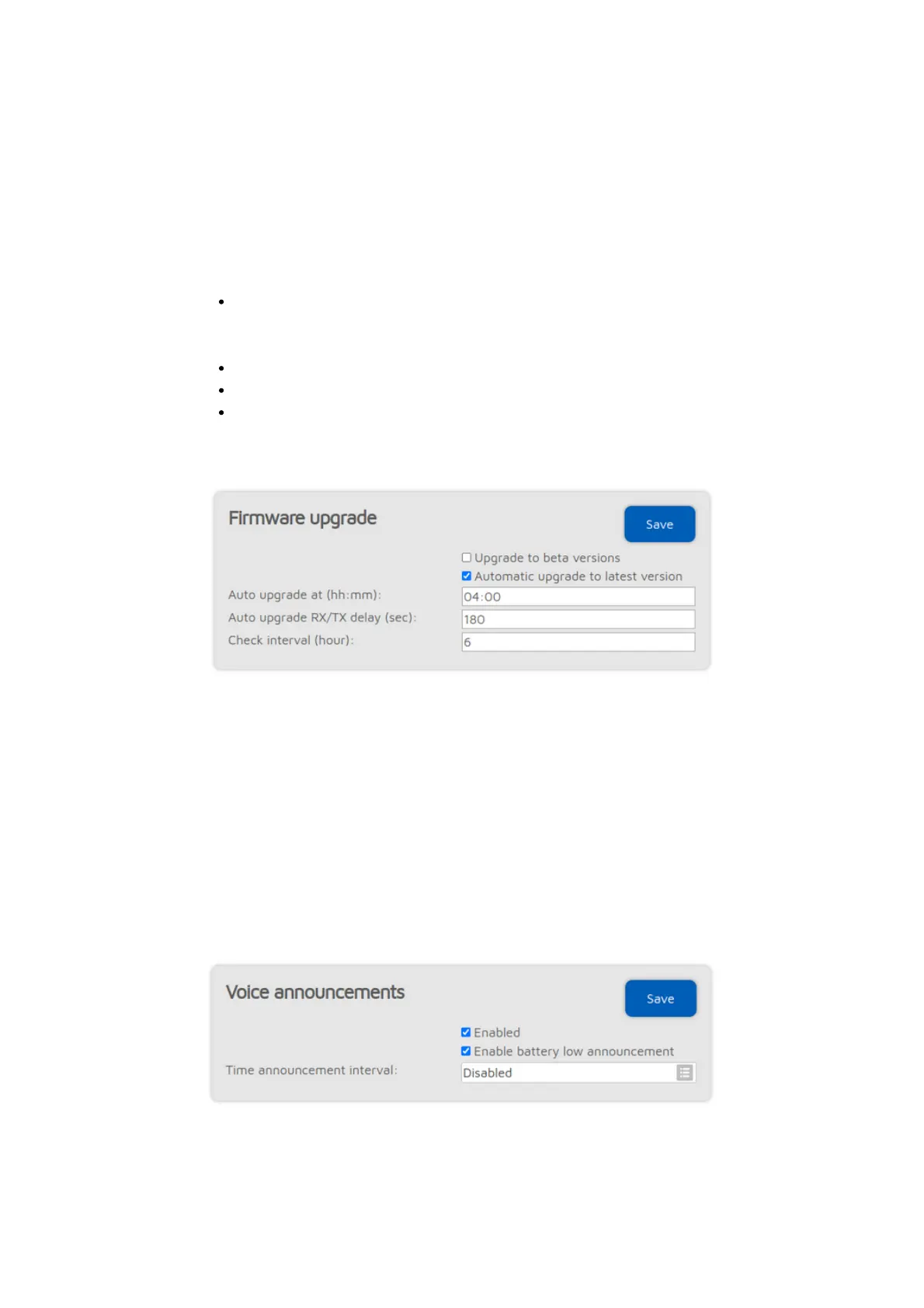
Firmware upgrade
The openSPOT4 will automatically check for firmware upgrades periodically, as
specified by the Check interval setting (only available if
Advanced mode
is
enabled). If Automatic upgrade settings are checked then the openSPOT4 will
automatically download and apply upgrades.
If a new firmware upgrade is available, downloading and applying the upgrade is
automatically scheduled for the (local) time set by the Auto upgrade at setting.
By default it's set to 4am next day. The upgrade will only be performed if there
were no calls received for at least Auto upgrade RX/TX delay seconds (this
setting is only available if
Advanced mode
is enabled).
Voice announcements
The openSPOT4 has a built-in voice announcement system. Some
announcements are played locally from the openSPOT4's built-in flash memory,
but some are played using our open source voice announcement server.



 To Next Page