First steps
Charging the battery
Connect the openSPOT4 to a USB power supply to start charging the battery.
The openSPOT4 is fully functional while it is charging.
Powering up
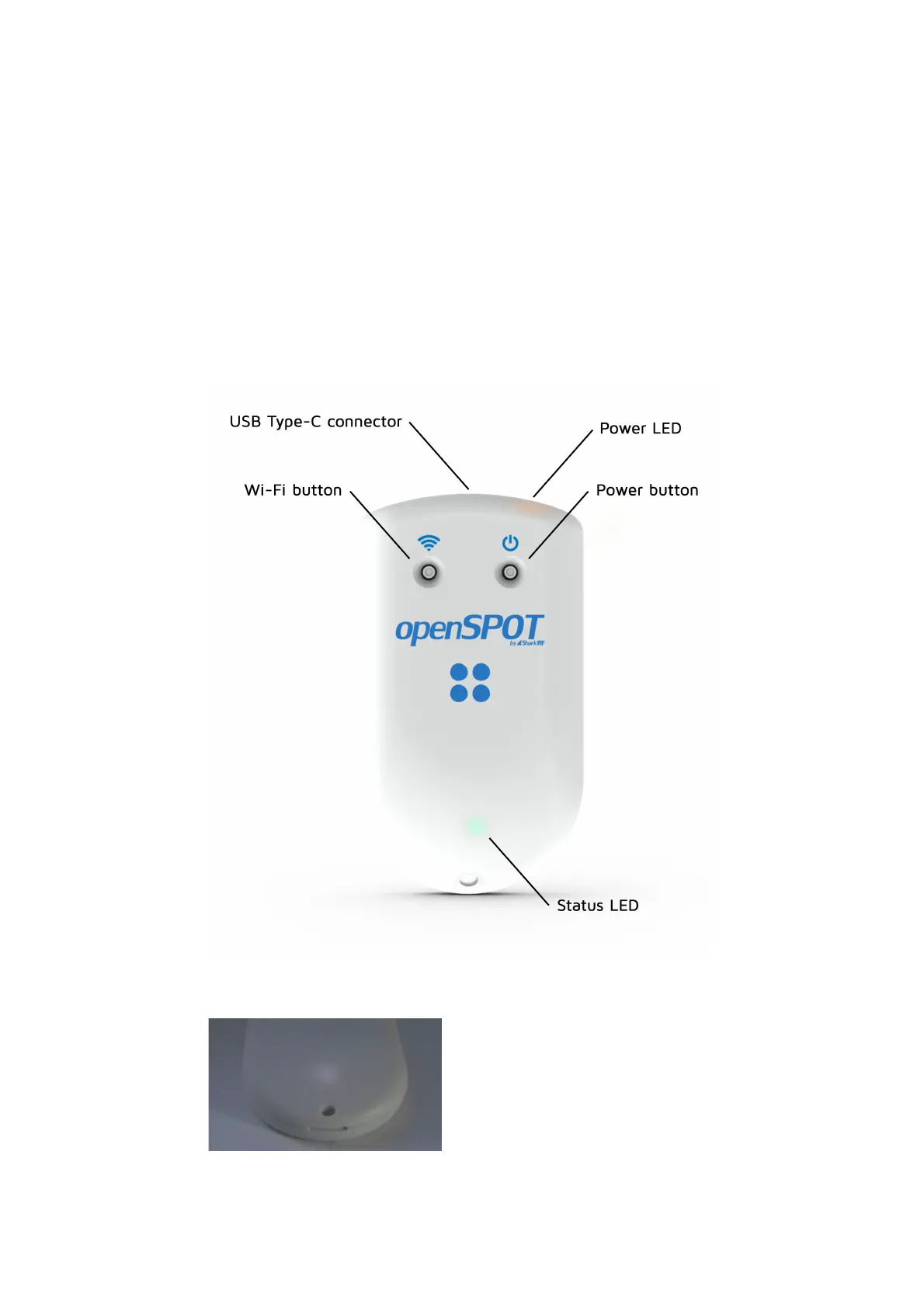
Power up the openSPOT4 by pressing the power button for at least 1 second.
If the device is running with the factory default configuration, then there's an
initialization running for about 5 seconds and the status LED is flashing white:



 To Next Page