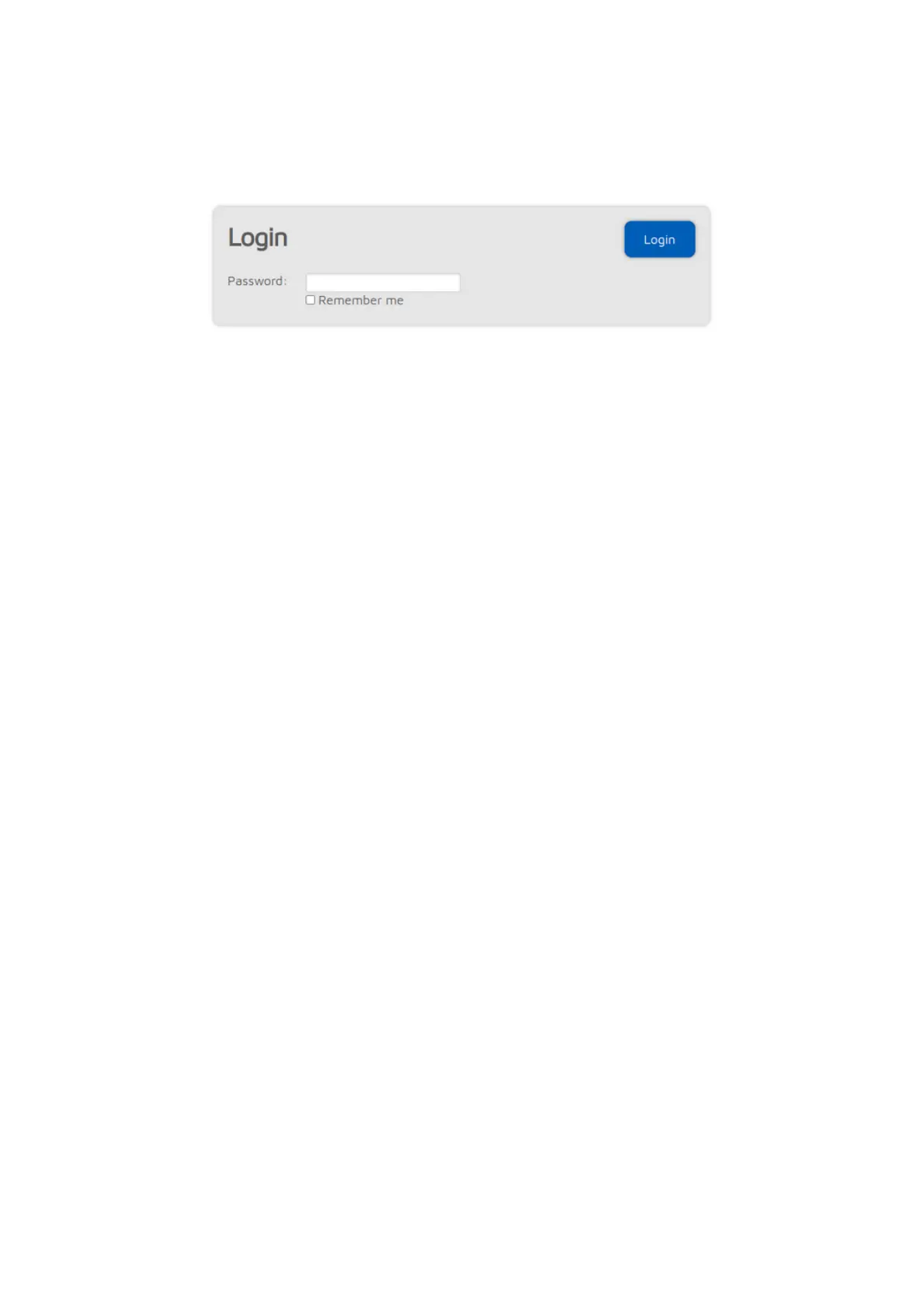
Login page
This is the page where you can log in to the web interface. The openSPOT4
does not have a web interface password by default, so the login page is not
displayed initially. You can set a login password on the Network page, Network
settings section.
If you check the Remember me checkbox, the openSPOT4 will not ask for a
login password until the device gets rebooted, or the browser forgets the login
cookie.



 To Next Page