If a message bubble is clicked then its callsign will be set as the message send
destination callsign.
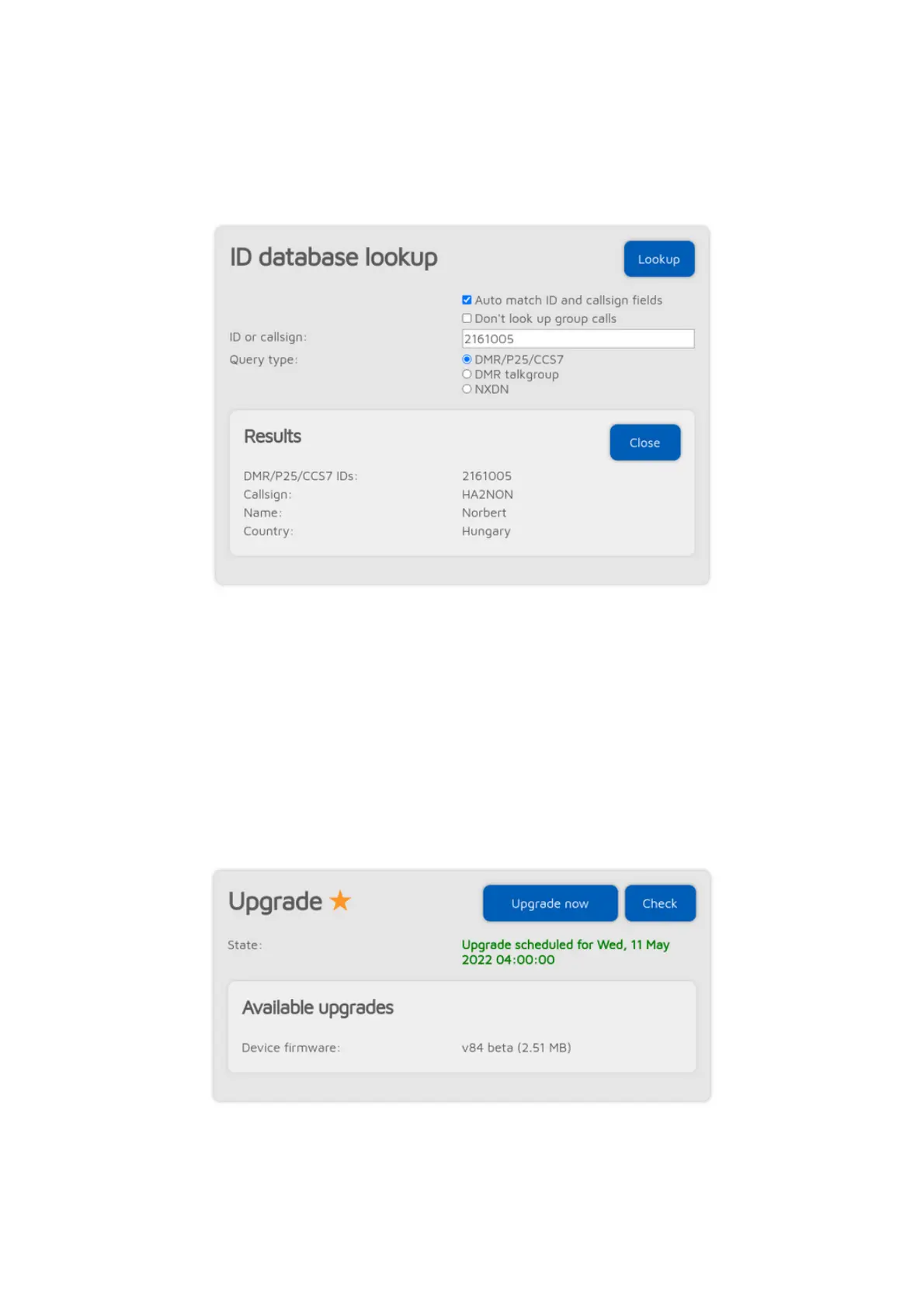
ID database lookup
You can look up IDs or callsigns and display information about them.
If the Auto match ID and callsign fields checkbox is checked, then all callsigns
and IDs will be matched when saving connector settings, and a warning will be
displayed if the entered callsign does not match the entered ID according to the
database. This is to prevent typos or invalid IDs when trying to connect to a
network, as most servers do not allow connections with invalid IDs or callsigns.
If the Don't look up group calls setting is enabled, then group call IDs won't be
looked up in the call log.
Upgrade
Information about firmware upgrades are displayed here. You can also request
an immediate upgrade availability check, and manually start the upgrade process
if auto upgrades are disabled on the Settings page, Firmware upgrade section.



 To Next Page