If the Allow only IDs as cross mode callsigns setting is enabled, and the
source callsign of a cross mode call has no associated ID in the database,
and also it can't be parsed into an NXDN® ID, then the call will be ignored.
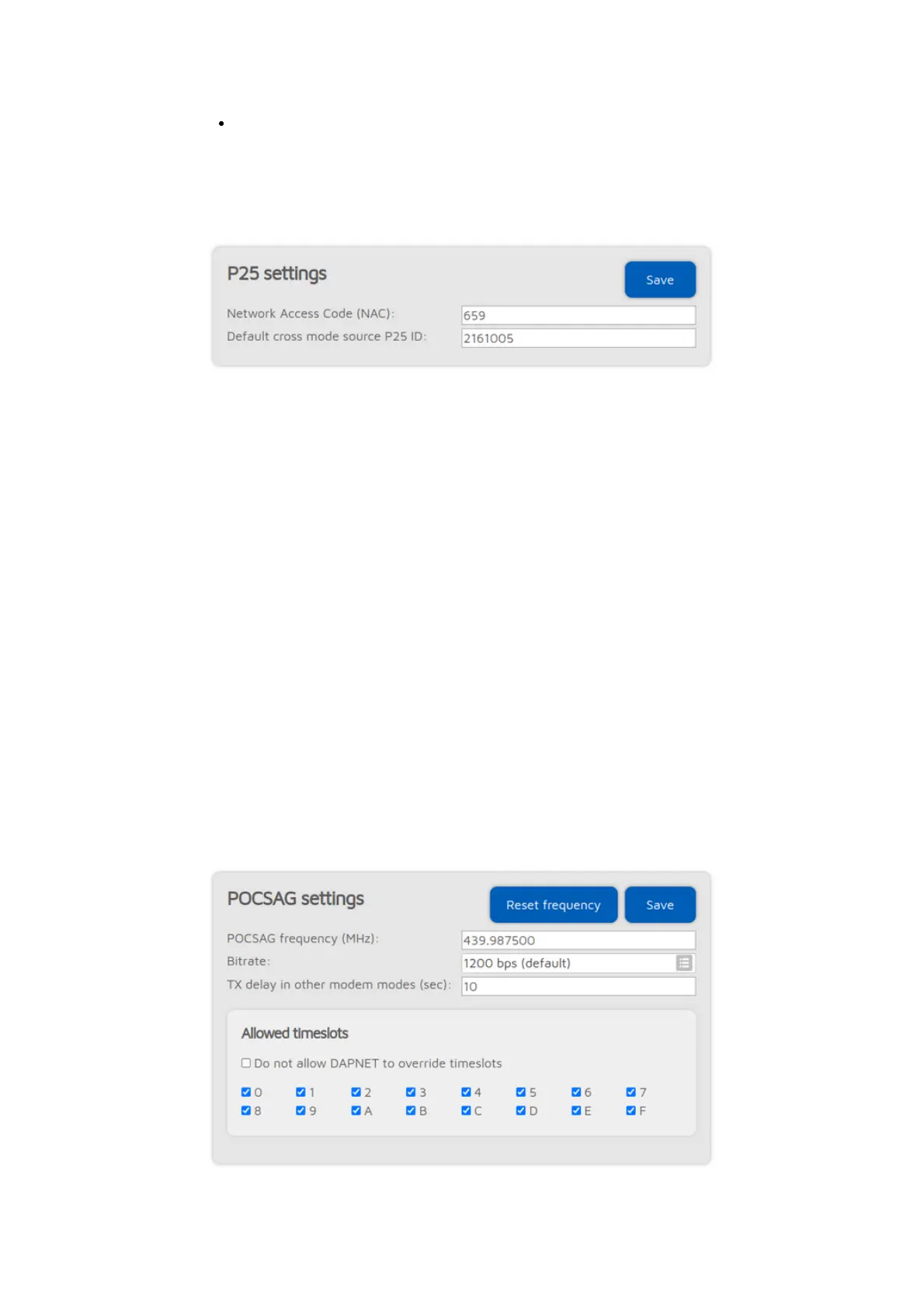
P25 settings
The modem will only process P25 calls with a matching Network Access Code
(NAC). Note that the openSPOT4 requires the NAC in decimal format
(example: if you have the NAC 0x293 in your radio then you have to enter 659
in the openSPOT4).
If the source callsign of a cross mode call has no associated DMR/P25/CCS7 ID,
and it can't be parsed into a number, then the Default cross mode source P25
ID will be used for the outgoing P25 call. If you are the only person using the
openSPOT4, set this to your DMR/P25/CCS7 ID, and then you don't need to
change the callsign of your radio to your DMR/P25/CCS7 ID.
If
Advanced mode
is enabled, the following settings show up:
If a call is received by the modem to the Echo ID, then the openSPOT4's built-
in local echo service gets activated. It will record the call and plays it back after
the call is finished. Both private and group calls are answered with a private
echo call reply.
If the Allow only IDs as cross mode callsigns setting is enabled, and the source
callsign of a cross mode call has no associated ID in the database, and also it
can't be parsed into a DMR/P25/CCS7 ID, then the call will be ignored.
POCSAG settings



 To Next Page