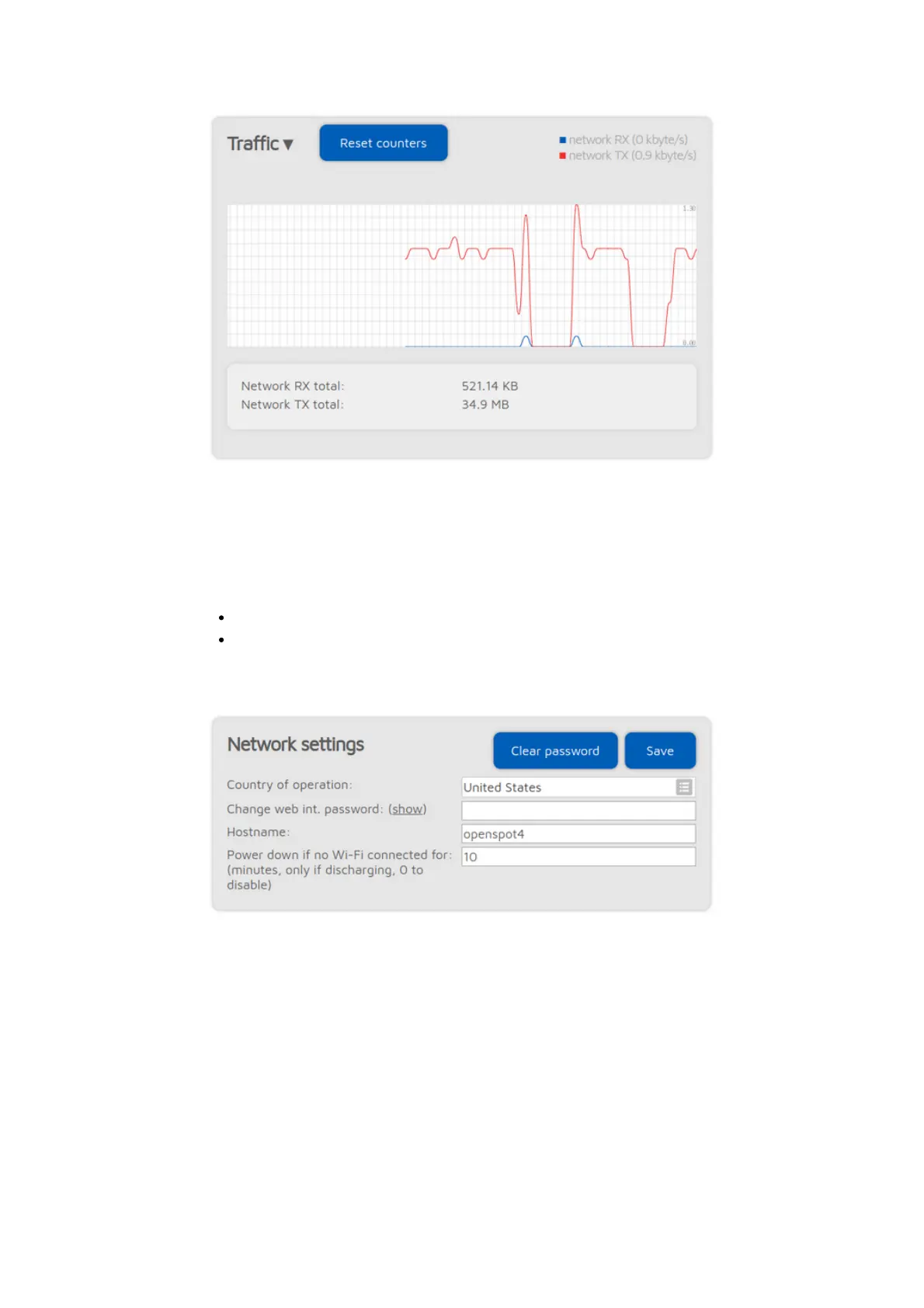
The traffic graph can be shown by clicking on the arrow at the top of the Traffic
section. Values displayed are rough estimates, and are based on the currently
active connector's traffic.
The openSPOT4 uses very little internet traffic. Depending on the active
connector, the data rate estimates are as follows:
Quiet channel is 36-180 kB / hour
Active channel is 3-6 MB / hour
Network settings
The web interface of the openSPOT4 is not password protected by default,
which means anyone on the local network can open it. You can set a password
by entering it in the Change web int. password input field. To reset the original
behavior and clear the password, click on the Clear password button.
The Hostname is used by openSPOT4's built-in LLMNR and MDNS server which
means you'll be able to open the web interface by entering http://hostname/ or
http://hostname.local/ into the browser. The hostname is also displayed at the
top right corner of the web interface. If you have multiple openSPOT4s on the
same network, make sure you use different hostnames for each of them.
The following settings are only available if
Advanced mode
is enabled.



 To Next Page