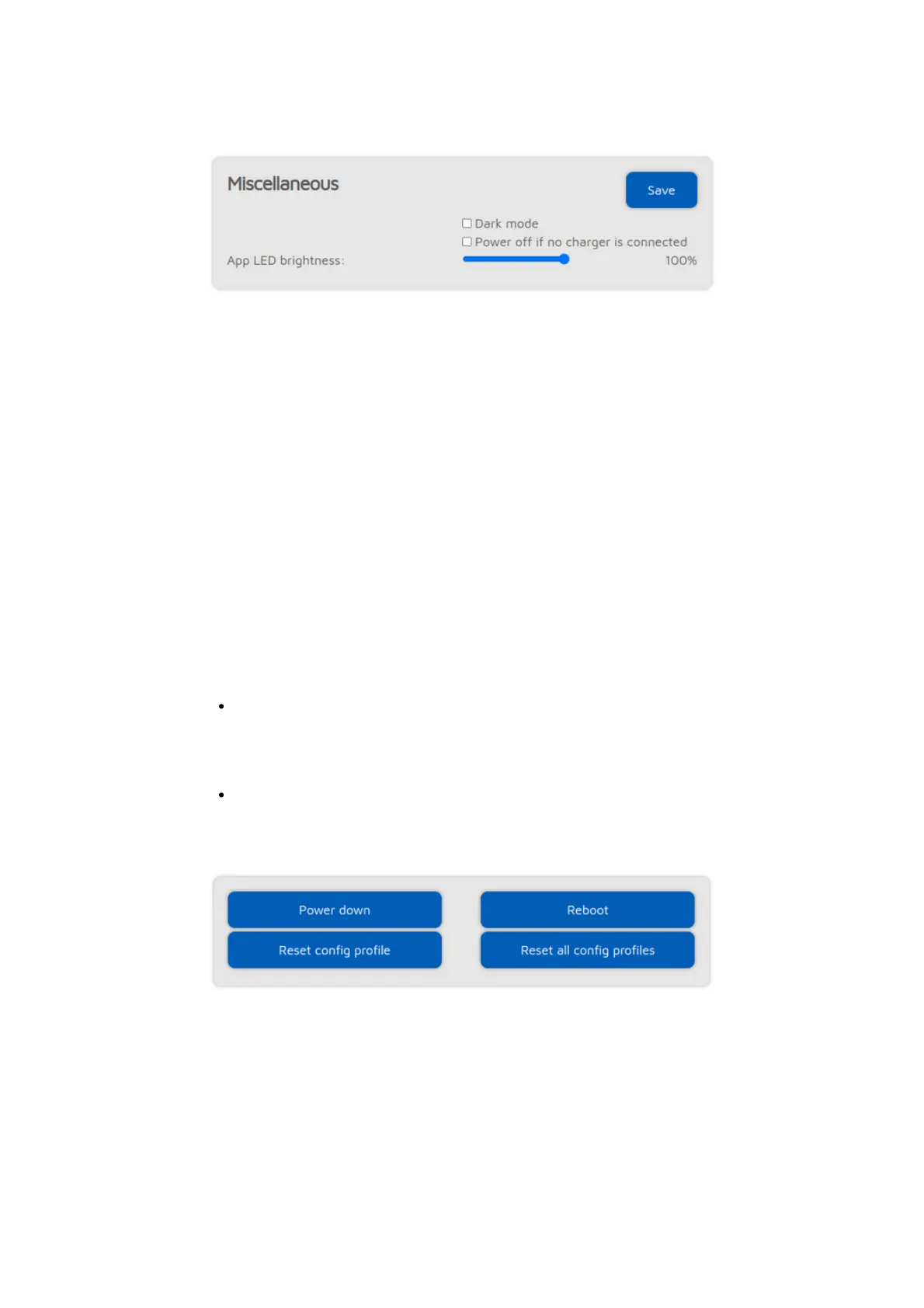
Miscellaneous settings
You can enable Dark mode here.
Enabling the Power off if no charger is connected setting is useful if the
openSPOT4 is installed in a vehicle, as the device will follow the USB power
status (it will turn off if USB power is lost and it will turn on if USB power is
restored).
If the Disable fast battery charging setting is enabled, then the battery is
charged with a lower current.
Checking the Disable callsign-ID database queries setting is useful if the
openSPOT4 is used in a network where internet access is disabled. This
prevents the openSPOT4 from trying to get a callsign for an ID or vice versa
from the SharkRF callsign-ID database.
If the Unlink when power button pressed 3 times setting is enabled (this is
only visible if
Advanced mode
is enabled), and the power button is pressed 3
times quickly, then the openSPOT4 will do the following instead of beeping the
currently active profile number and name in morse code:
If the Homebrew/MMDVM® connector connector is active, then a quick call
will be started to TG4000 to make the server unlink any linked dynamic
talkgroups, and if the connector is connected using the Homebrew protocol,
then a call interrupt command will also be sent to break any ongoing calls
In case any other connector is active, the Null connector will be activated
You can also set the Status LED brightness with the slider. The new brightness
setting will be only applied at the next LED state change.
There are also buttons for turning off/rebooting the device or resetting the
config profile.



 To Next Page