Factory reset
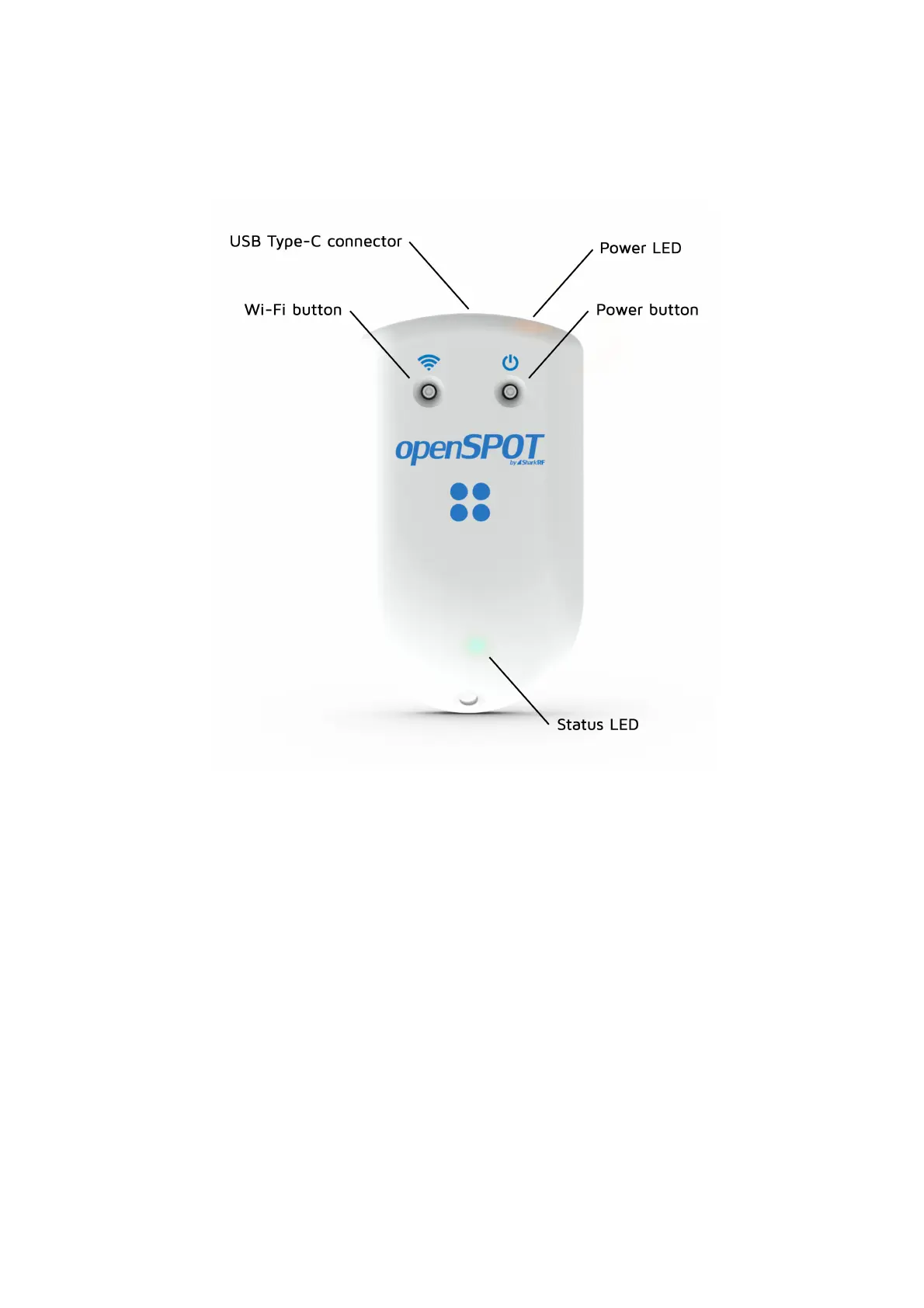
Hold the Wi-Fi button for 30 seconds to perform a full factory reset. In this
case all configuration profiles will be cleared.
Please only use your fingers, or a ballpoint pen to press the buttons. Don't
use sharp items like a needle!
Factory reset using the web interface
The openSPOT4 can be reset to factory defaults if you click on the Reset all
config profiles button at the bottom of the Settings page, or you hold the Wi-Fi
button for at least 30 seconds (until the LED turns off, and the openSPOT4
reboots). These methods will reset all configuration profiles to the default
settings.
If you only want to reset the active configuration profile to defaults, you can use
the Reset config profile button at the bottom of the Settings page, or you can
enter the cfr USB serial console command.



 To Next Page