Setting location data is optional. It is used by some connectors like the
Homebrew/MMDVM® to report the location of the openSPOT4 to the
connector's network.
The Fill with GeoIP button queries a GeoIP database to fill the location
information based on the current external IP address of the browser.
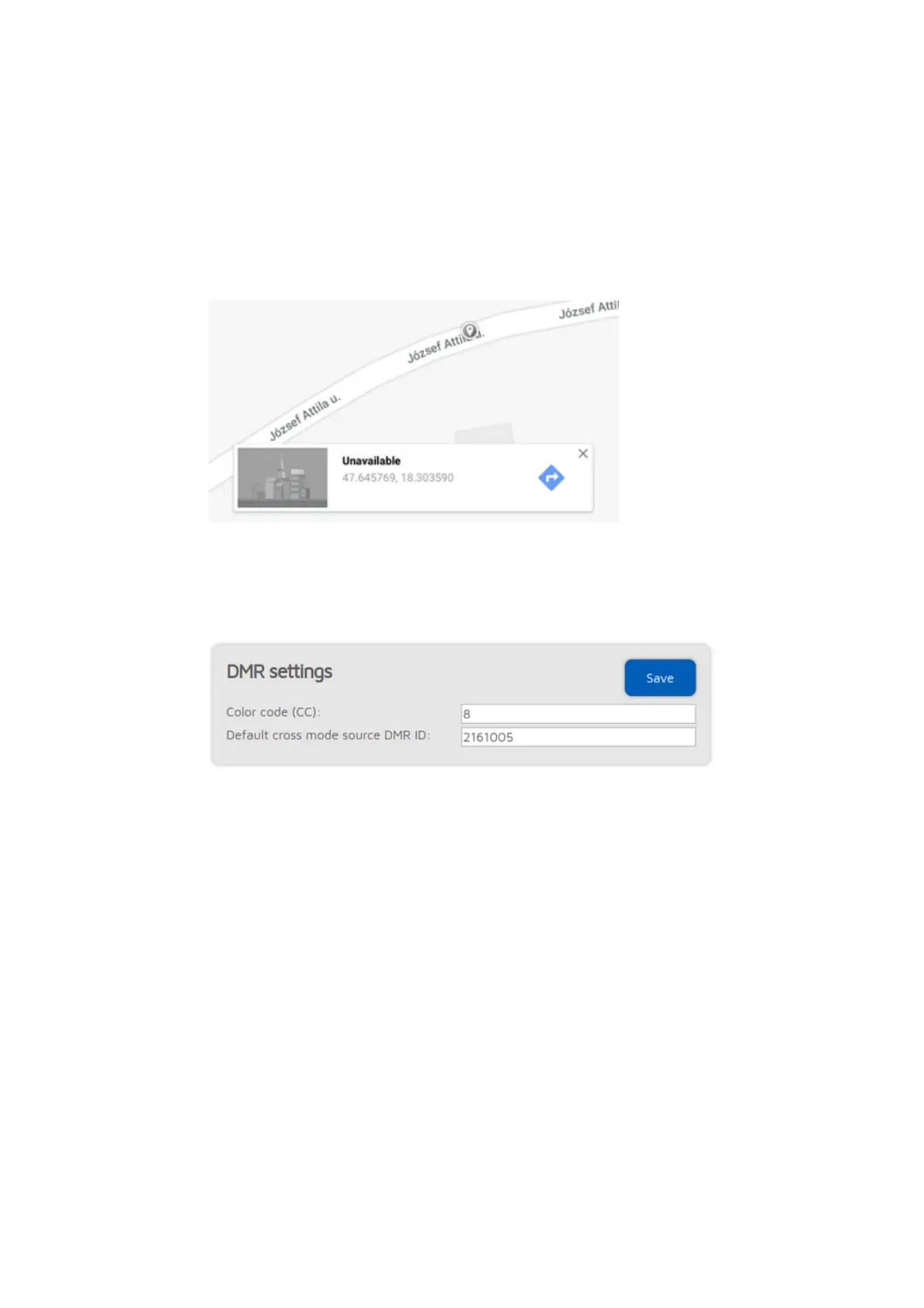
Latitude and longitude is in decimal degrees. Google Maps will display a
location's coordinates in decimal degrees if you click on it:
Both height values refer to the height of your openSPOT4 (they are used
separately).
DMR settings
The modem will only process DMR calls with a matching Color code.
If the source callsign of a cross mode call has no associated DMR ID, and it can't
be parsed into a number, then the Default cross mode source DMR ID will be
used for the outgoing DMR call. If you are the only person using the
openSPOT4, set this to your DMR ID, and then you don't need to change the
callsign of your radio to your DMR ID.
If
Advanced mode
is enabled, the following settings show up:
If a call is received by the modem to the Echo ID, then the openSPOT4's built-
in local echo service gets activated. It will record the call and plays it back after
the call is finished. Both private and group calls are answered with a private
echo call reply.
If the Allow only IDs as cross mode callsigns setting is enabled, and the source
callsign of a cross mode call has no associated ID in the database, and also it
can't be parsed into a DMR ID, then the call will be ignored.
If the Force source ID from modem is set to other than 0, the source DMR ID of
all voice calls received by the modem will be replaced with this ID.



 To Next Page