Please see the About the dejitter queue section of the user manual for more
information on the Dejitter queue length setting.
The openSPOT4 can send its log to a syslog server set by the Syslog server
field. Check the Send log to syslog server checkbox to enable using the syslog
server.
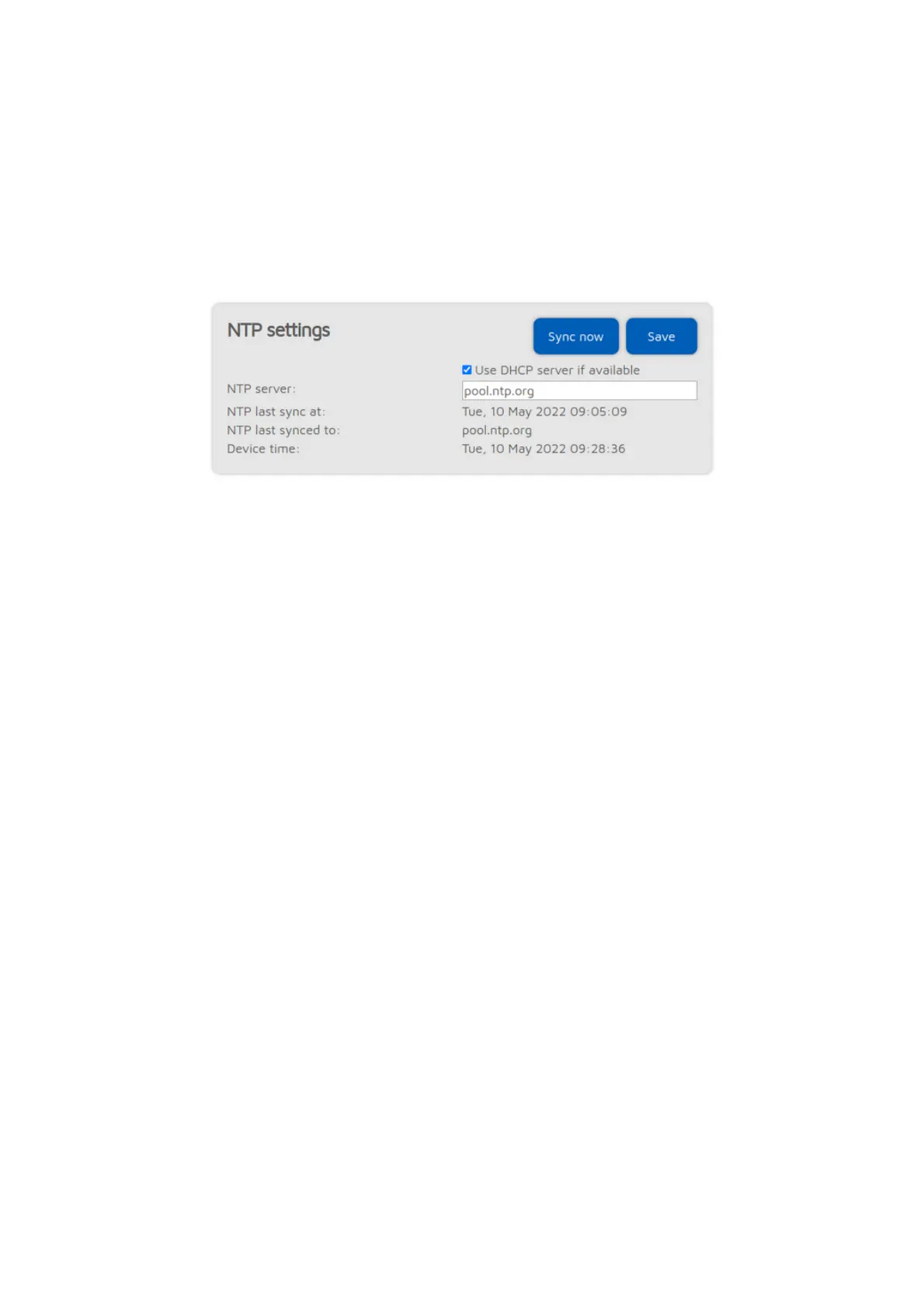
NTP settings
This section is only available if
Advanced mode
is enabled.
The openSPOT4 synchronizes date and time using the Network Time Protocol
(NTP). By default, the NTP server advertised by the Wi-Fi network's DHCP
server is used for synchronizing, but if the DHCP server does not advertise an
NTP server, the host set at the NTP server setting will be used.
Note: The web interface loads the time from the openSPOT4 only when the
web interface is opened. After that, the browser is updating the displayed clock
and if the browser, or the web interface's browser tab is sent to the background
then the time will be updated more irregularly due to the browser's CPU power
saving mechanism. This causes the displayed openSPOT4 device time to be
incorrect, but this does not affect the openSPOT4's clock, it will stay correct.
Reload the web interface to make the displayed time accurate again.
Wireless settings



 To Next Page