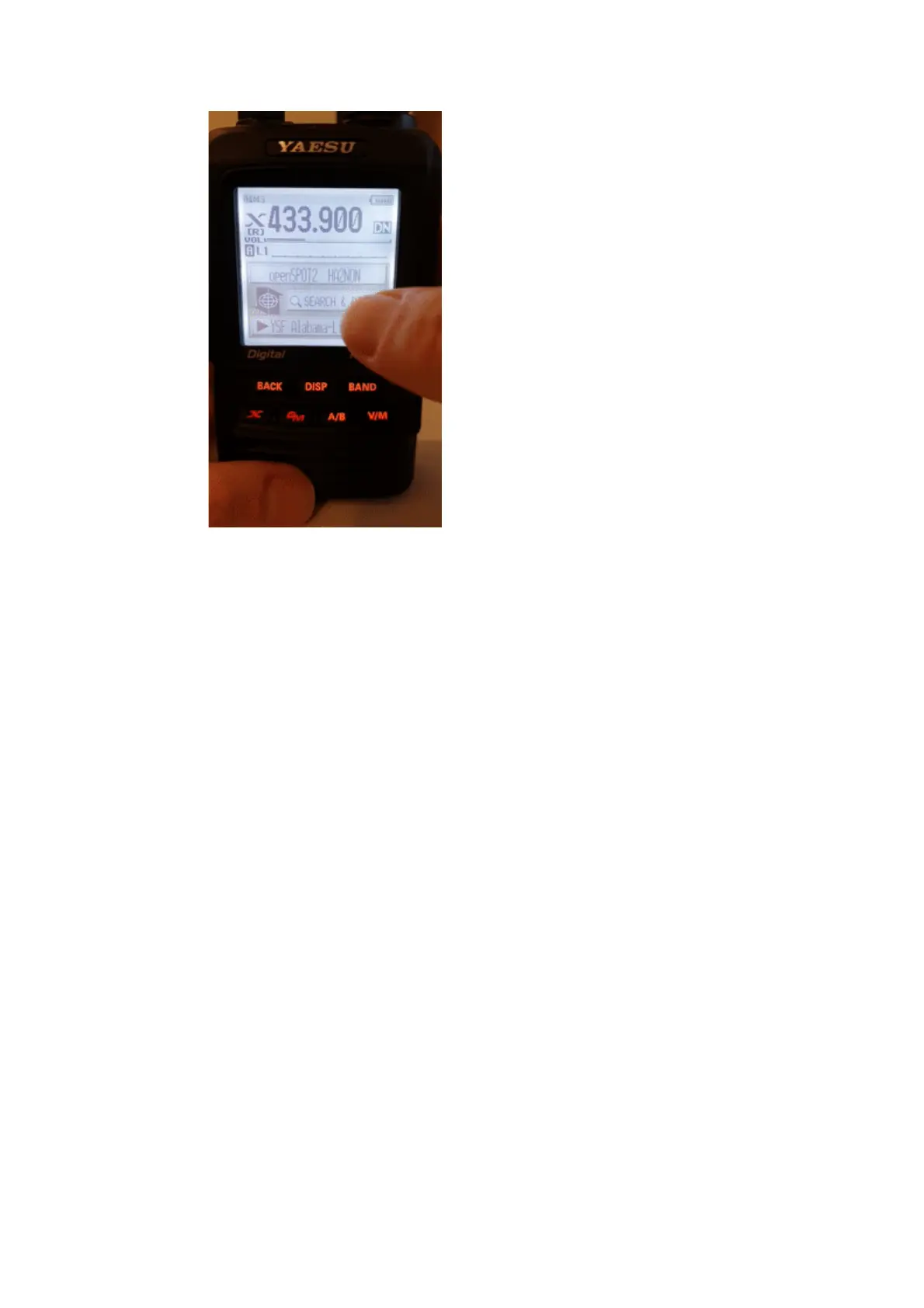
The first 5 entries will be your openSPOT4's configuration profiles. The list will
contain the servers of the currently active connector. In case the currently active
connector does not have a server list (ex. the Null connector), YSFReflector
servers will be listed. To switch to an entry, select it using the dial and press
PTT for a short time (or just tap on it in case you have a touch display).
Note that the openSPOT4 does not check server online count, that's why it is 0
for all servers. The reason is that it also supports connecting to cross mode
servers using the X button, not just YSFReflectors.
Searching for servers
You can search in the server list by selecting the Search & Direct option and
then selecting the Search & Direct button.



 To Next Page