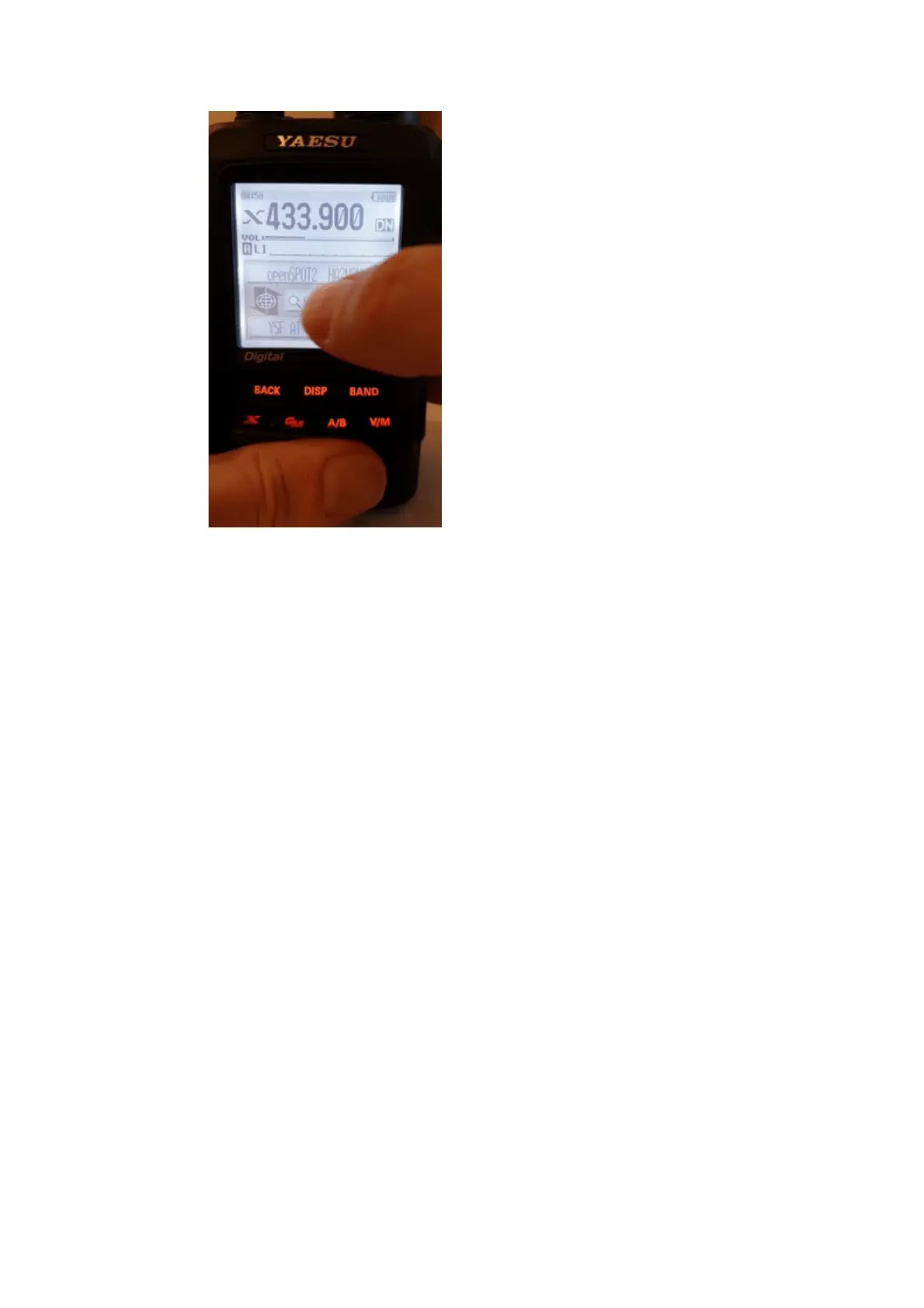
You can enter a part of the server name. All matching servers will be listed. To
switch to a server, select it using the dial and press PTT for a short time (or just
tap on it in case you have a touch display).
Direct ID entry
You can connect to YSFReflector servers directly if you know the desired
server's ID. Select the Search & Direct option, then select the Search & Direct
button, then select the ID button. Enter the server ID and then select the ENT
button. Server IDs are 5 digit long, make sure you've entered all digits otherwise
the radio won't let you select the ENT button. Also make sure the ID starts with
a # character (not all transceivers enter the # before the ID automatically).



 To Next Page