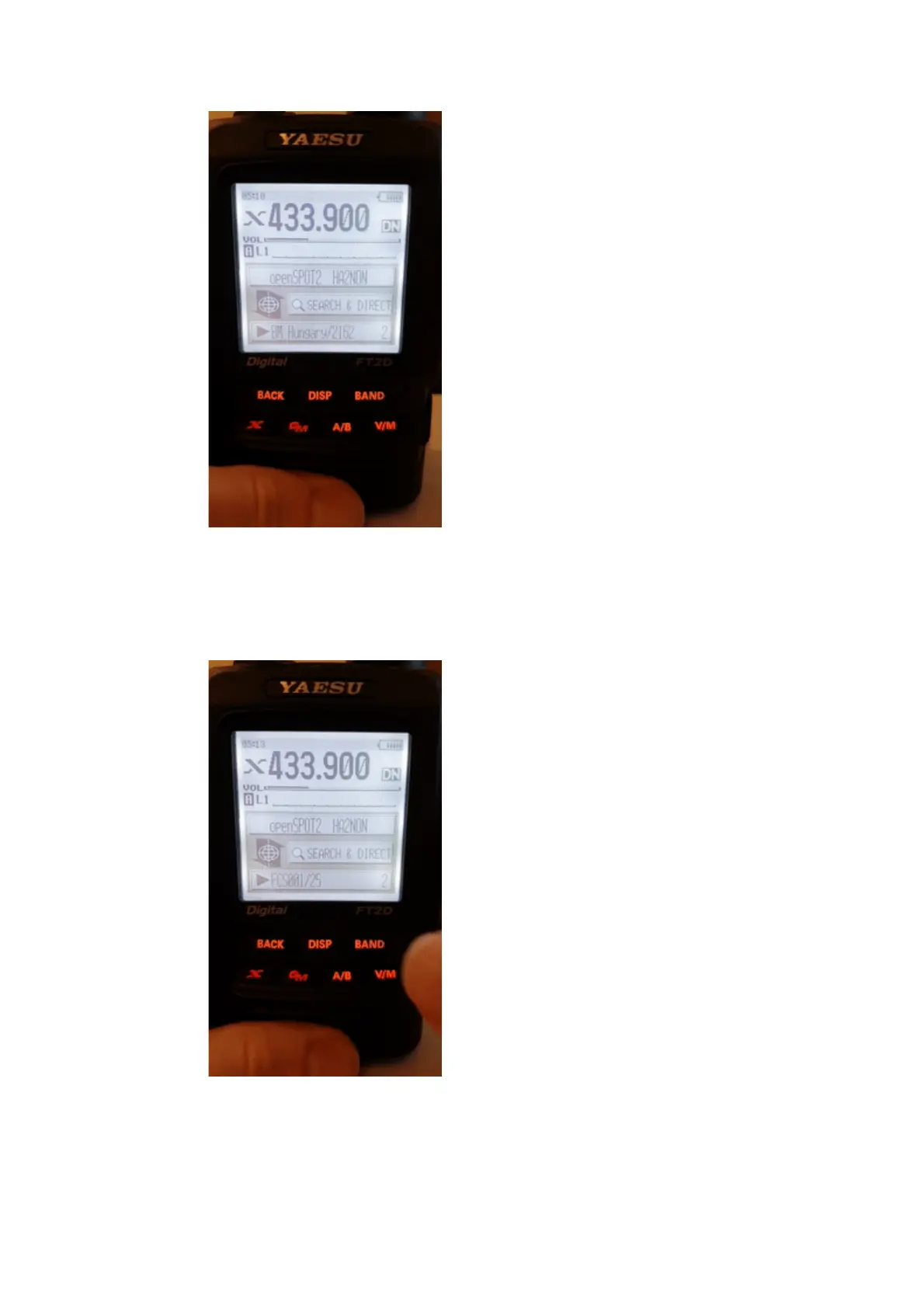
Recalling a server
Select the Search & Direct option, then select a category to list its saved
servers. To switch to a server, select it using the dial and press PTT for a short
time (or just tap on it in case you have a touch display).
Deleting/renaming
You can delete a server from a category in your radio's main settings menu.
Select the Wires-X option and then the Remove room/node option.



 To Next Page