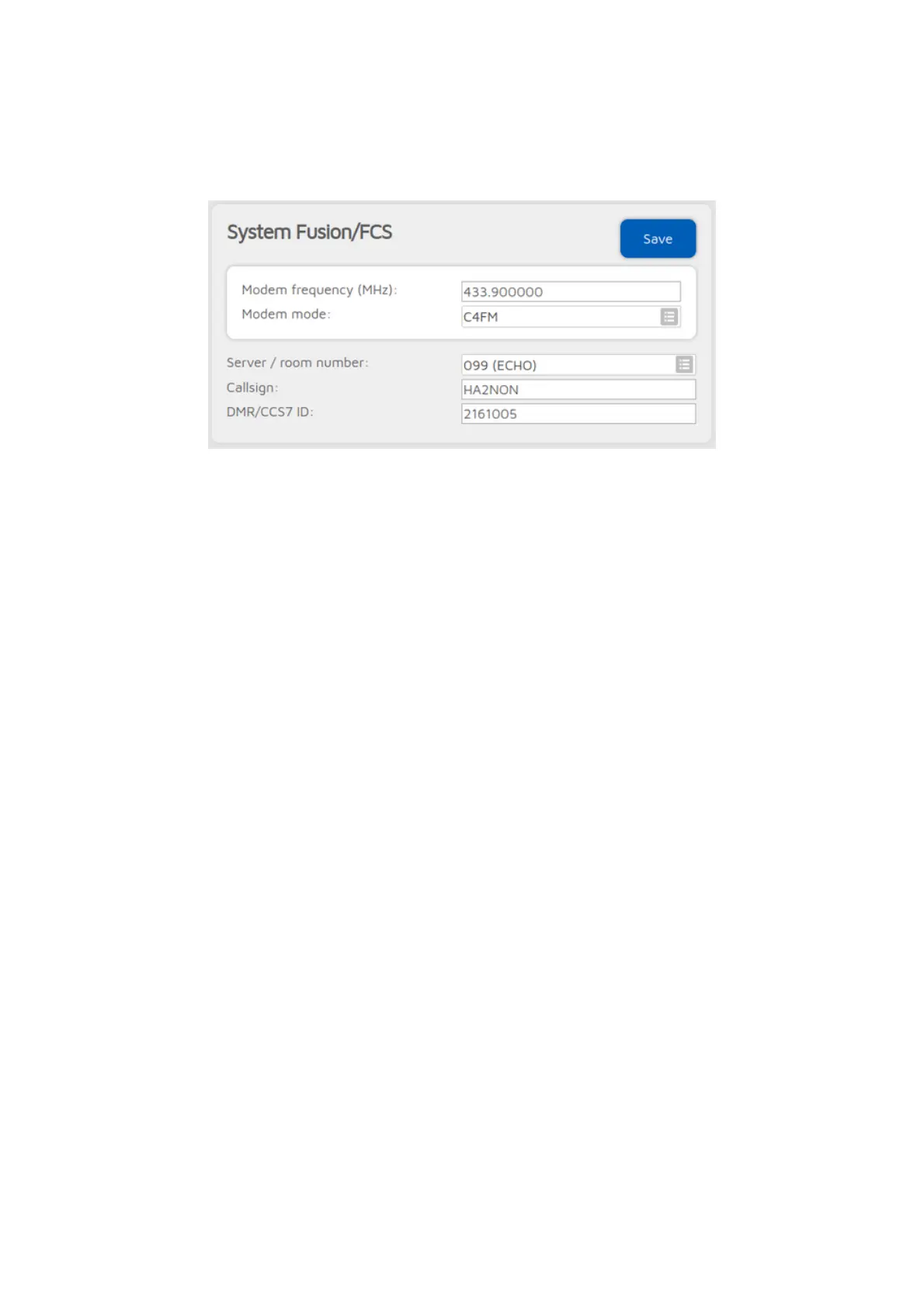
FCS connector
You can use this connector to connect to a network which supports the FCS
protocol like the FCS network.
The easiest way is to use the Quick setup to connect to these networks.
You can change rooms with your C4FM radio by entering the Special
command/cross mode private call DTMF code DTMF code (by default it's *) or
the Cross mode group call DTMF code] (by default it's #) followed by the special
ID described below.
You can also use the Wires-X® button menu of your C4FM radio to
select/search for servers.
Advanced settings
If you enter IDs into the DGID list, then they will be sent to the server. The
server will link the specified DGIDs/rooms if it supports this functionality. Note
that the server may override the Room number setting if the DGID list is not
empty.
Cross mode usage
The FCS connector is a C4FM connector, but it supports DMR, NXDN® and P25
cross modes, and D-STAR® with the openSPOT4 Pro.
Server and room change using a DMR, NXDN® or P25 radio
You can change servers and rooms using your DMR, NXDN® or P25 radio with a
private call to a special ID described below.
You can switch the cross mode DGID sent to the network by making a short
group call to 4000 + the desired DGID number. For example, if you want to set
the cross mode DGID to 25, start a short group call 4025. To reset the DGID to
0, start a short group call to 4000.



 To Next Page