98
■
Foldernameselecting
Procedure
(1) Select “3 FOLDER CONTROL” in the SD CARD mode and press the
A
key, the FOLDER
CONTROL window is displayed.
(2) Select “2 SELECT FOLDER” and press the
A
key, the folder name list window is displayed.
(3) Select the required folder name from the list, and press the
A
key.
To cancel the operation, press the
a
key.
■
Datasaving
The sales data or programming data can be saved to the SD card.
Procedure
(1) Select “1 SAVING” in the SD CARD mode and press the
A
key, the following data list window is
displayed.
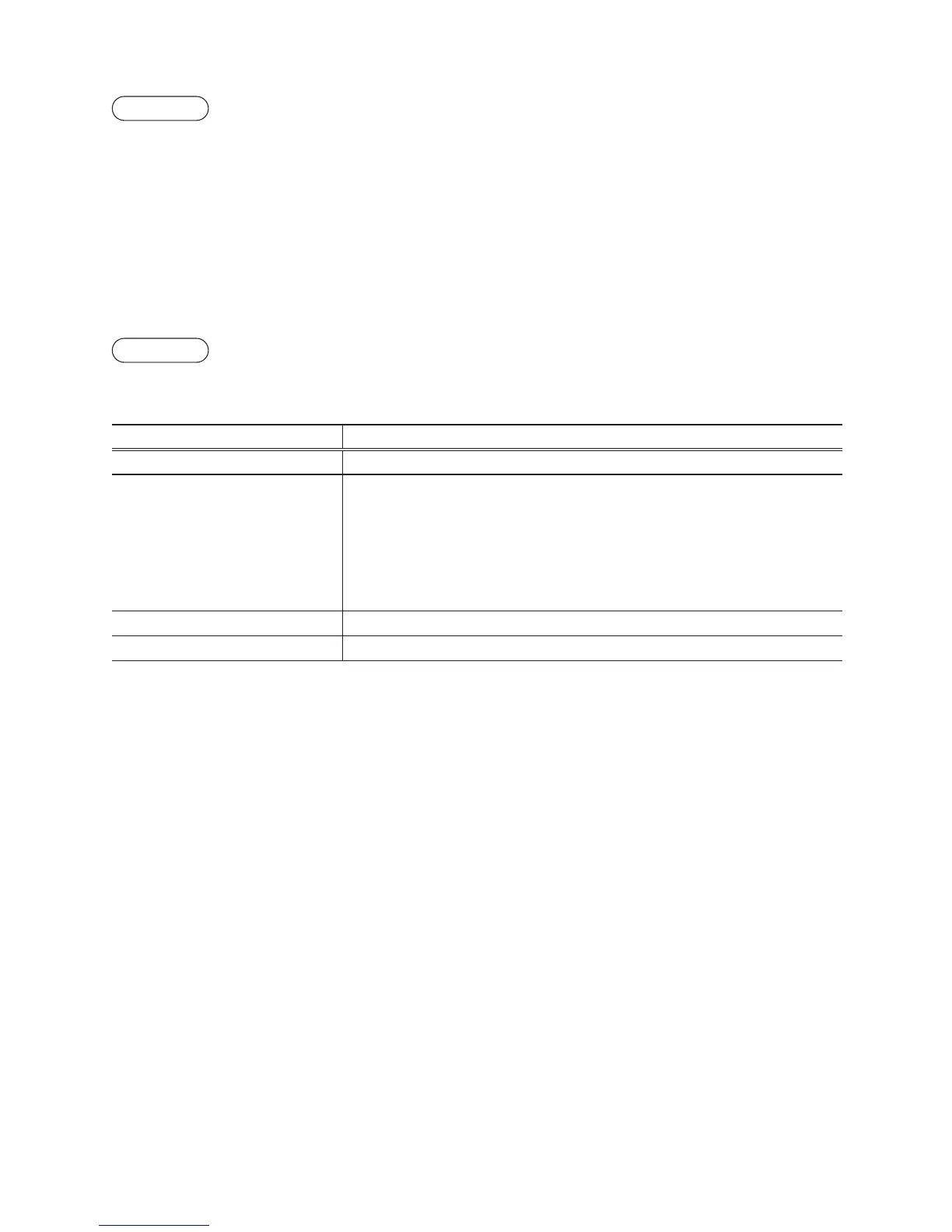
Item Data list
SALES DATA Sales data (CSV format)
IND. PROGRAM
Select the individual programming data:
DEPARTMENT
PLU/UPC
CLERK
GRAPHIC LOGO
LOGO TEXT
TAX
ALL PROGRAM All programming data
ALL RAM DATA All RAM data
(2) Select the data menu from the list and press the
A
key, the conrmation window is displayed.
To save the required data le, select OK and press the
A
key.
To cancel the operation, select CANCEL and press the
A
key.



 To Next Page