72
•FOOTER(Usetheselectiveentry)
ALL: Print the footer in any media
BY MEDIA: Print the footer by media
•0AMTPLU(Usetheselectiveentry)
When the PLU unit price is 0, printing the amount is:
TEXT ONLY: Print the text only
NORMAL: Print the price and the text
•ITEMJOURNAL(Usetheselectiveentry)
ALL: Print all items on journal
SELECT: Print the selected items other than “+”
dept./PLU/UPC on journal (summary journal)
•LOGOONJOURNAL(Usetheselectiveentry)
YES: Print the logo text on journal
NO: Not to print the logo text on journal
•CONV.SHORTTEND(Usetheselectiveentry)
PRINT: Print subtotal after short tendering by currency conversion
NOT: Not to print subtotal after short tendering by currency conversion
•GSTVATPRINT(Usetheselectiveentry)
YES: Print the tax when the GST is VAT
NO: Not to print the tax when the GST is VAT
■
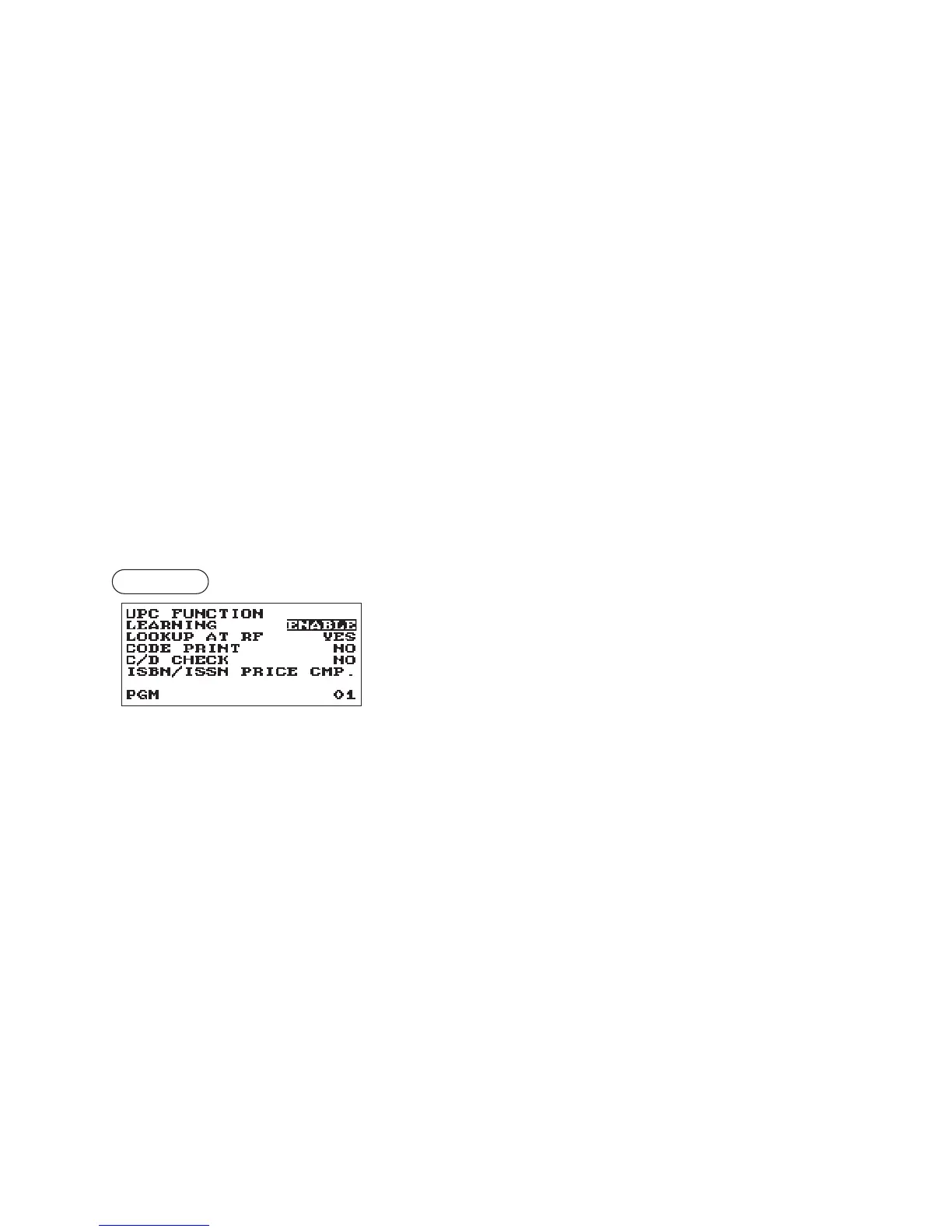
UPCFunction
Procedure
Program each item as follows:
•LEARNING(Usetheselectiveentry)
ENABLE: Enables the UPC learning function
DISABLE: Disables the UPC learning function
•LOOKUPATRF(Usetheselectiveentry)
YES: Enables to look up the price at refund entry of PLUs/UPCs
NO: Disables to look up the price at refund entry of PLUs/UPCs
•CODEPRINT(Usetheselectiveentry)
R&J: Print the UPC code on receipt and journal
J: Print the UPC code on journal
R: Print the UPC code on receipt
NO: Not to print the UPC code
•C/DCHECK(Usetheselectiveentry)
YES: Check the check digit of UPC codes at entries
NO: Not to check the check digit
•ISBN/ISSN(Usetheselectiveentry)
PRICE CMP.: Compulsory the price entry after ISBN or ISSN code
INHIBITED: Inhibited the price entry after ISBN or ISSN code



 To Next Page