15
HELPFunction
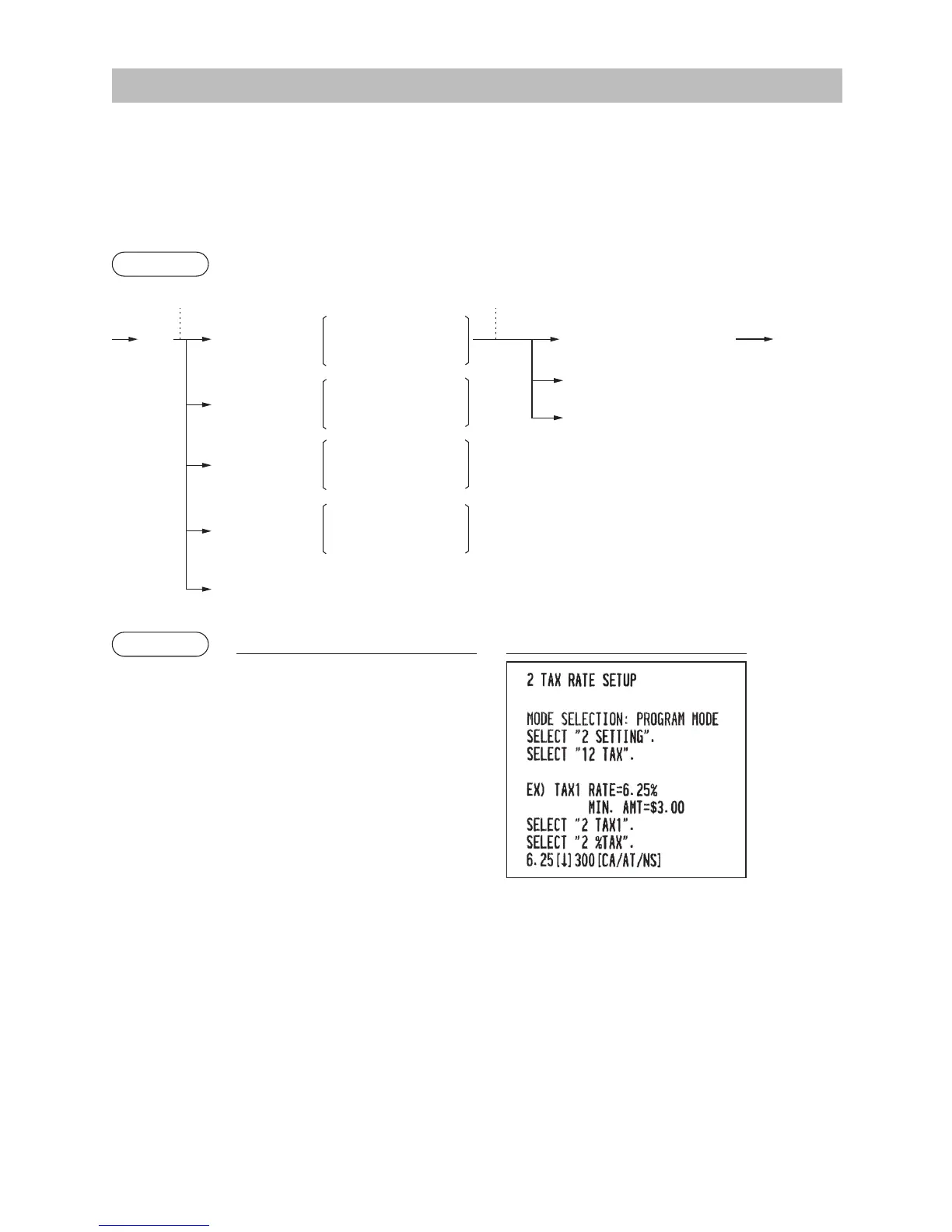
The HELP function allows you to print guidance messages for basic operation procedure of the register.
■
TheHELPmenuandguidancemessages
Press the
H
key to display the operation menu. This menu provides a list of the procedures for which you
can perform it or print the guidance messages.
Procedure
Example
Keyoperation Print
H
1
2
HELP menu list 1 DATE/TIME
2 TAX
3 DEPARTMENT
4 LOGO
5 SALES REPORT
6 RECEIPT
7 CLERK
8 SD CARD
9 PC S/W INSTALL
1 HELP MENU
H
2 RECEIPT SW
3 SUPPLY INFO
4 SERVICE &
SUPPORT
To display the HELP
menu and print
guidance messages
To perform the
receipt ON/OFF
function
To print guidance
messages for the
supply information
To print guidance
messages for service
and support information
Entry of the menu no.
(using the numeric N key (N: 1 to 9))
a
To cancel
A
Selection of the function
(using the
I or F key)
a
To cancel



 To Next Page