AD.A module
User’s Manual, DU3310103-MRI / rev.3 - 02.05.2019
7-11
How setting the physiological respiratory parameters [PRF]
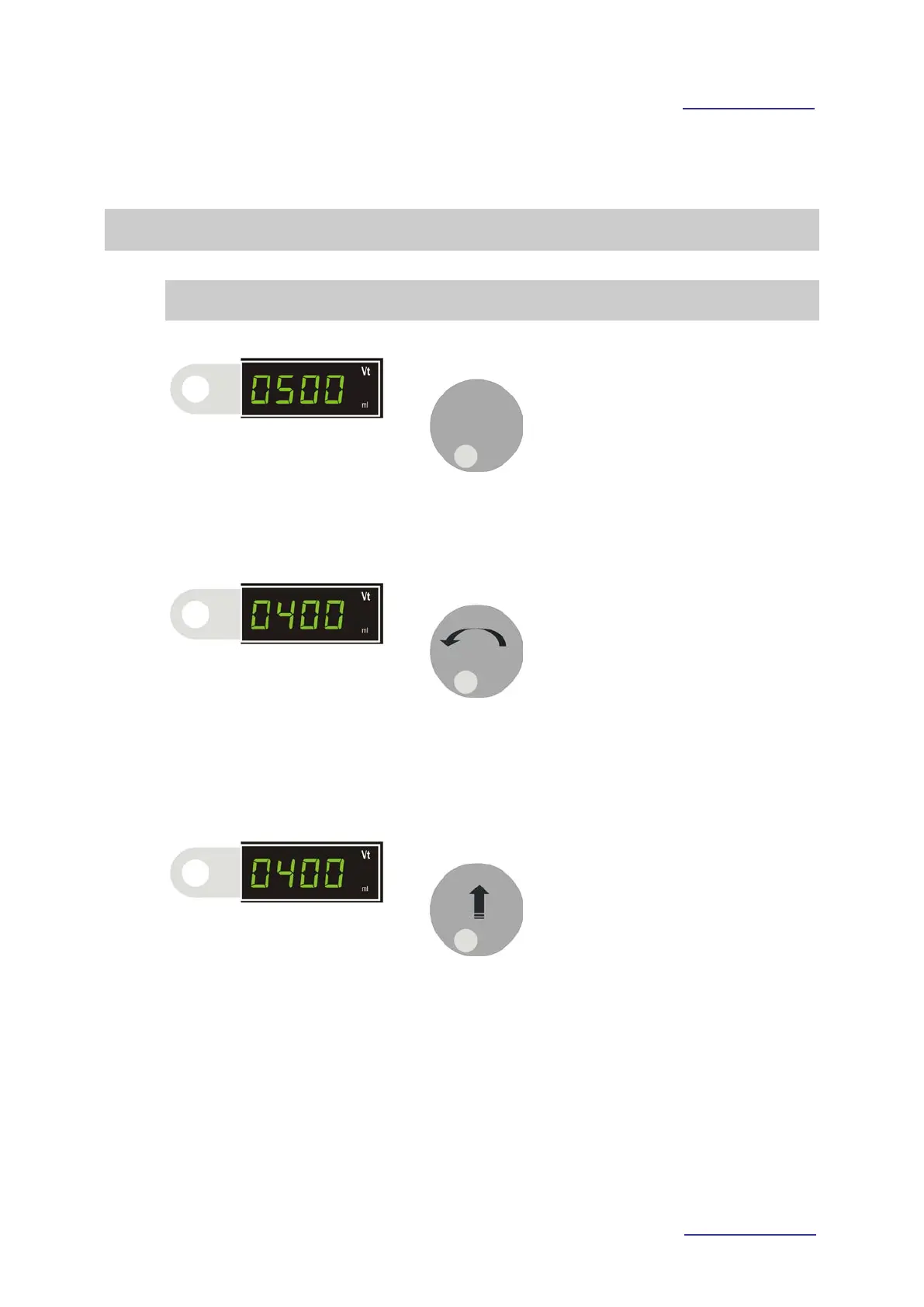
Example: Modification of Vt parameter
• Press the key alongside the parameter to be modified.
• The parameter value (
) will start flashing.
•
Turn clockwise (counter-clockwise) to increase (decrease) the
parameter value [ Vt ].
• The parameter value (
) is flashing.
•
Press the knob to confirm the selected value.
•
The parameter value ( 0400 ) DOESN’T flash.



 To Next Page