Operator control and monitoring
SIMATIC MV500
Operating Instructions, 03/2021, C79000-G8976-C494-05
145
Reader status and access status
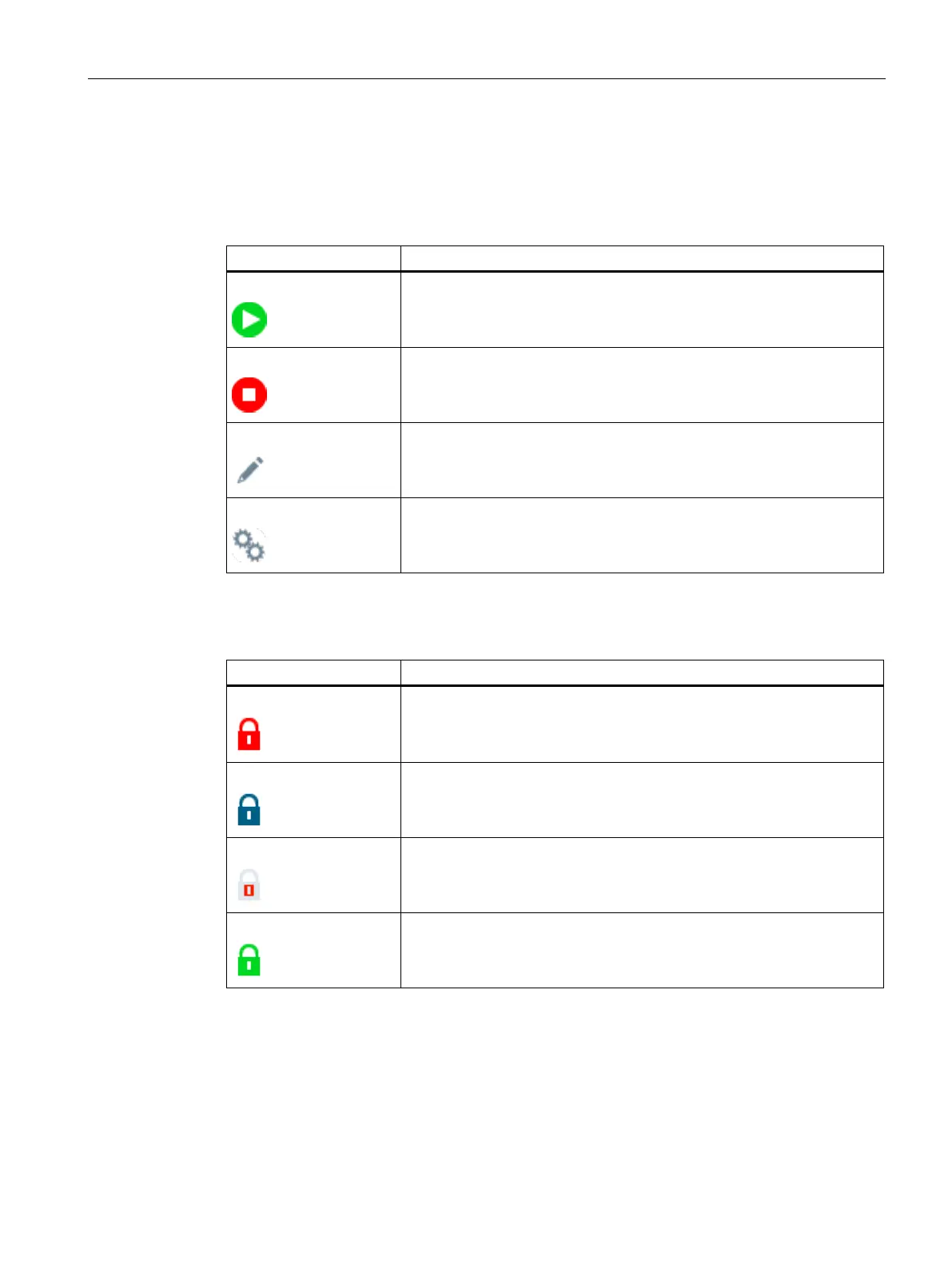
The reader status indicates the status of the reader at the current time.
Table 8- 1 Reader status
The reader has the status "Start". This means that the device is currently in
processing mode (RUN).
The reader has the status "Stop". This means that the device is currently
neither in processing mode nor in productive operation. There is no opera-
tion (STOP).
The reader has the status "Edit". This means that the device is currently in
edit mode and configuration changes can be made.
The reader has the status "Adapt". This means that the device is currently
in adaption mode. This mode is started either by the "READ" button or by
the "Full program" function in the program step "Overview > Auto-
adaption".
The access status indicates the status of the WBM at the current time.
Table 8- 2 Access status
With "Read-only" status, no operation is possible because the WBM of
another PC has control over the optical reader.
The user management of the WBM is active.
DISA is active. Operation is not possible in this status because an automa-
tion system is in control of the optical reader. Only users that have the
"Take control" right are capable of taking over control of the optical reader
from the automation system.
The currently logged on user has taken control of the optical reader. Dur-
ing this time, the connected controller cannot access the optical reader.



 To Next Page