Sirona Dental Systems GmbH 14 SIVISION 3 / SIROCAM 3 / SIROCAM C
C3
+
14.9 SIROCAM 3 / SIROCAM C integrated in the assistant element (PC)
59 06 404 D 3390
D 3390.201.01.18.02
109
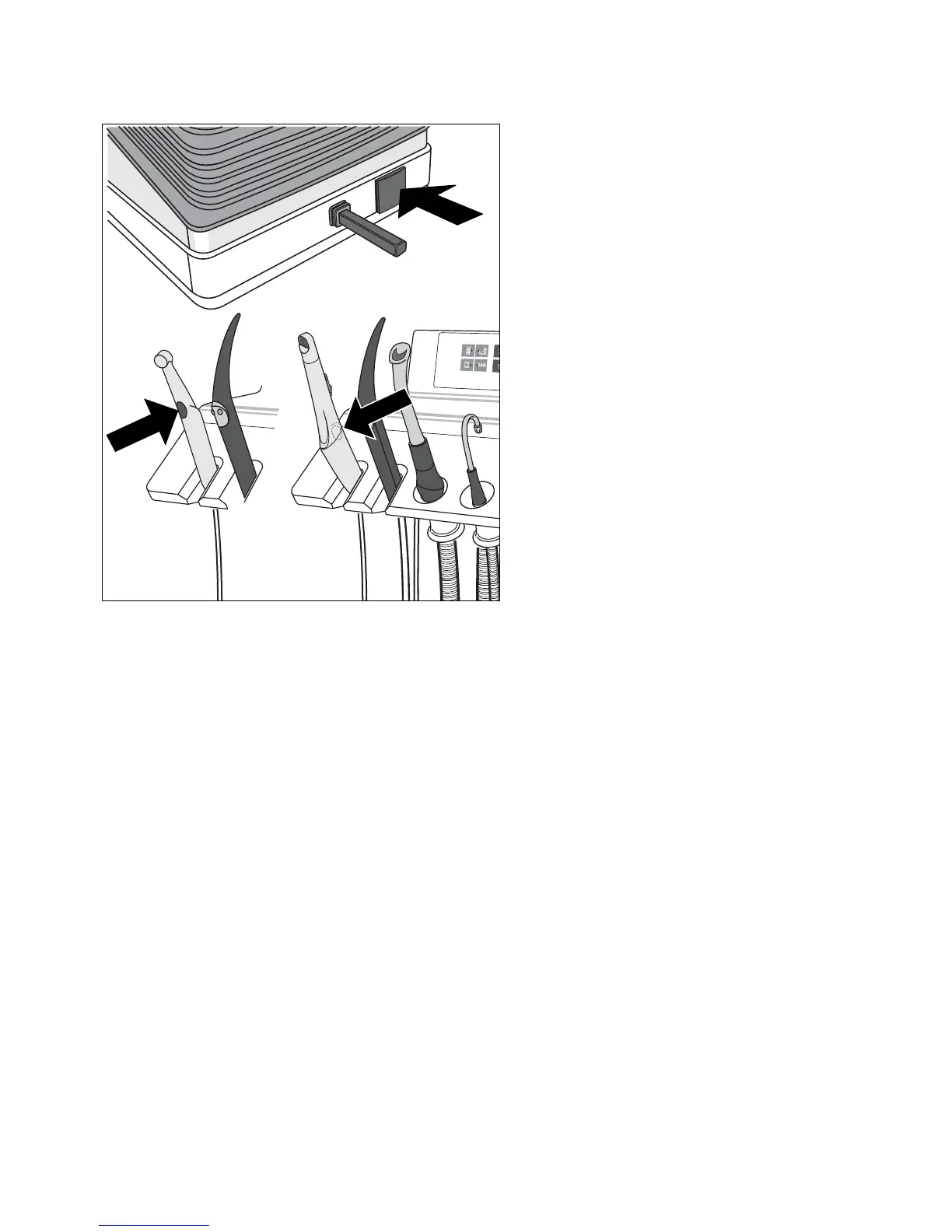
USING THE CAMERA BUTTON AND THE FOOT
BUTTON AS FUNCTION KEYS
The camera must be placed in its holder.
Further functions, such as WHITE SCREEN, BLACK
SCREEN or the SIDEXIS / VIDEXIS functions
Tile, Next Image, Full Frame, Zoom In, Zoom Out,
Rotate Image as well as other PC controls can be
assigned as desired to the camera button and the foot
button.
The factory settings as well as the configuration proce-
dure are described in the "PC Software for SIVISION 1/
2/3" Operator’s Manual.













 To Next Page