Sirona Dental Systems GmbH 11 Basic treatment center settings in the Mode dialog
C3
+
11.5 Mode: FC CONTROL MODE ON/OFF - VARIABLE
59 06 404 D 3390
D 3390.201.01.18.02
67
11.5 Mode: FC CONTROL MODE ON/OFF − VARIABLE
Direct starter or speed controller foot switch
Preselection of the foot switch control mode for instru-
ment start.
With direct starter (ON / OFF) presetting, the bar dis-
play always jumps immediately to the maximum value
when you step on the foot switch. You are working with
the displayed maximum value.
With speed controller foot switch (VARIABLE) pre-
setting, the bar display depends on the pedal position.
You are working in a range between 0 and the displayed
maximum value.
This setting can be chosen individually for user A
or B!
11.6 Mode: TIME − HOURS : MIN
Setting the time
Here you can set the time of day in hours and
minutes.
The hours display flashes first and can be adjusted with
the
– / + keys.
When you press the Mode key a second time, the
minute display starts flashing and can be adjusted in the
same way.
11.7 Mode: DAY : MON : YEAR
Setting the date
Here you can set the year, month and day.
The setting is made in the same way as for Mode
TIME − HOURS : MIN in the order of year, month, day.
The date is not displayed during operation of the unit.
It is required only for internal treatment center functions,
e.g. for service information.
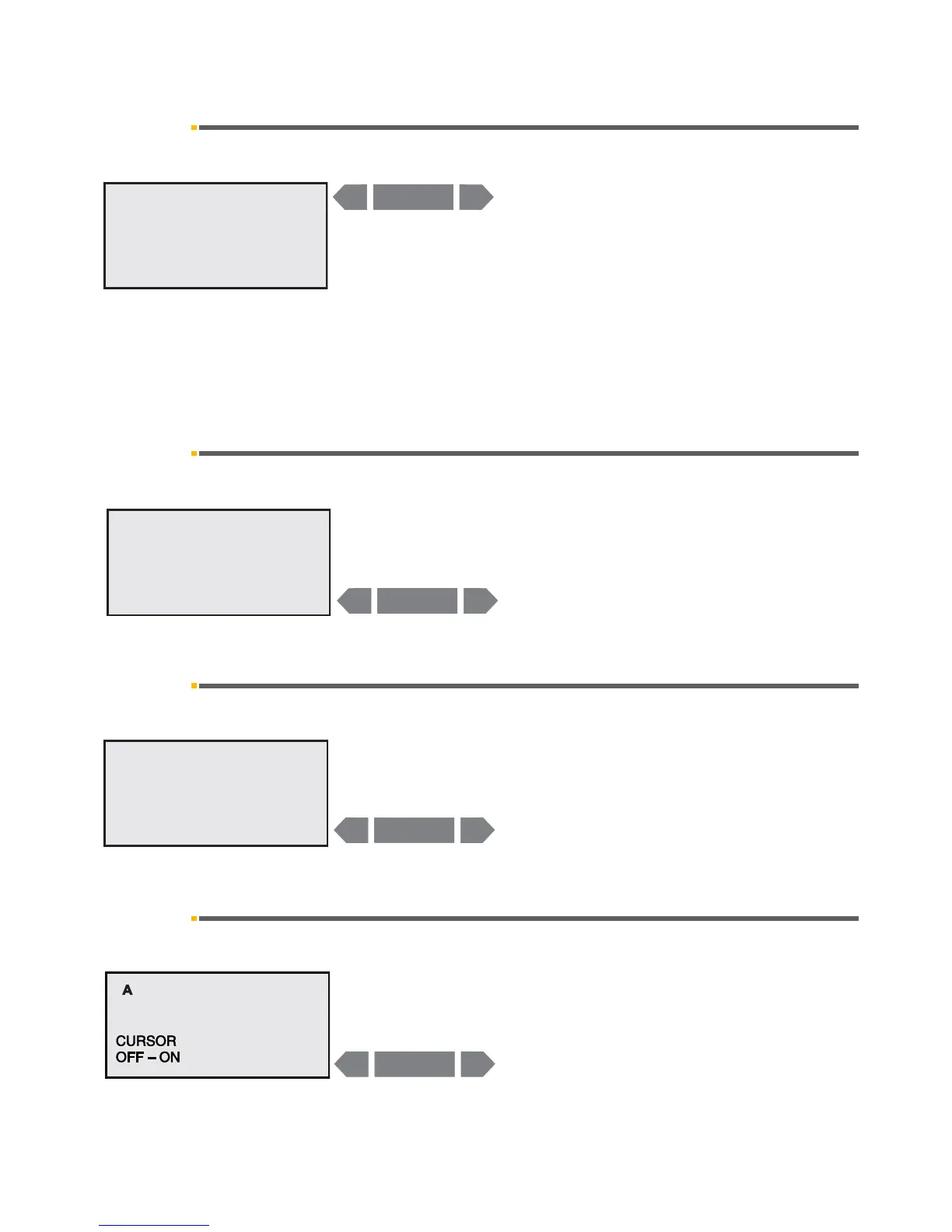
11.8 Mode: FOOT – CONTROL NORMAL − EXTENDED
Switching the cursor on / off
If you want to control the treatment center only manually,
you can switch the cursor control off.
The functions of the foot switch which are then changed
are described in section "C+ foot switch" on page 35.
This setting can be chosen individually for user A
or B!













 To Next Page