4 Controls and functional elements Sirona Dental Systems GmbH
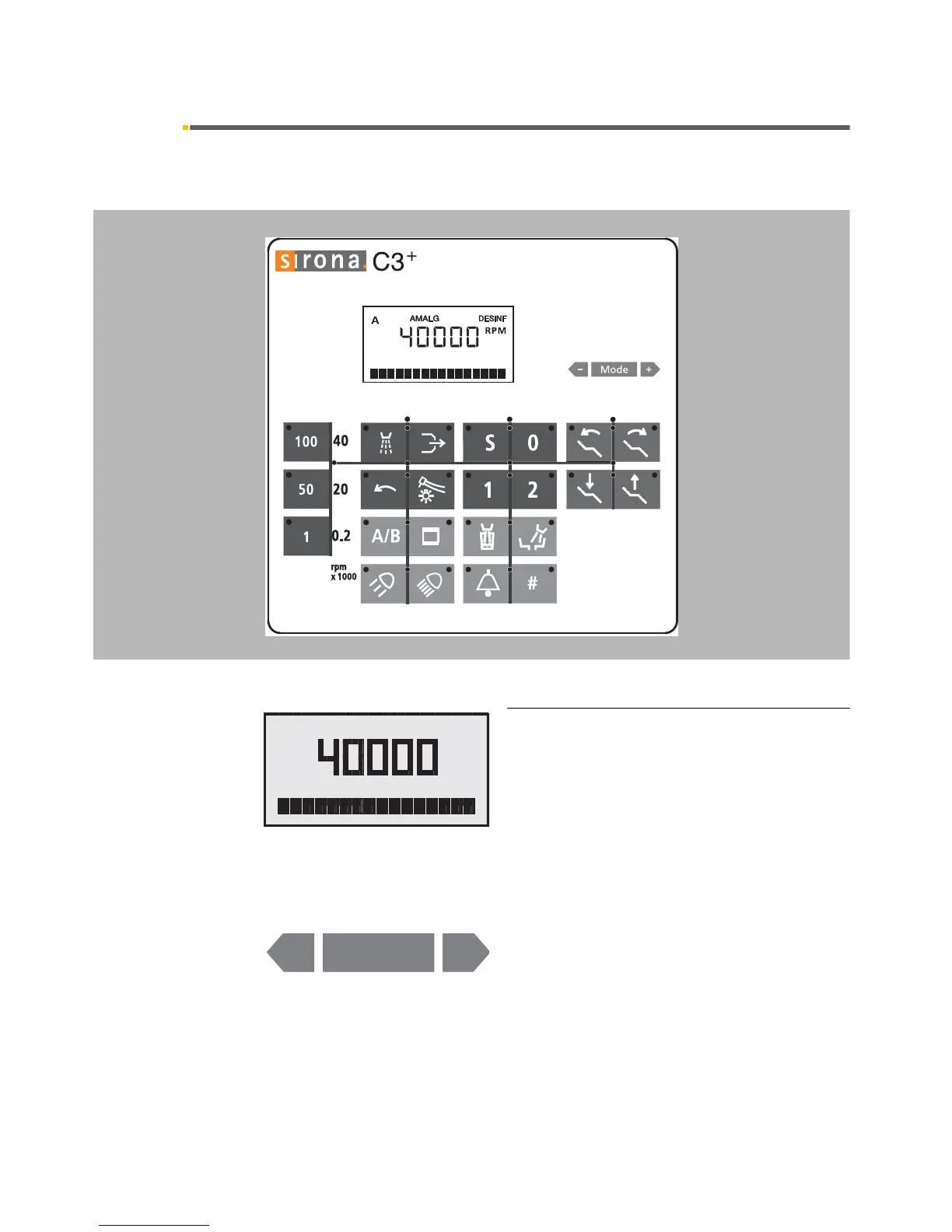
4.2 Control panel on the dentist element C3
+
59 06 404 D 3390
22 D 3390.201.01.18.02
4.2 Control panel on the dentist element
Control panel
System status indication display and Mode
key
AMALG appears when the amalgam rotor needs to be
replaced.
DESINF starts flashing when DENTOSEPT P must be
refilled.
A appears when user A is selected.
B appears when user B is selected.
Mode key with
+ / – keys for programming basic
settings.
In addition to the settings in the Mode dialog, the follow-
ing direct settings can be made with the
+ / – keys:
• Intensity of the instrument lights
• Intensity of the operating light
• Tumbler filling time
• Cuspidor flushing time













 To Next Page