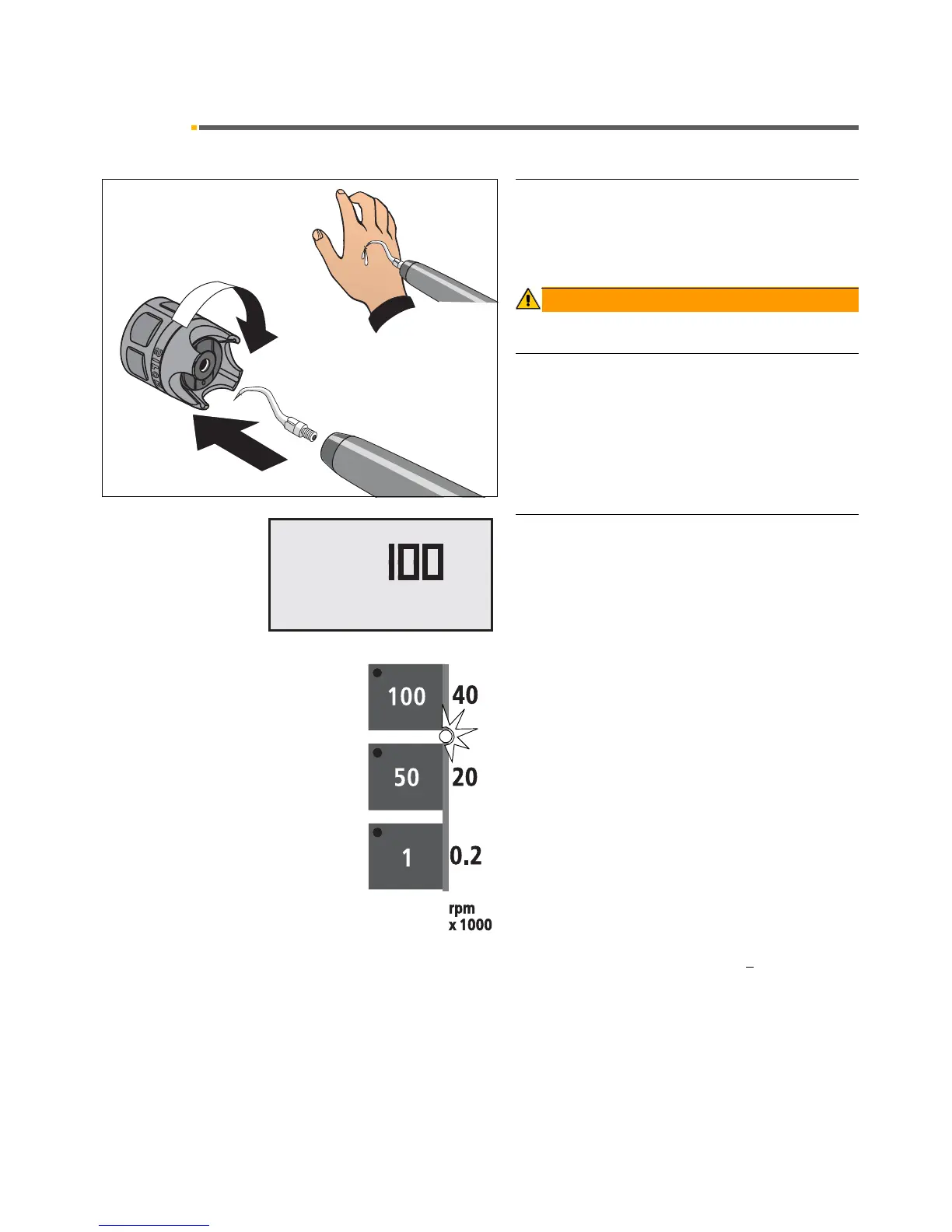
While the handpiece is in its holder, the tip protector must
remain fitted to prevent injuries.
Intensity setting
After the SIROSONIC L handpiece is removed, the pro-
grammed intensity value appears on the display.
You set the intensity in increments of 1 / 50 / 100 by
pressing the quick adjustment keys briefly (< 0.5 s).
If the cursor is in the intensity setting block, then the
intensity can also be set with the foot switch with cursor
forwards/back.
When you set the intensity with the cursor, the displayed
intensity value is incremented/decremented in steps of
25 when you actuate the foot switch briefly (< 1 s) for-
ward or backward.
The green LED in the corresponding key lights up.
When you press and hold down a key for > 0.5 s, you
adjust the intensity in predefined increments:
Increments of 1 from 1 – 4
Increments of 5 from 10 – 100
When you press a key whose value is >
the value shown
on the display for > 0.5 s, the intensity is increased.
When you press a key whose value is less than the value
shown on the display for > 0.5 s, the intensity is reduced.
When you actuate the foot switch forward or backward
for > 0.5 s, the displayed intensity value is increased or
reduced in predefined increments.













 To Next Page