Sirona Dental Systems GmbH 10 Operating light, tumbler filling, flushing of the cuspidor, purge
C3
+
10.1 Operating light
59 06 404 D 3390
D 3390.201.01.18.02
59
10 Operating light, tumbler filling,
flushing of the cuspidor, purge
10.1 Operating light
Operating light – dentist element control panel
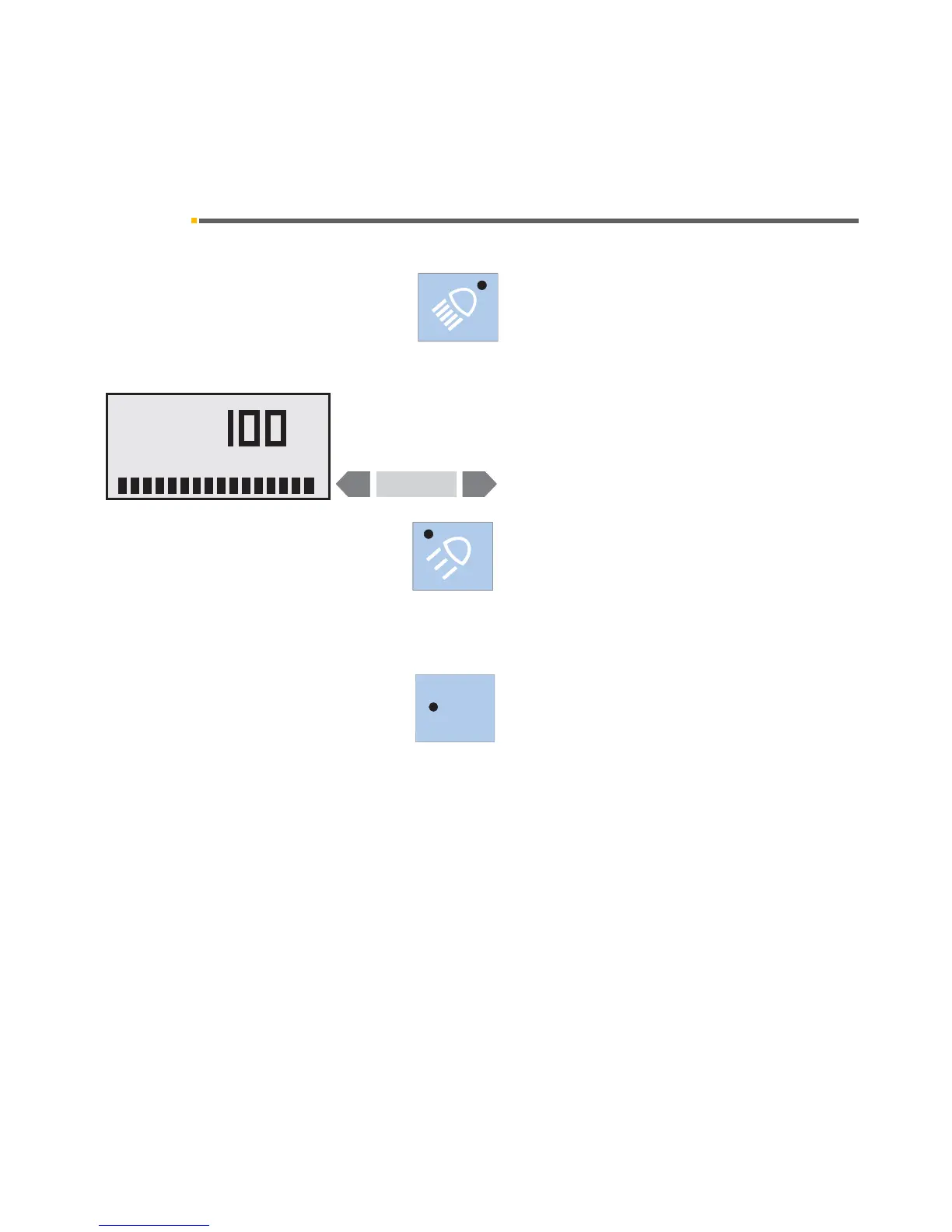
Briefly pressing the light key switches the operating
light ON or OFF.
When you press this key for more than 3 seconds, the
OPERATING LIGHT.
Here you can set a light intensity between 20 % and
100 % with the
– / + keys.
When you exit the dialog, the last set value is saved.
The composite key is located next to the light key. With
this key you can switch the operating light ON or OFF-
with reduced brightness.
You can toggle directly between the intensities by press-
ing the two keys alternately.
When the light is ON, the green LED in the correspond-
ing key is lit
.
Operating light – assistant element
With the light key L you can switch the operating light
ON or OFF in the set intensity.
This is only possible when the SPRAYVIT on the assis-
tant element is in its holder.













 To Next Page