Sirona Dental Systems GmbH 11 Basic treatment center settings in the Mode dialog
C3
+
11.1 Mode key
59 06 404 D 3390
D 3390.201.01.18.02
65
11 Basic treatment center settings in the
Mode dialog
11.1 Mode key
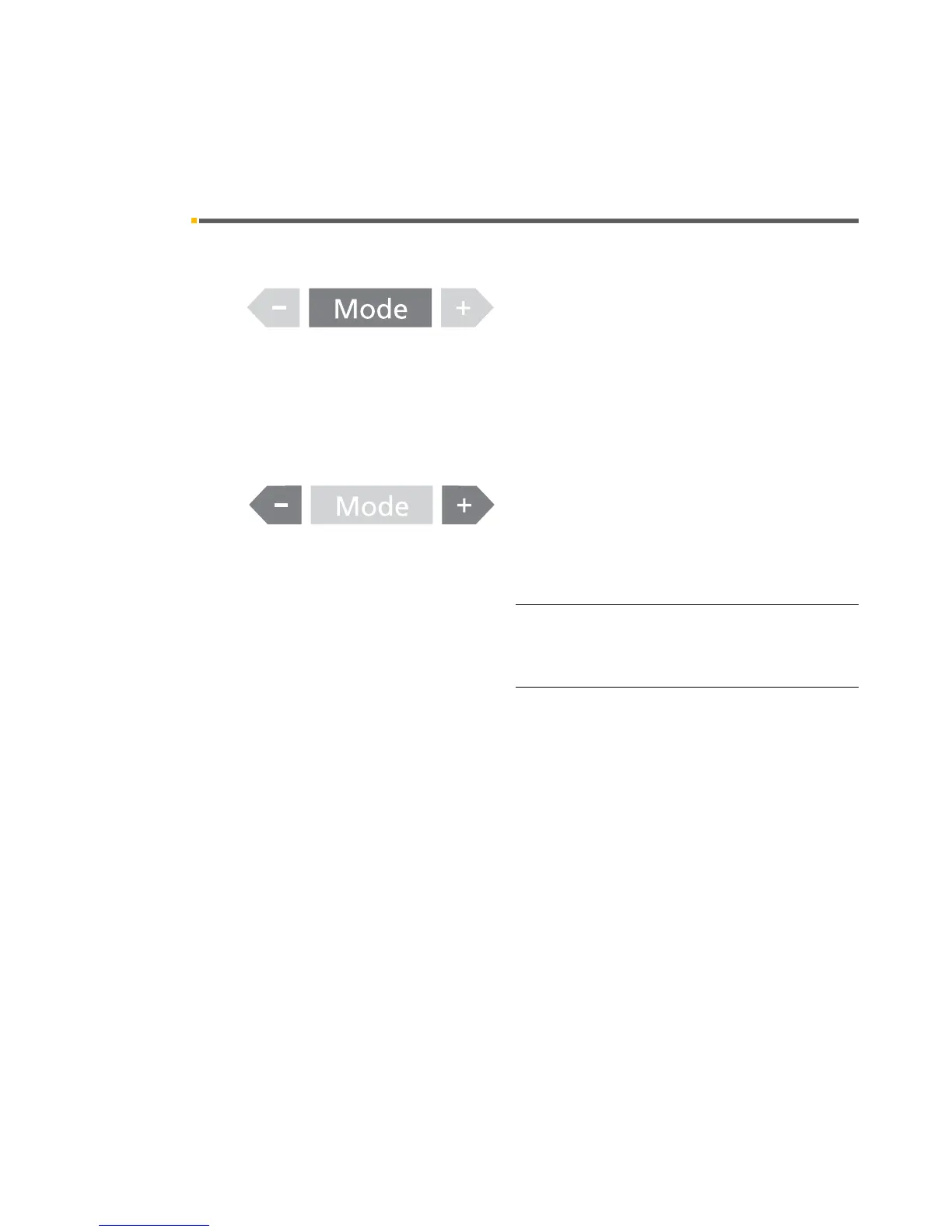
When you press the Mode key, you can access and
change various basic settings in a certain order.
They usually apply both to user A and B.
The corresponding display disappears automatically
after approx. 10 seconds. To exit the Mode dialog more
quickly, press the Mode key for > 3 seconds.
The flashing text is selected and saved when you exit the
Mode dialog.
You can select the desired setting by pressing the – or
+ key.
Key lock
The key lock can be activated and deactivated again by
pressing the – and + keys simultaneously.
The key lock affects the entire control panel of the dentist
element.
The key lock can be deactivated only as described
above. Switching the treatment center off and on again
has no effect on this state.













 To Next Page