Sirona Dental Systems GmbH 5 Putting the system into operation
C3
+
4.3 Control panel on the assistant element
59 06 404 D 3390
D 3390.201.01.18.02
29
Display of the next maintenance due date
As soon as the next maintenance date is fewer than
30 days away, the maintenance prompt appears each
time the unit is switched on. See section "Mode: MAIN-
TENANCE" on page 66.
After the maintenance date has expired, the following
message is displayed:
MAINTENANCE
required
The message disappears after an instrument is
removed.
This message can be reset only by the service engineer
after performing maintenance.
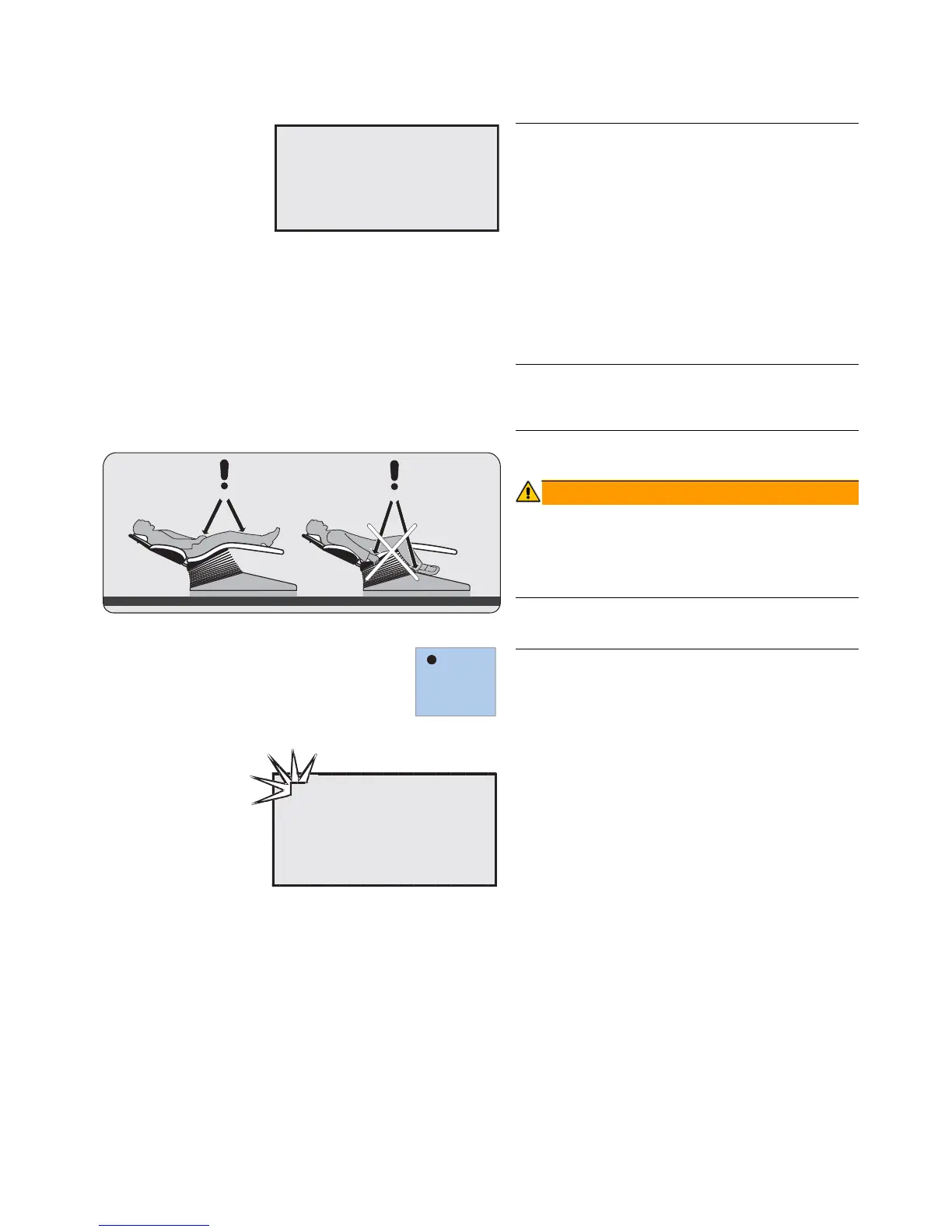
The dental chair has a maximum load capacity of 135 kg
according to ISO 6875 (tested with multiple safety fac-
tors according to IEC 60601-1).
The patient’s arms and legs must rest on the upholstery
of the chair.
Preselecting the user
The treatment center offers the possibility of managing
two different chair and instrument programs for two
users.
Preselect user A or B using the A/B key, with all instru-
ments in place.
The preselected user is shown in the top left corner of
the display. All settings which have been stored for that
user are then activated.
A
MAINTENANCE
IN 30 DAYS
MAINTENANCE
IN 30 DAYS













 To Next Page